ROSEN
www
rosenentertalnment
com
If
the password has been set, enter the original password to cancel the original password first
before canceling the password setting.
'"
o
'-
-
C
o
()
:E
u..
-
:E
<C
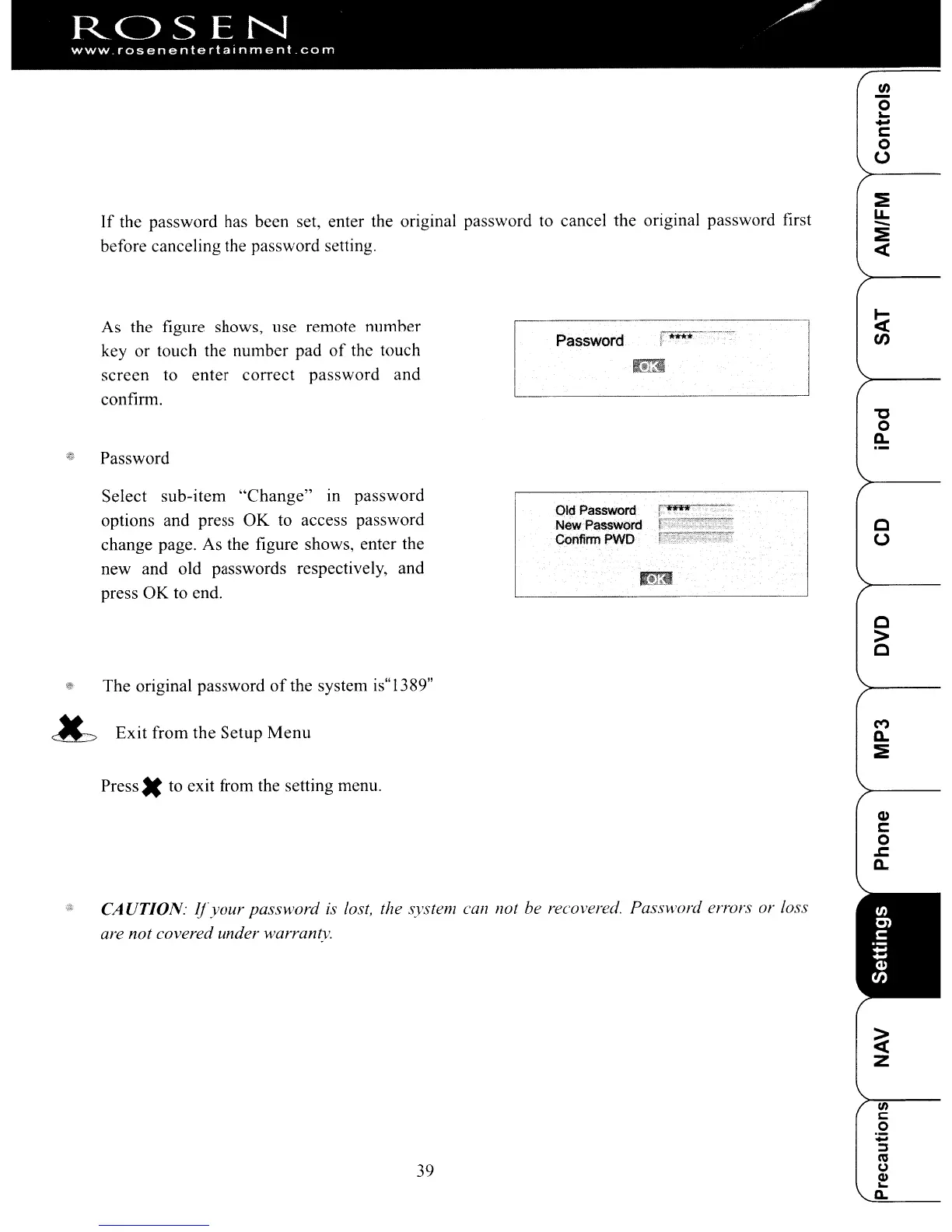
As the figure shows, use remote number
key or touch the number pad
of
the touch
screen to enter correct password and
confinu.
@ Password
Select sub-item
"Change"
in
password
options and press
OK
to access password
change page. As the figure shows, enter the
new and old passwords respectively, and
press OK to end.
~
The original password
of
the system is"1389"
~
Exit from the Setup
Menu
Press.
to exit from the setting menu.
Password
Old Password
New.Pas!>word
COnfirm
PWD
L--.-****
}' -
"C
o
c..
c
()
c
>
C
M
c..
:E
Q)
C
o
.r:.
c..
1/1
CA UTION:
1fyour
password is lost, the system
call
not be recovered. Password errors or loss
are not covered under warranty.
39
ROSEN
www
rosenentertalnment
com
If
the password has been set, enter the original password to cancel the original password first
before canceling the password setting.
'"
o
'-
-
C
o
()
:E
u..
-
:E
<C
As the figure shows, use remote number
key or touch the number pad
of
the touch
screen to enter correct password and
confinu.
@ Password
Select sub-item
"Change"
in
password
options and press
OK
to access password
change page. As the figure shows, enter the
new and old passwords respectively, and
press OK to end.
~
The original password
of
the system is"1389"
~
Exit from the Setup
Menu
Press.
to exit from the setting menu.
Password
Old Password
New.Pas!>word
COnfirm
PWD
L--.-****
}' -
"C
o
c..
c
()
c
>
C
M
c..
:E
Q)
C
o
.r:.
c..
1/1
CA UTION:
1fyour
password is lost, the system
call
not be recovered. Password errors or loss
are not covered under warranty.
39



 To Next Page