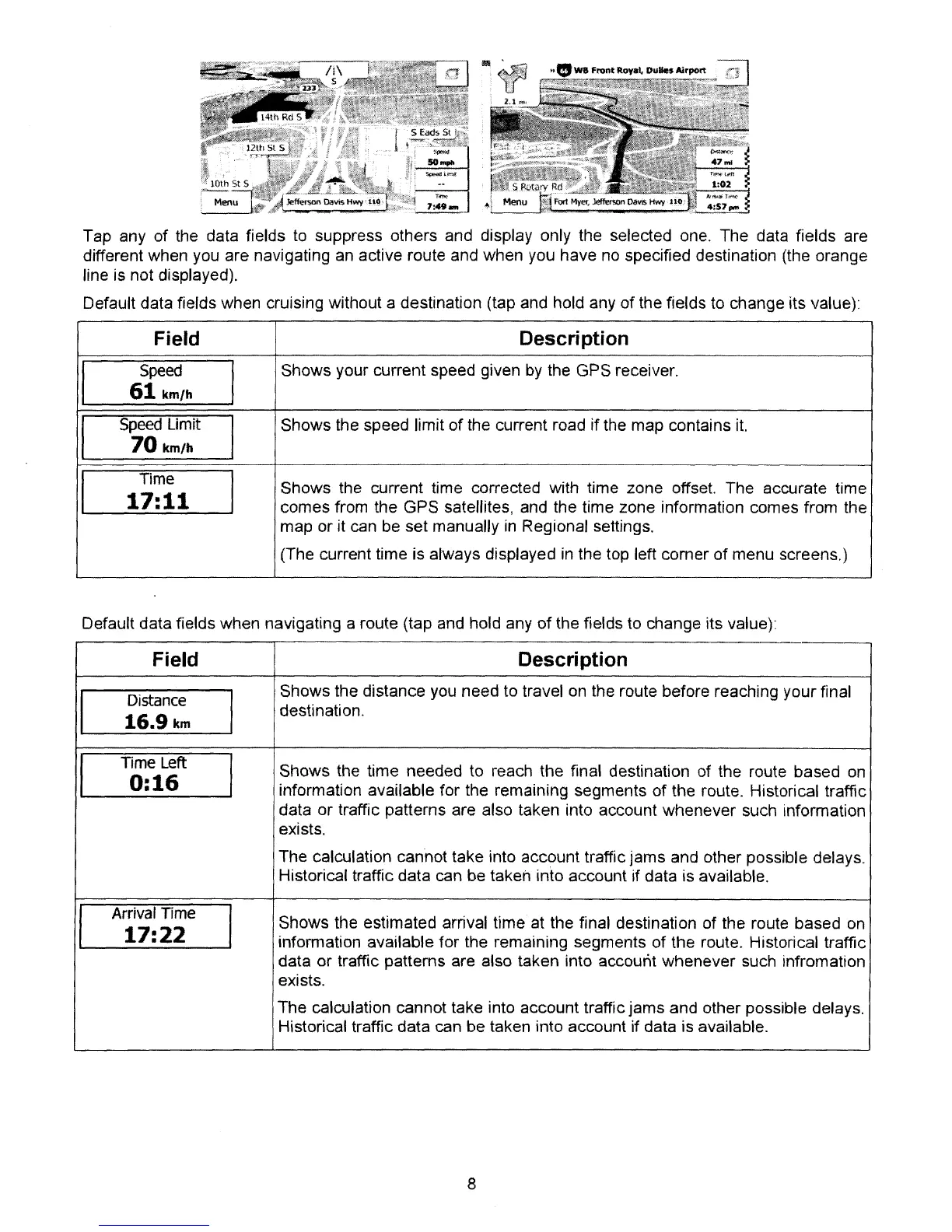
Tap any of the data fields
to
suppress others and display only the selected one. The data fields are
different when you are navigating an active route and when you have
no
specified destination (the orange
line is not displayed).
Default data fields when cruising without a destination (tap and hold any
of
the fields to change its value)'
Field
Description
I
Speed
I
Shows your current speed given
by
the GPS receiver.
61
km/h
I
Speed Limit
I
Shows the speed limit
of
the current road if the map contains it.
70
km/h
I
Time
I
Shows
the
current
time
corrected
with
time
zone
offset.
The accurate
time
17:11
comes from the GPS satellites, and the time zone information comes from the
map or it can be set manually in Regional seltings.
(The current time is always displayed in the top left comer
of
menu screens.)
Default data fields when navigating a route (tap and hold any
of
the fields to change its value)'
Field Description
I
Distance
I
Shows the distance
you
need to travel
on
the route before reaching your final
16.9km
destination.
I
Time
t.ell:
I
Shows the time needed
to
reach the final destination of the route based
on
0:16
information available for the remaining segments
of
the route. Historical traffic
data or traffic pattems are also taken into account whenever such information
exists.
The calculation cannot take into account traffic jams and other possible delays.
Historical traffic data can be taken into account If data is available.
Arrival Time
I
Shows the estimated arrival time at the final destination of the route based
on
17:22
information available for the remaining segments
of
the route. Historical traffic
data
or
traffic patterns are also taken into account whenever
such
infromation
exists.
The calculation cannot take into account traffic jams and other possible delays.
Historical traffic data can be taken into account if data is available.
8



 To Next Page