2. Description of the Piranha
Indicators and Connectors
Piranha & QABrowser Reference Manual
2014-06/5.5C
10
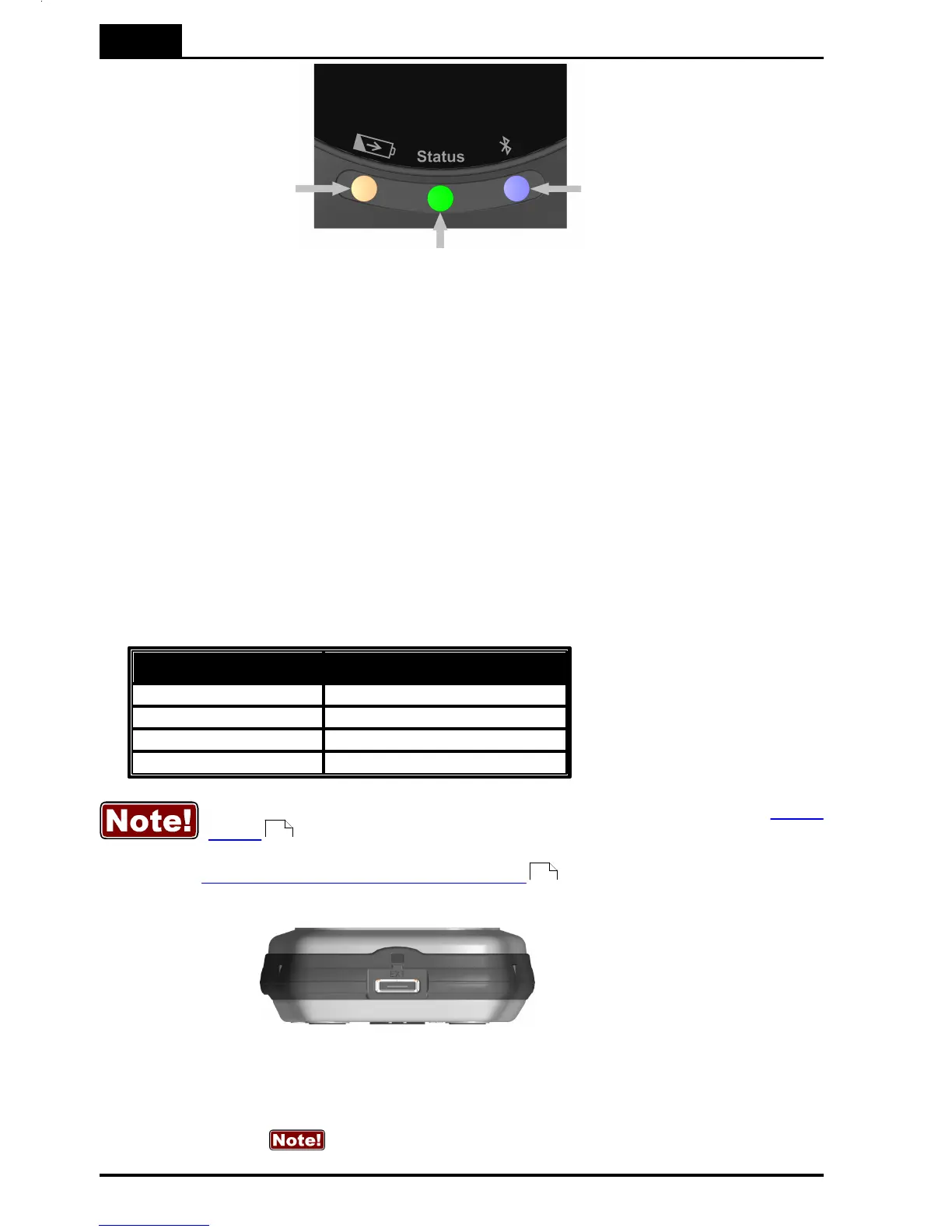
The orange indicator
for Charging of
batteries is lit when
charging is active.
Note that charging is
possible even when the
power switch is off.
The blue indicator for
Bluetooth is lit when the
Bluetooth interface is active
and discoverable.
The multi-coloured indicator for Status
shows the status of the system, e.g.
battery level as described below. Also
works as Power indicator, one of the
colours will light when the Piranha is on.
Battery level
The status indicator is used to show the battery level of the Piranha.
1. Starting a system running on batteries the status indicates for 3 seconds:
- Green if battery level over 25 % (4 h left)
- Yellow if battery level between 10 and 25 % (1½-4 h left)
- Red if battery level below 10 % (<1½ h left).
The idea is to get a quick indication when powering on the system if it will take me
through today's work.
2. When running on batteries the status indicator shows:
You may also check the battery level in the QABrowser, see section Power
Status . For Ocean on the PC, please see the Ocean manual.
See section Power & Communication Specifications for more information about
battery charging and discharging times.
External Probe port and Opening
for filter position viewing
Here you attach the external probes that come with some models of the Piranha. The
port is marked EXT. Not all models have this port.
67
13



 To Next Page