3. Description of the QABrowser
Installation of Palm OS Handheld Computers
2014-06/5.5C
71
Piranha & QABrowser Reference Manual
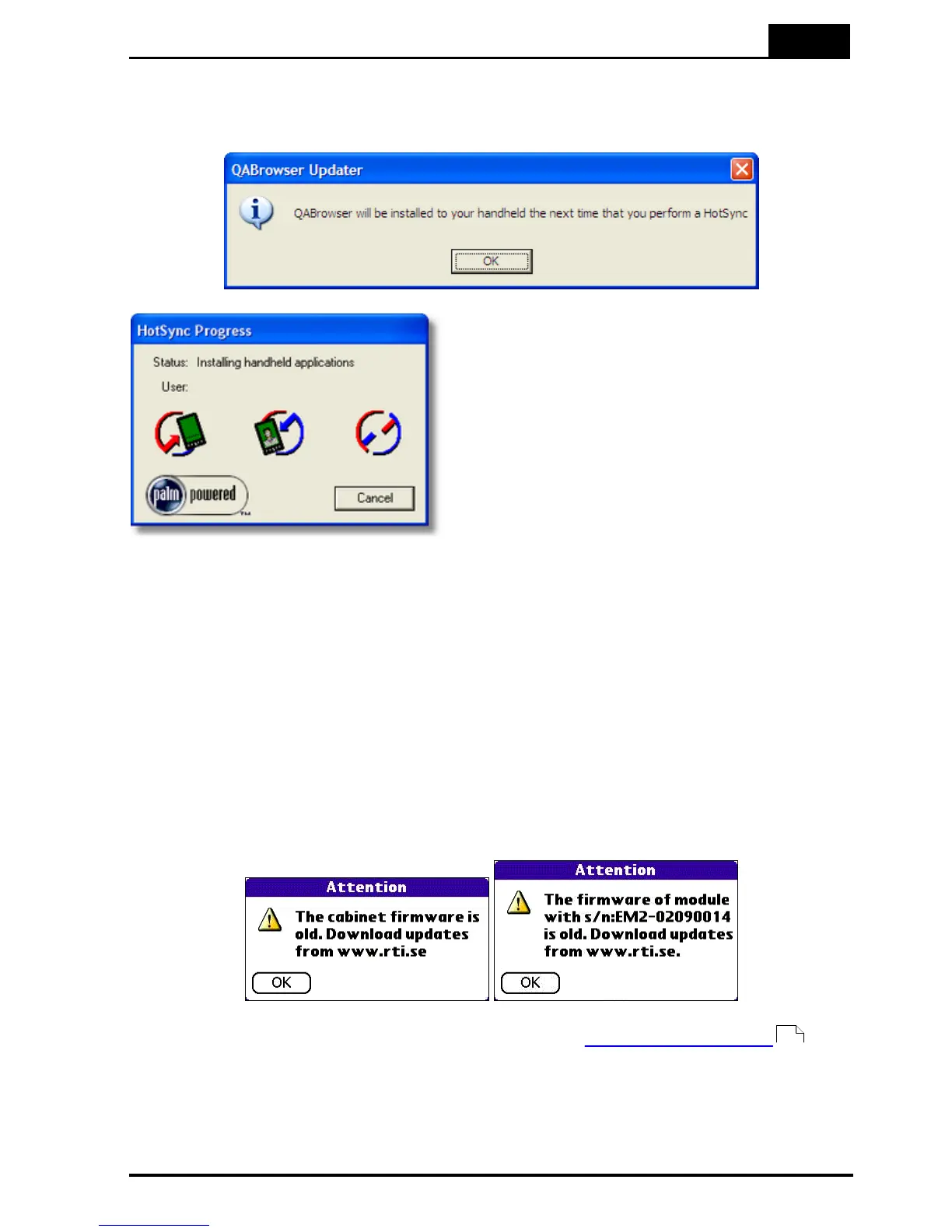
7. The QABrowser Updater is now preparing the files that should be installed on the
handheld computer. A message is shown when this is completed.
8. Now press the HotSync
button on the cradle/
connector. A box appears on
the screen indicating that the
HotSync process is active.
9. All the required files are now being installed onto your handheld computer. This
process may take several minutes. When the HotSync Progress window
disappears, all files have been transferred to the handheld computer. At the same
time, a complete backup of your handheld has been done and saved on the PC.
10. You can now remove the handheld computer from the cradle. You may be asked
to make a Reset of the handheld computer. Do that by tapping the Reset button.
The update/installation of the QABrowser is now completed.
Note that when you have updated you QABrowser, you may get an Attention message
like one of these.
Then you must also update your Piranha firmware, see Updating the Firmware for
more information.
32



 To Next Page