19
English
Instruction plate
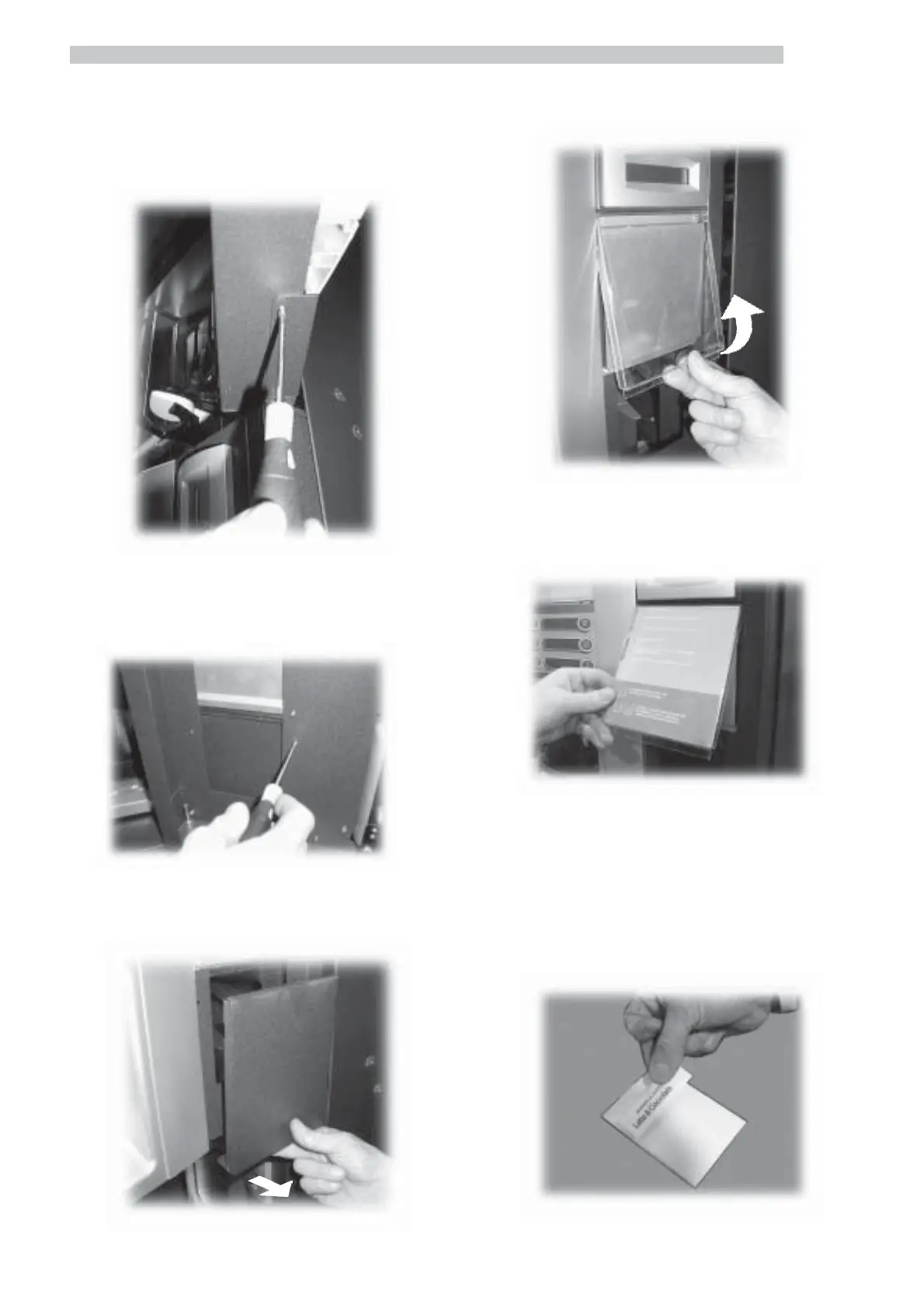
Remove both lower fastening screws of panel (Fig. 38).
Fig. 39
Remove the panel (Fig. 40).
Fig. 38
Remove both front fastening screws of panel (Fig. 39).
Remove the transparent protection cover (Fig. 41).
Insert the plate into the internal part of the transparent
protection cover (Fig. 42).
Fig. 41
Fig. 42
Reassemble by reversing the same operations.
Labels for accepted coins
Apply the adhesive labels with the description of the
products (HOT DRINKS) on the appropriate plates (Fig.
43).
Fig. 43Fig. 40



 To Next Page