42
English
8.3 Maintenance menu
The structure of the maintenance menu is shown in 8.3.2.
At 8.3.3 all of the entries present in the maintenance menu
are described.
8.3.1 Access to the
maintenance menu
Open the upper door, disable the safety device (see 3.4)
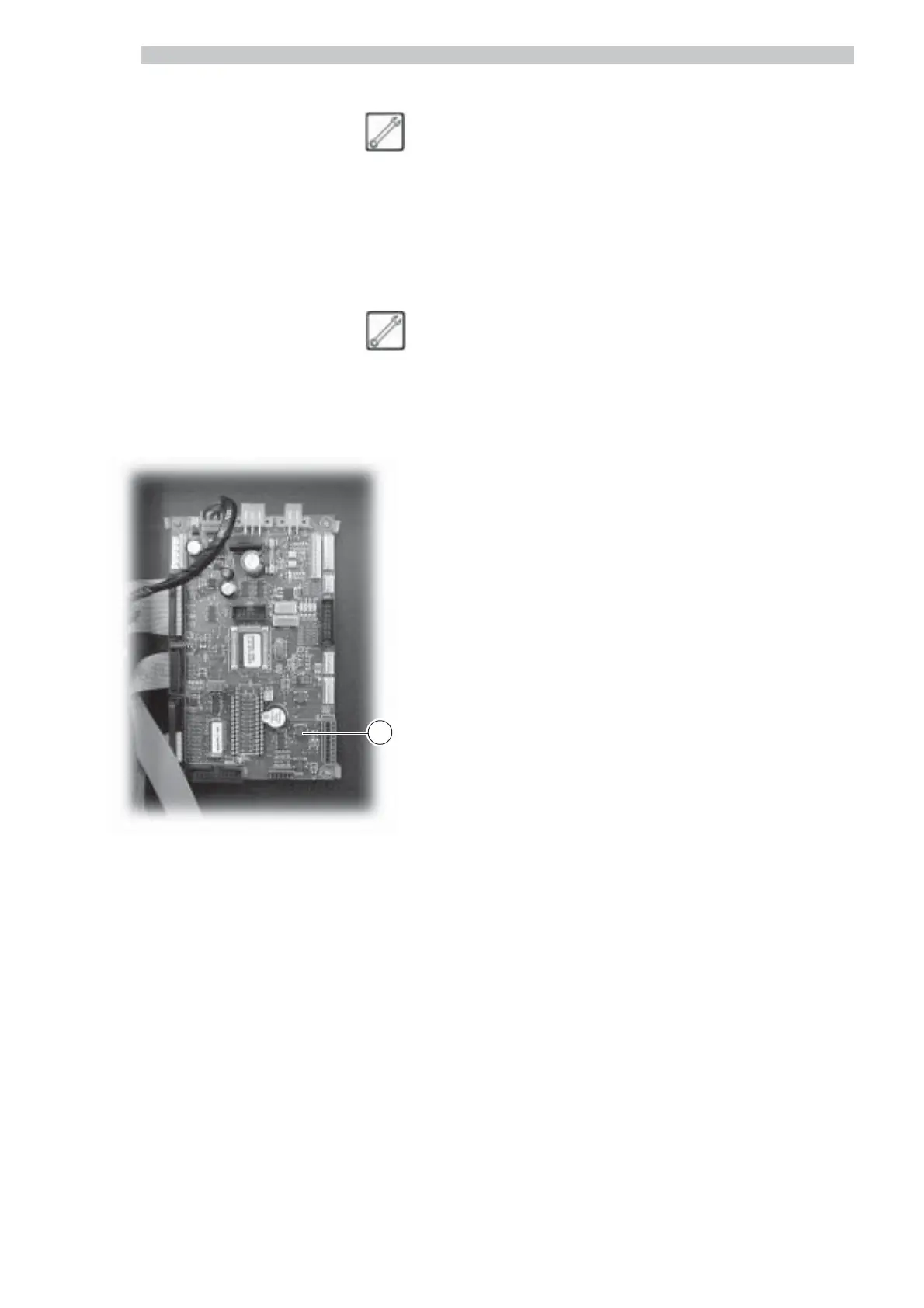
and press key 2 (Fig. 88) to access the maintenance menu.
To exit the maintenance menu and return to the standard
operation of the vending machine:
- press key 2 again ;
- remove the key from the safety switch to turn off the
vending machine;
- close the door and wait for the self-configuration
process to end.
Fig. 88
2



 To Next Page