27
English
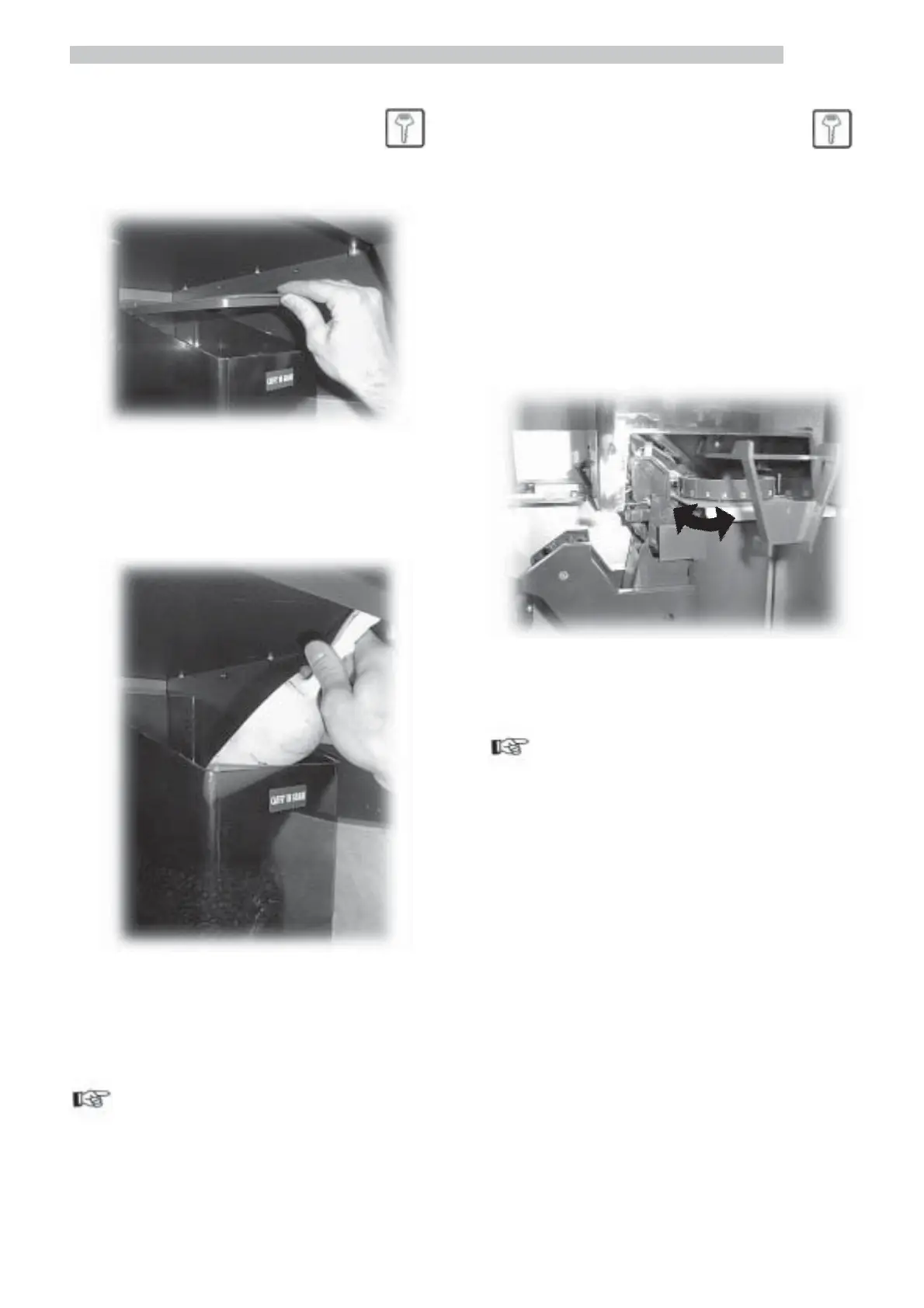
7.1.3 Coffee bean supply
Remove the lid of the container (Fig. 69).
Use a scoop to pour the coffee beans into the container
(Fig. 70) without exceeding 2/3 of the maximum capacity.
Fig. 69
Fig. 70
Replace the lid on the container.
Important
If “COFFEE NOT AVAILABLE” is displayed after the supply,
you need to:
- press key 2 (Fig. 60) to enter the maintenance menu;
-
press twice
e
key (7 - Fig. 59) to eliminate the error.
7.2 Grinding adjustment
Turn the knob until reaching the desired index number (Fig.
71).
The values of reference for correct grinding are:
- Italy:………………………..…………….. 4 - 7
- Spain:…………………………………….. 5 - 8
- France - Switzerland: …………………… 5 - 8
- Germany - Austria:……………………… 6 - 9
- USA - Canada:…………………………… 6 - 14
Fig. 71
Important
If during dispensing, coffee comes out too slowly, you need
to adjust the grinding on a higher value.
If it comes out too quickly you need to position the index
on a lower value.
After modifying the grinding you need to dispense at least
two coffee cups to appreciate the variation.



 To Next Page