ER-260/265 Electronic Cash Register AU Operating Instructions • 27
PLU (Price Look Up) Registrations
PLUs must be programmed before operated. See “PLU (Price Look Up) Programming” to
program open or preset PLUs.
Open PLU
_
___THANK_YOU
___CALL_AGAIN
PLU2______________T1 $2.99
ROUND $0.01
GST AMOUNT $0.27
CASH
$3.00
16:52 03-01-2006
000012 00
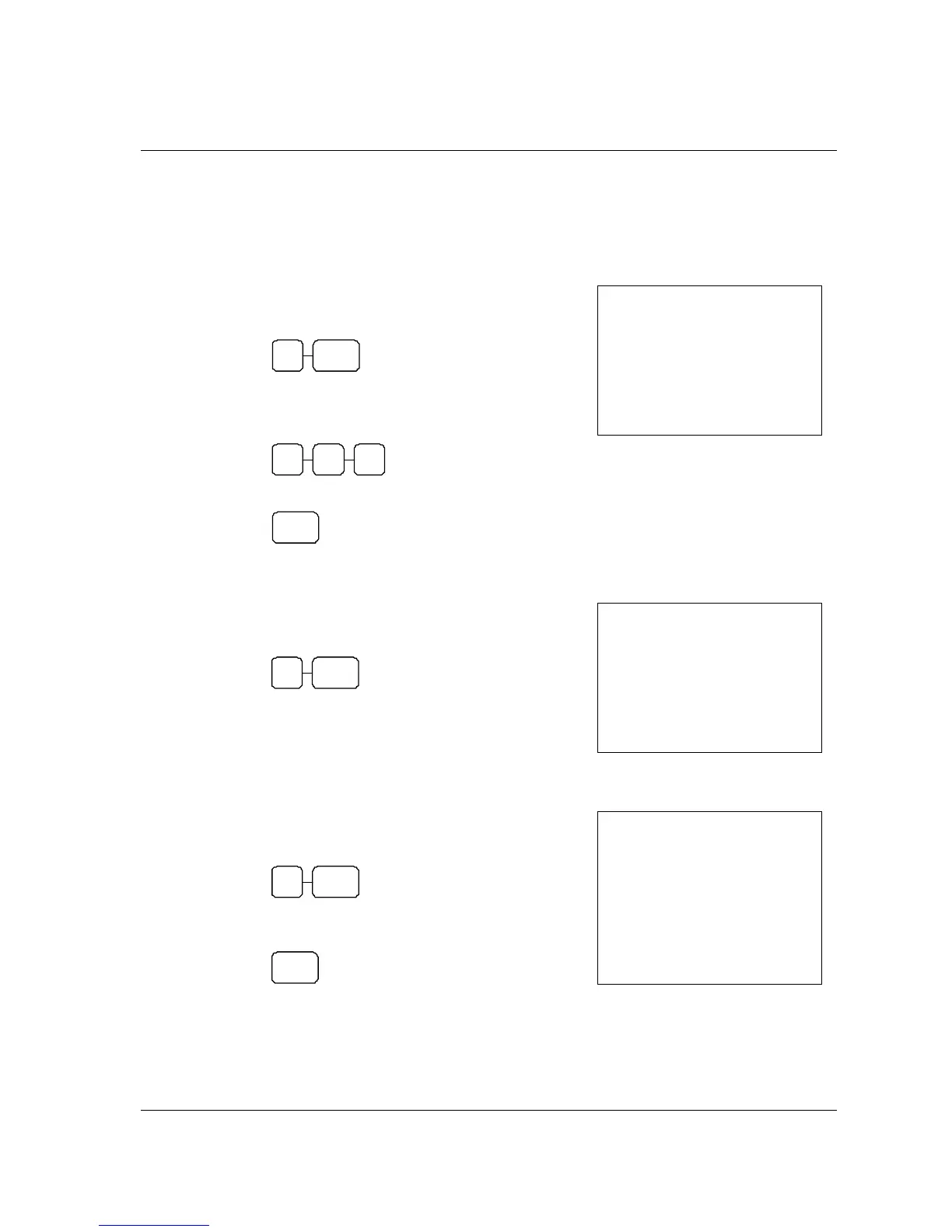
1. Enter the PLU number, press the PLU key.
For example, enter:
2 PLU
2. Enter an amount on the ten key pad. Do not use
the decimal key.
For example, for $2.99, enter:
2 9 9
3. Press the PLU key again.
PLU
Preset Price PLU
1. Enter the PLU number, press the PLU key.
For example, enter:
1 PLU
_
___THANK_YOU
___CALL_AGAIN
PLU1______________T1 $1.29
ROUND $0.01
GST AMOUNT $0.12
CASH
$1.30
16:52 03-01-2006
000013 00
PLU Repeat Entry
1. Enter the PLU number, press the PLU key.
For example, enter:
1 PLU
2. To register a second item exactly as the first,
press the PLU key a second time:
PLU
_
___THANK_YOU
___CALL_AGAIN
PLU1______________T1 $1.29
PLU1______________T1 $1.29
ROUND $0.02
GST AMOUNT $0.23
CASH
$2.60
16:52 03-01-2006
000014 00



 To Next Page