ER-260/265 Electronic Cash Register AU Program Mode Programming • 77
Currency Conversion Programming
If you normally accept currency from a neighboring nation, you can program the SAM4s ER-
260/265 to convert the subtotal of a sale to the equivalent cost in the foreign currency. To do this,
you need to program the conversion factor. For example, if the Amount (home currency) is worth
1.3720 Canadian dollars (foreign currency), the conversion factor is 1.3720.
NOTE: Foreign currency exchange rates may be stated as “foreign currency in dollars”, or
“dollars in foreign currency”. Use the rate stated in “dollars in foreign currency”
when you are programming this section.
Programming Currency Exchange Rates
1. Turn the control lock to the PGM position.
2. Enter the exchange rate of up to 5 digits (do not enter the decimal point).
3. Enter a number from 0 to 4 to indicate the decimal position.
4. Press the C/CONV key.
5. Press the CASH/TEND key to end programming.
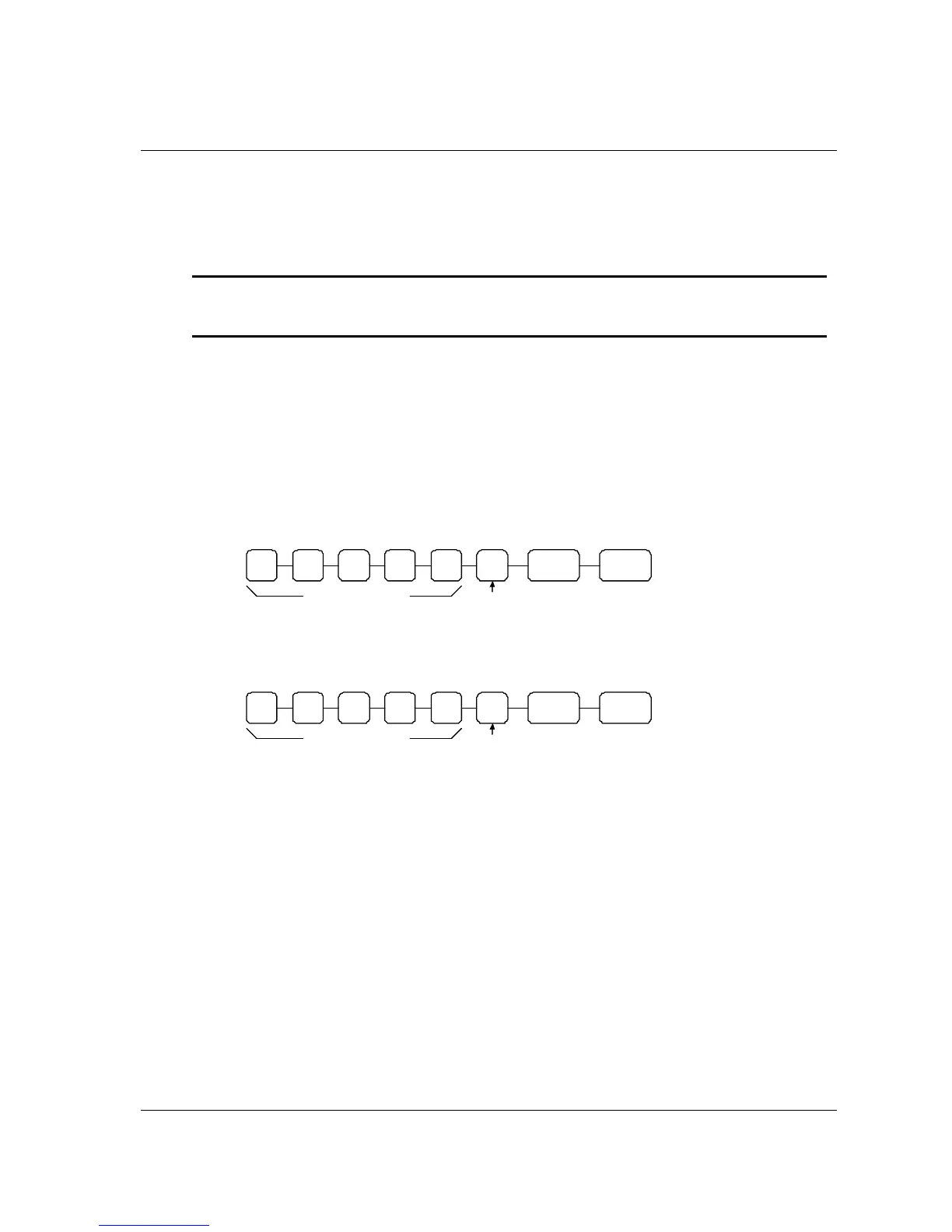
Currency Exchange Rate Programming Flowchart
CASH/
TEND
C/CONV
Exchange Rate
Decimal
Position
Currency Exchange Rate Programming Example
The Amount (home currency) is worth 1.3720 Canadian dollars (foreign currency.
CASH/
TEND
C/CONV4 1 3 7 2 0
Exchange Rate
Decimal
Position



 To Next Page