ER-260/265 Electronic Cash Register AU Service Mode Programming • 53
Service Mode Programming
Memory Allocation Scan
Program 60 - Memory Allocation Scan
1. Turn the control lock to the S position.
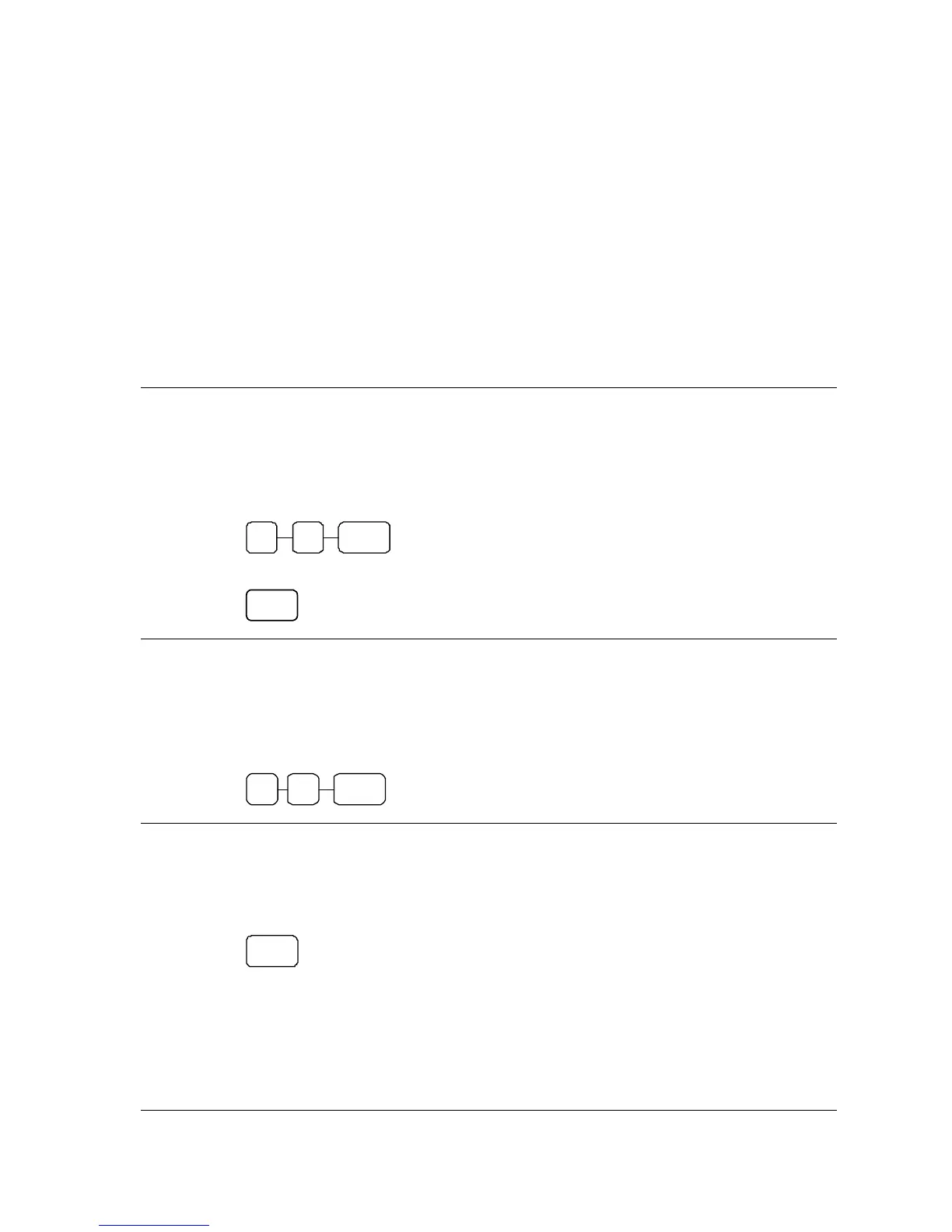
2. To view Memory Allocation, enter 60, and then press the SBTL key.
6
SUB
TOTAL
0
3. Press CASH key.
CASH
EPROM Information
Program 50 - EPROM Information
1. Turn the control lock to the S position.
2. To Scan EPROM Information, enter 50, and then press the SUBTOTAL key.
0 SBTL 5
PC Online Mode
In ER-260/265 Series, There are easy to enter PC Online Mode.
1. Turn the control lock to the S position
2. Press RA key.
RA



 To Next Page