28 • Operating Instructions ER-260/265 Electronic Cash Register AU
PLU Multiplication
When several of the same items are to be entered into the same PLU, you can use multiplication.
You may enter a quantity up to 4 figures (1 to 9999) using the X/TIME key. You may multiply
open or preset open or preset PLUs.
_
___THANK_YOU
___CALL_AGAIN
4 X $1.29
PLU1______________T1 $5.16
ROUND -0.01
GST AMOUNT $0.47
CASH
$5.15
16:52 03-01-2006
000015 00
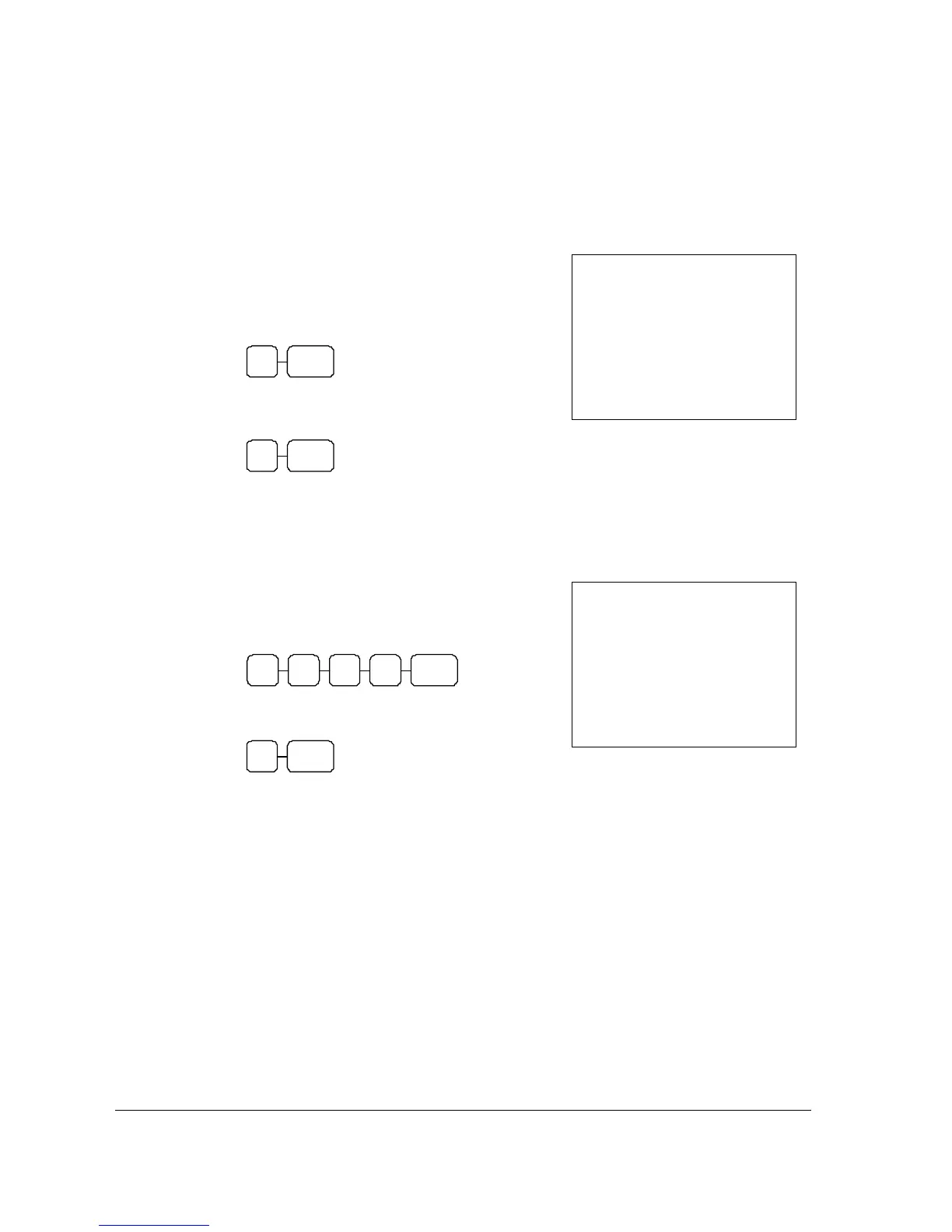
1. Enter the quantity of items being purchased, press
the X/TIME key.
For example, enter 4 on the numeric key pad and
press the X/TIME key:
4 X/TIME
2. Enter the PLU number, press the PLU key.
For example, enter:
1 PLU
PLU Multiplication with Decimal Point
If you are selling items by weight, or if you are selling yard goods, you can multiply a fraction of a
unit.
_
___THANK_YOU
___CALL_AGAIN
3.750 X $1.29
PLU1______________T1 $4.84
ROUND $0.01
GST AMOUNT $0.44
CASH
$4.85
16:52 03-01-2006
000016 00
1. Enter the quantity purchased with the decimal
point, press the X/TIME key.
For example, for 3 ¾ kilos of produce, enter:
5 X/TIME3 . 7
2. Enter the PLU number, press the PLU key.
For example, enter:
1 PLU



 To Next Page