ER-260/265 Electronic Cash Register AU Program Mode Programming • 57
Setting the Time
1. Turn the control lock to the PGM position.
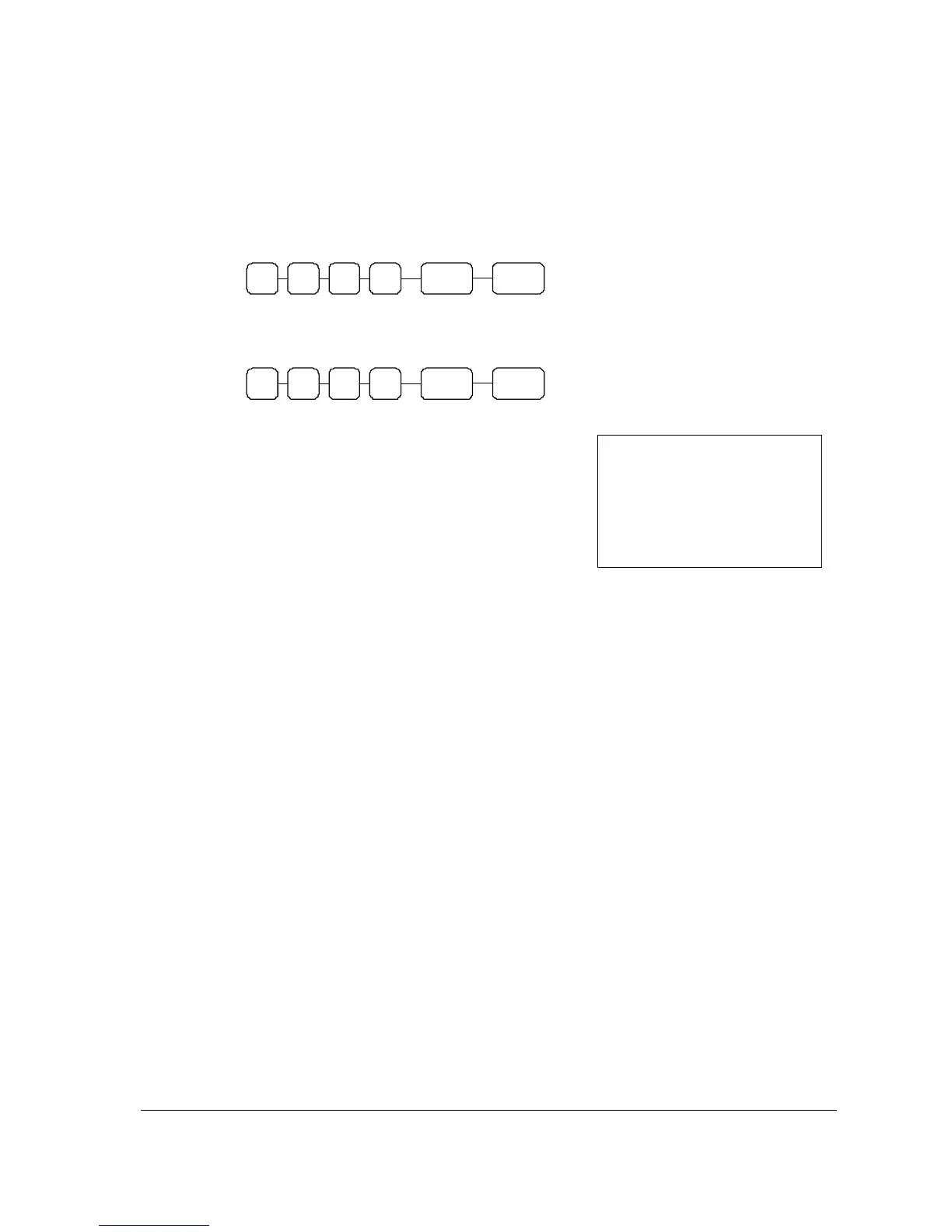
2. Enter the hour and minute in military time (24 hour time) and press the X/TIME key.
3. Press CASH/TEND.
H H X/TIME M M
CASH/
TEND
Time Setting Example
If the time is 3:25 PM, enter:
1 6 X/TIME 3 6
CASH/
TEND
The time you have entered will display and print on the printer:
___
_
THANK_YOU
___CALL_AGAIN
16:36
_______PROGRAM TERMINATE
16:36 03-01-2006
000049 00



 To Next Page