36 • Operating Instructions ER-260/265 Electronic Cash Register AU
Received On Account Operations
You can use the Received on Account key to accept cash into the cash drawer when you are not
actually selling merchandise. For example, use the Received on Account key to accept payments for
previously sold merchandise or record loans to the cash drawer.
_
___THANK_YOU
___CALL_AGAIN
RECEIVED ON $20.00
16:52 03-01-2006
000029 00
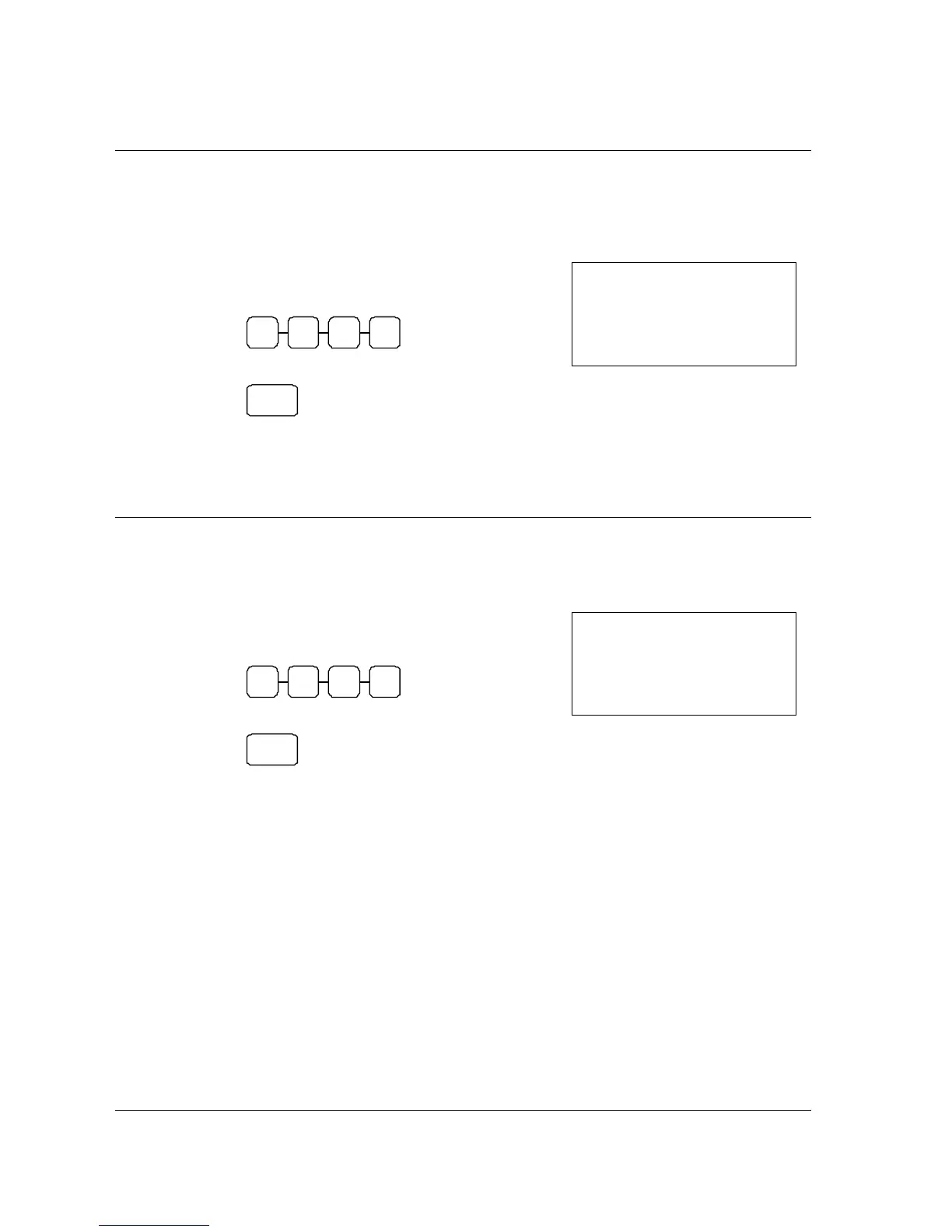
1. Enter the amount of cash you are receiving.
For example, enter:
0 0 0 2
2. Press RA:
RA
3. The drawer will open and the receipt will print as
in the example on the right.
Paid Out Operations
You can use the PAID OUT key to track cash paid out for merchandise or to record loans from the
cash drawer.
_
___THANK_YOU
___CALL_AGAIN
PAID OUT $20.00
16:52 03-01-2006
000030 00
1. Enter the amount of cash you are paying.
For example, enter:
0 0 0 2
2. Press PO:
PO
3. The drawer will open and the receipt will print as
in the example on the right.



 To Next Page