60 • Program Mode Programming ER-260/265 Electronic Cash Register AU
Programming Department Status
1. Turn the control lock to the PGM position.
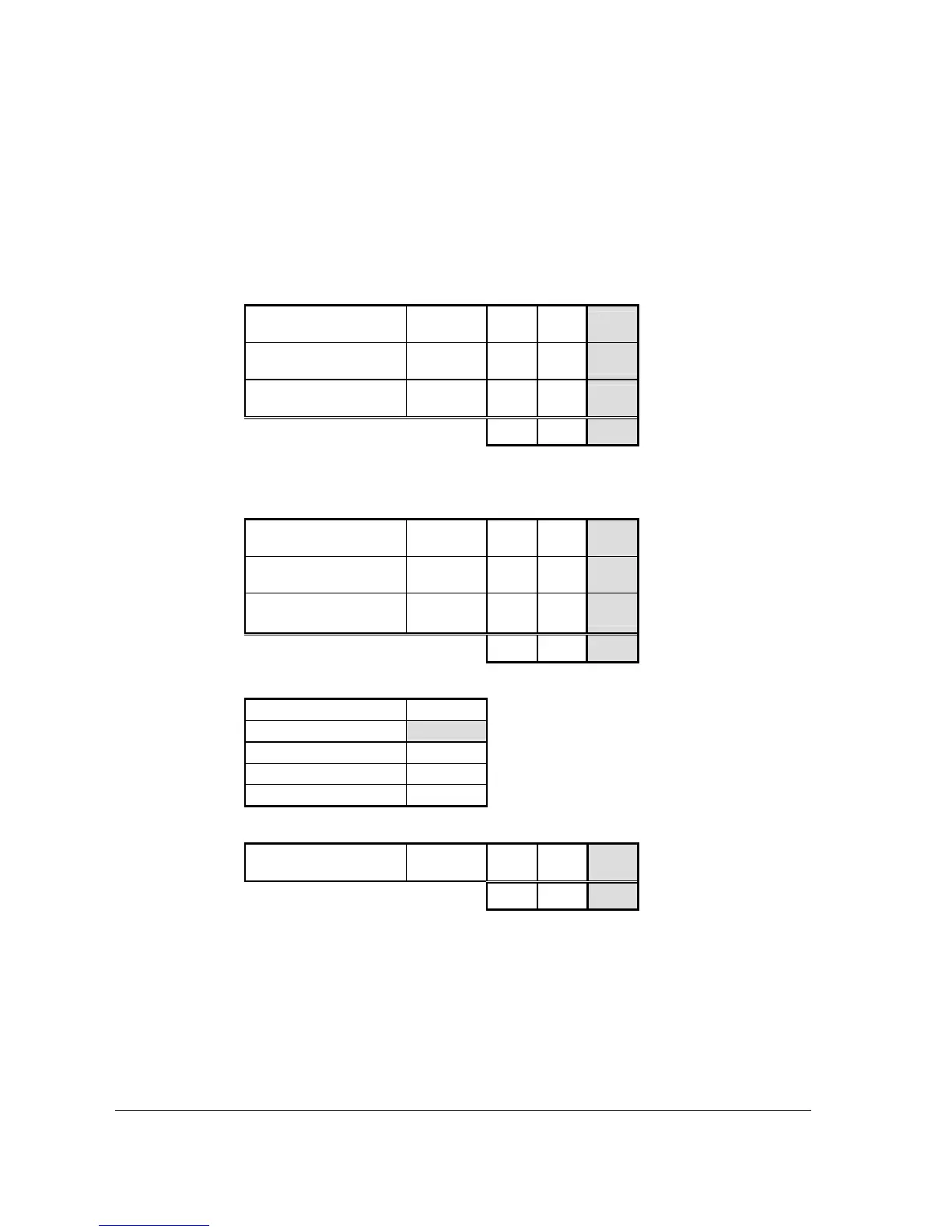
2. Enter 1 0 0 SBTL for department programming.
3. Decide if you want a negative, enforced non-add entry, or disabled department. If you
do not want any of these department options, enter 0. If you wish to select any of these
options, complete the table below by adding the status digits for each option. Enter the
resulting digit.
Department is Negative
Yes = 1
No = 0
+ 0
Enforce Non-Add Entry
Yes = 2
No = 0
+ 0
Department is Disabled
Yes = 4
No = 0
+ 0
= 0
4. Decide if you want a preset or single item department. If you do not want any of these
department options, enter 0. If you wish to select any of these options, complete the
table below by adding the status digits for each option. Enter the resulting digit.
Department is Preset
Yes = 1
No = 0
+ 1
Allow Preset Override
Yes = 2
No = 0
+ 2
Department is Single Item
Yes = 4
No = 0
+ 0
= 3
5. Select tax status by choicing a status from tax.tatus table below.
No Tax 0
Taxable by Rate 1
1
Taxable by Rate 2 2
Taxable by Rate 3 3
Taxable by Rate 4 4
6. For the use the KP.
Send KP?
Yes = 1
No = 0
+ 0
= 0
7. Press the X/TIME key.
8. Press a department key which the setting for.
9. Repeat steps 3 to 8 for each department you wish to program.
10. Press the CASH/TEND key to end programming.



 To Next Page