EasyManua.ls Logo

Samsung BD-D7500 - Time Zone; DIVX Video on Demand; Reset; Language

Samsung BD-D7500
93 pages
Print Icon
To Next Page IconTo Next Page
To Previous Page IconTo Previous Page
Loading...
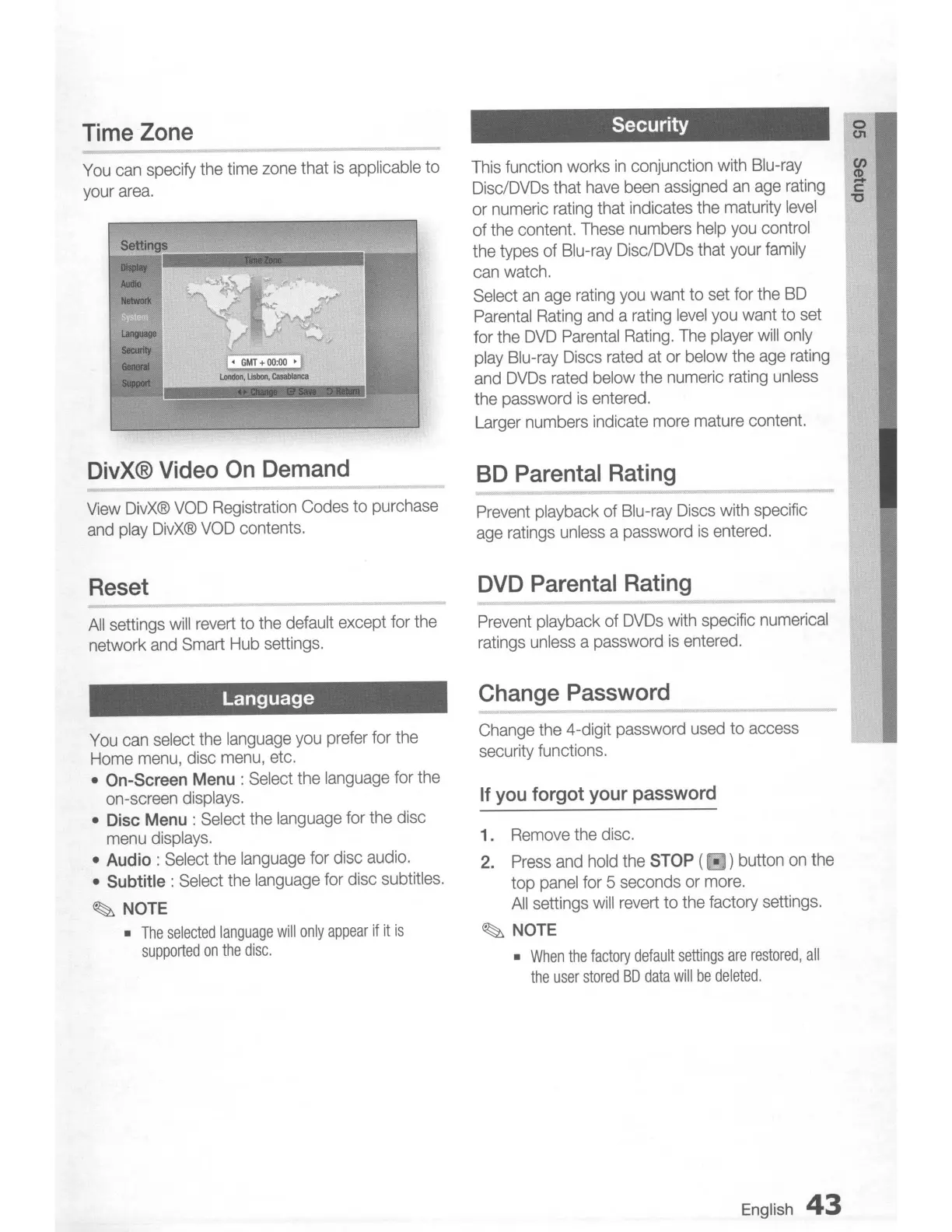
Time
Zone
You
can
specify
the
time
zone
that
is
applicable to
your
area.
DivX®
Video
On
Demand
View
DivX®
VOD
Registration
Codes
to purchase
and
play
DivX®
VOD
contents.
Reset
All
settings
will
revert
to
the
default except for the
network
and
Smart
Hub
settings.
Language
You
can
select
the
language
you
prefer
for the
Home
menu,
disc
menu,
etc.
• On-Screen Menu :
Select
the
language
for
the
on-screen
displays.
• Disc Menu :
Select
the
language
for
the
disc
menu
displays.
• Audio:
Select
the
language
for disc
audio.
• Subtitle:
Select
the
language
for disc subtitles.
~
NOTE
•
The
selected language
will
only
appear
if
it
is
supported
on
the
disc.
Security
This
function works
in
conjunction
with
Blu-ray
Disc/DVDs
that
have
been
assigned
an
age
rating
or
numeric
rating
that indicates
the
maturity
level
of
the
content.
These
numbers
help
you
control
the
types of Blu-ray
Disc/DVDs
that
your
family
can
watch.
Select
an
age
rating
you
want to
set
for the
BD
Parental
Rating
and
a
rating
level
you
want to
set
for the
DVD
Parental
Rating.
The
player
will
only
play
Blu-ray
Discs
rated
at
or
below
the
age
rating
and
DVDs
rated
below
the
numeric
rating
unless
the password
is
entered.
Larger
numbers
indicate
more
mature
content.
SD
Parental
Rating
Prevent
playback of
Blu-ray
Discs
with
specific
age
ratings
unless
a password
is
entered.
DVD
Parental
Rating
Prevent
playback of
DVDs
with
specific
numerical
ratings
unless
a password
is
entered.
Change
Password
Change
the
4-digit password
used
to access
security functions.
If
you
forgot
your
password
1.
Remove
the
disc.
2.
Press
and
hold
the STOP ( • ) button
on
the
top
panel
for 5 seconds
or
more.
All
settings
will
revert
to the factory settings.
~
NOTE
•
When
the
factory
default
settings
are
restored,
all
the
user
stored
SO
data
will
be
deleted.
English
43
o
(J1
en
S.
c:
"C

Table of Contents