Basic functions
18
Performing the initial setup
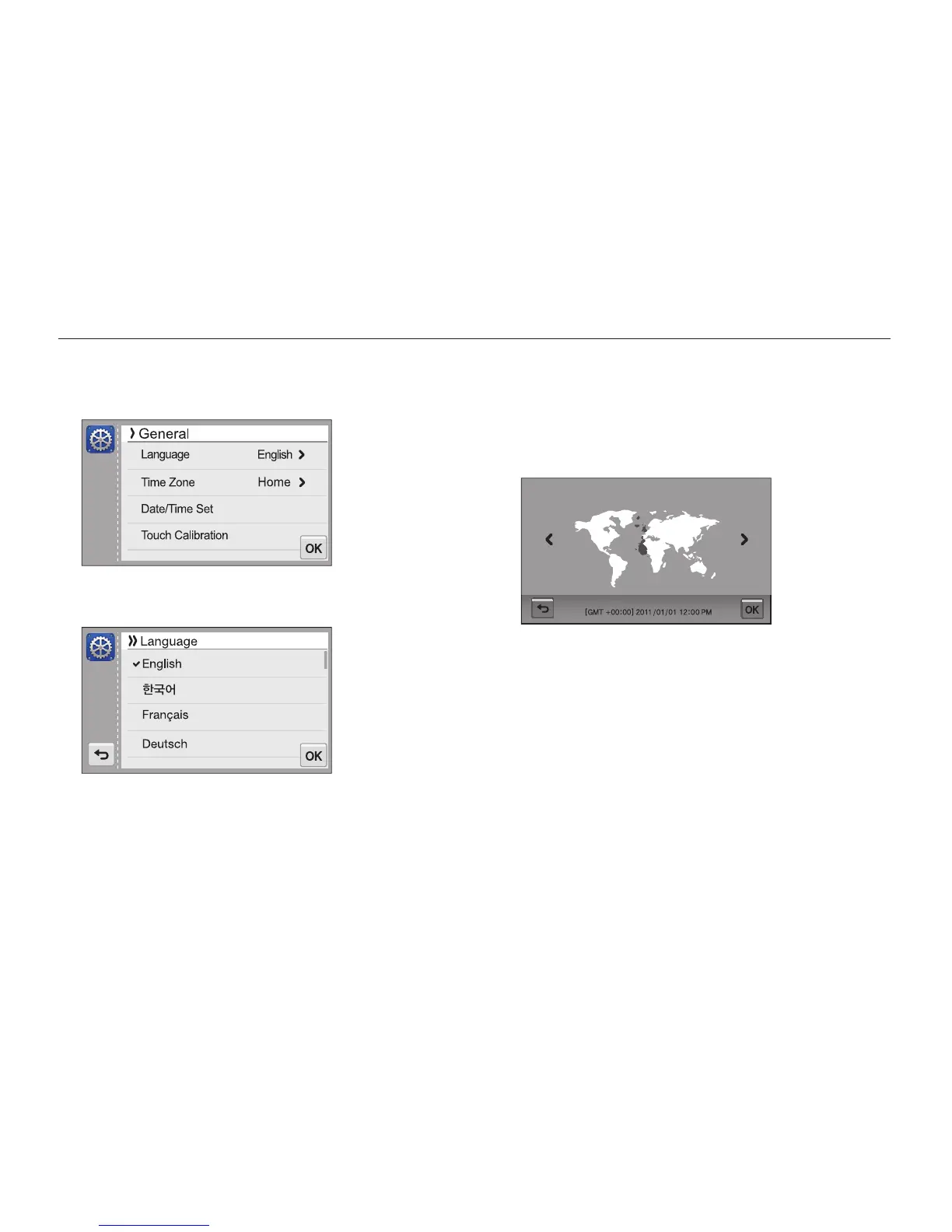
When the initial setup screen appears, follow the steps below to configure the camera’s basic settings.
4
Touch Home, and then touch
z
or
x
to select a time
zone.
•
When you travel to another country, touch Visit, and then
select a new time zone.
London, Lisbon
Time Zone
5
Touch
o
to save.
6
Touch Date/Time Set.
1
Touch Language.
2
Select a language, and then touch
o
.
3
Touch Time Zone.



 To Next Page