Playback/Editing
92
Editing a photo
Learn how to edit photos.
•
The camera will save edited photos as new files.
•
When you edit photos, the camera will automatically convert them to a lower resolution. Photos that you rotate or resize manually are not automatically converted to
a lower resolution. Rotated photos overwrite the original files.
3
Touch
o
to save.
Available resize options differ depending on the original size of the photo.
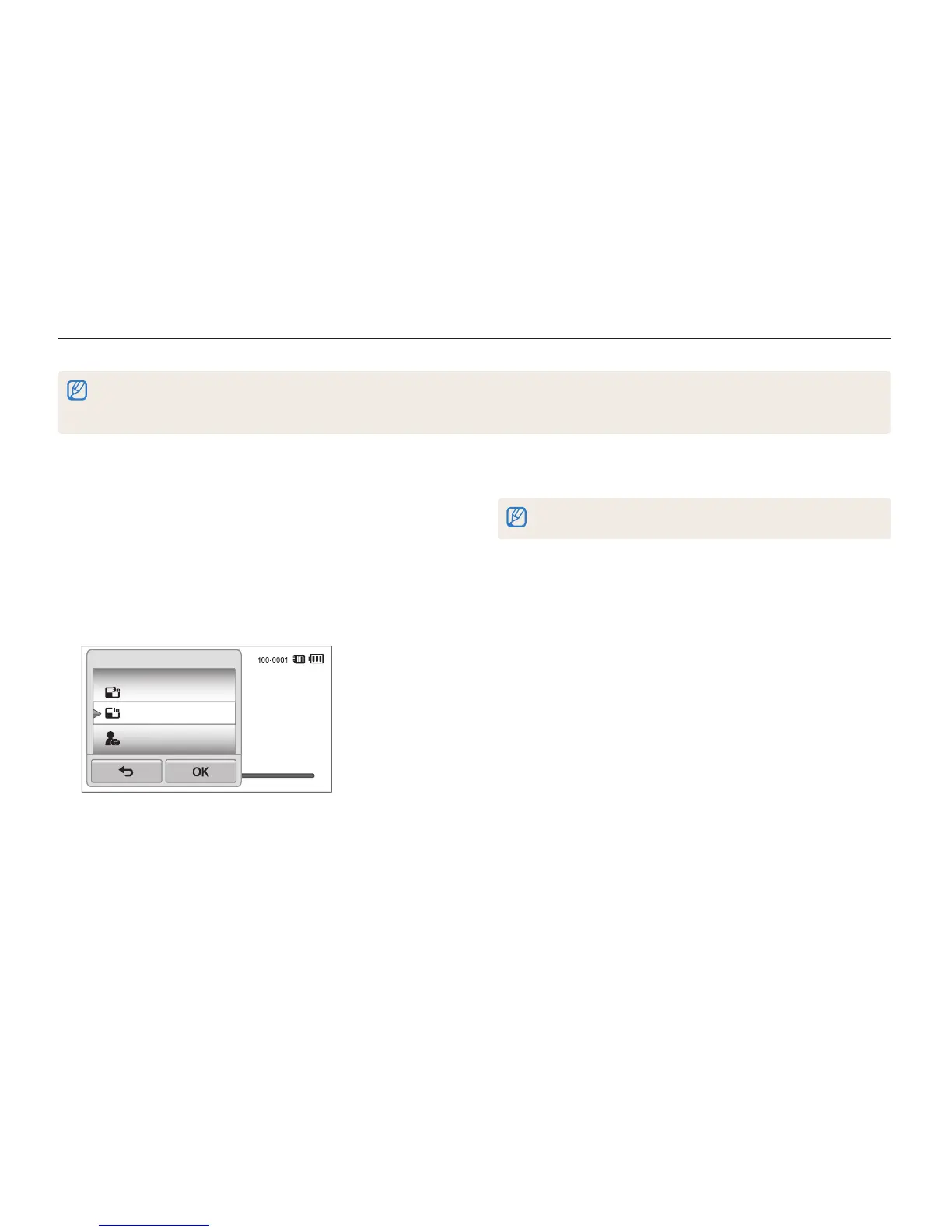
Resizing photos
Change the size of a photo and save it as a new file. You can also
select a photo to be displayed when the camera turns on.
1
In Playback mode, locate a photo, and then touch
m
.
2
Touch Resize, and then select a size option.
•
Select Start Image to save the photo as a start image.
(p. 109)
1984 X 1488
1024 X 768
Start Image
Resize



 To Next Page