Basic functions
26
Capturing photos
Learn how to capture photos easily and quickly in Smart Auto mode.
3
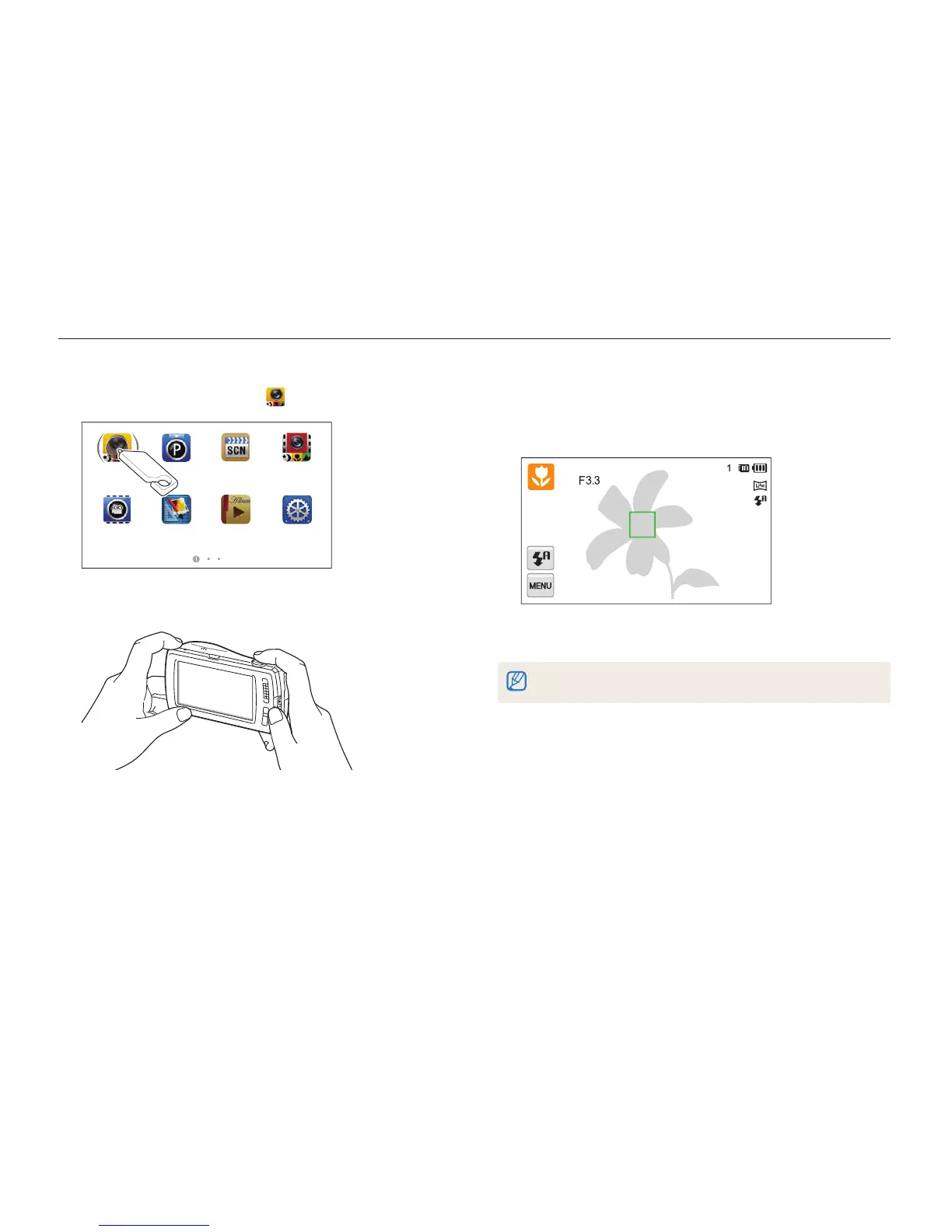
Half-press [Shutter] to focus.
•
A green frame means the subject is in focus.
•
A red frame means the subject is out of focus.
4
Press [Shutter] to capture a photo.
See page 30 for tips to get clearer photos.
1
On the Home screen, touch .
Smart Auto
Scene Smart MovieProgram
Settings
Album
Photo Editor
Movie
2
Align your subject in the frame.



 To Next Page