Shooting options
60
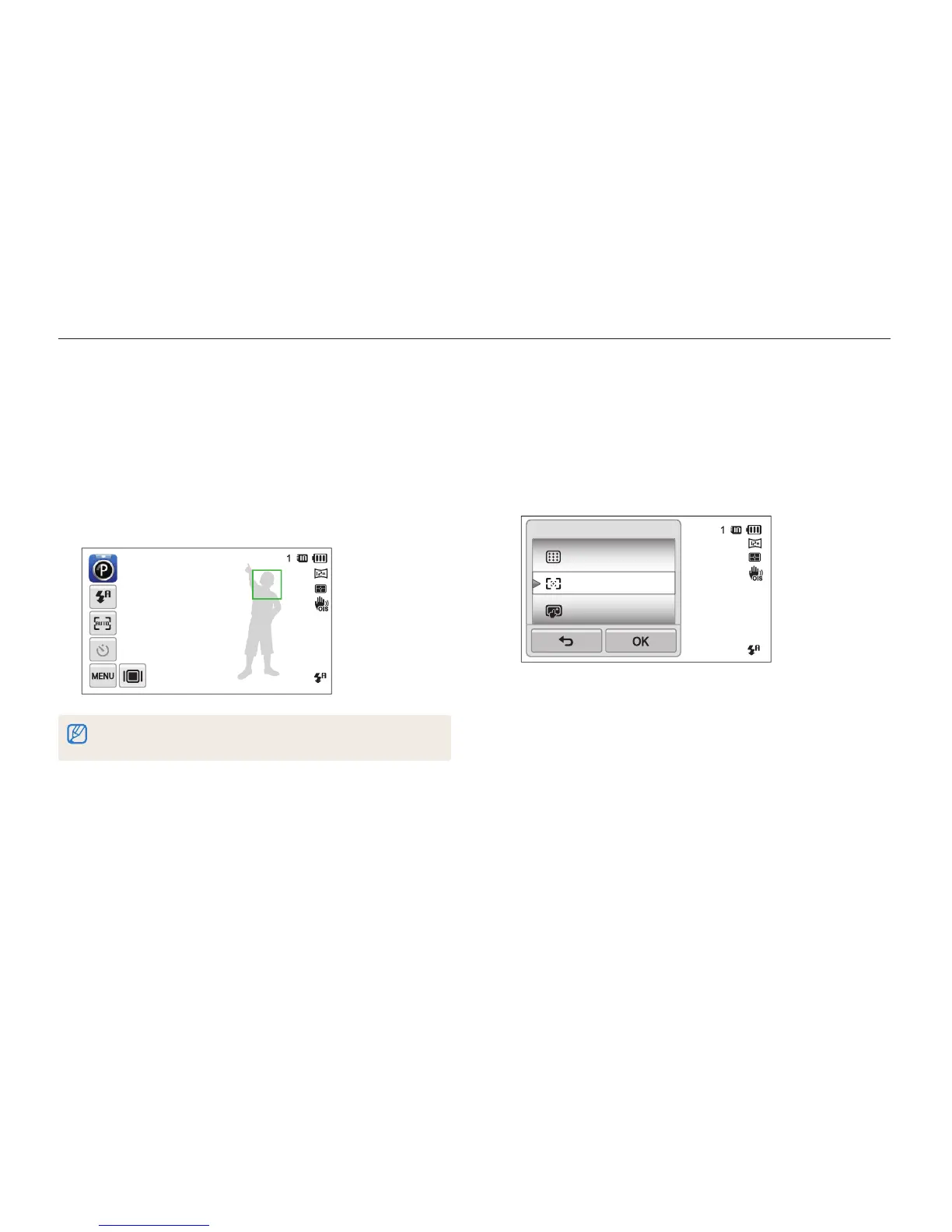
Changing the camera’s focus
Adjusting the focus area
You can get clearer photos by selecting an appropriate focus
area according to your subject’s location in the scene.
1
In Shooting mode, touch
m
Focus Area.
2
Select an option, and then touch
o
.
Multi AF
One Touch Shooting
Smart Touch AF
Focus Area
Using one touch shooting
You can focus on a subject and capture a photo with the touch
of your finger.
1
In Shooting mode, touch
m
Focus Area.
2
Select One Touch Shooting, and then touch
o
.
3
Touch a subject to capture the photo.
If you use this function, you cannot set Self Timer options, Burst options, and
Smart Filter effects.



 To Next Page