Playback/Editing
87
Viewing photos or videos in Playback mode
Viewing photos
Enlarge part of a photo or view photos as a slide show.
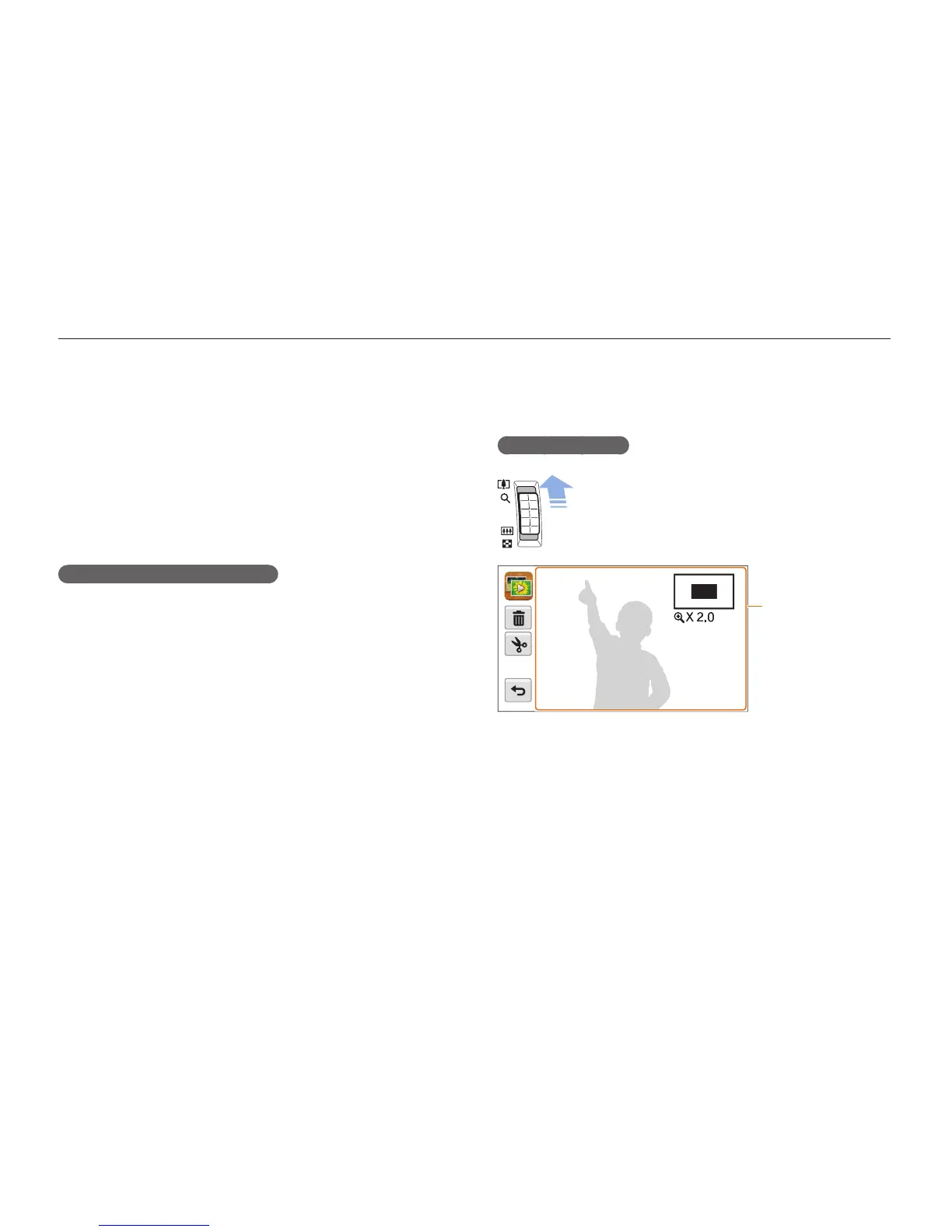
Enlarging a photo
In Playback mode, push [Zoom] up to enlarge a portion
of the photo. Push [Zoom] down to zoom out.
Drag the screen to
see another part of
the photo.
Deleting all files
You can select all files, and then delete them at once.
1
In Playback mode, touch
m
Delete.
•
In Thumbnail view or Smart album, touch
m
Delete.
2
Select All, and then touch
o
.
3
When the pop-up message appears, touch Yes.
Copying files to a memory card
Copy files from the internal memory to a memory card.
1
In Playback mode, touch
m
.
•
In Thumbnail view or Smart album, touch
m
Copy to
Card.
2
Touch Copy to Card.
3
When the pop-up message appears, touch Yes.



 To Next Page