Basic functions
27
Capturing photos
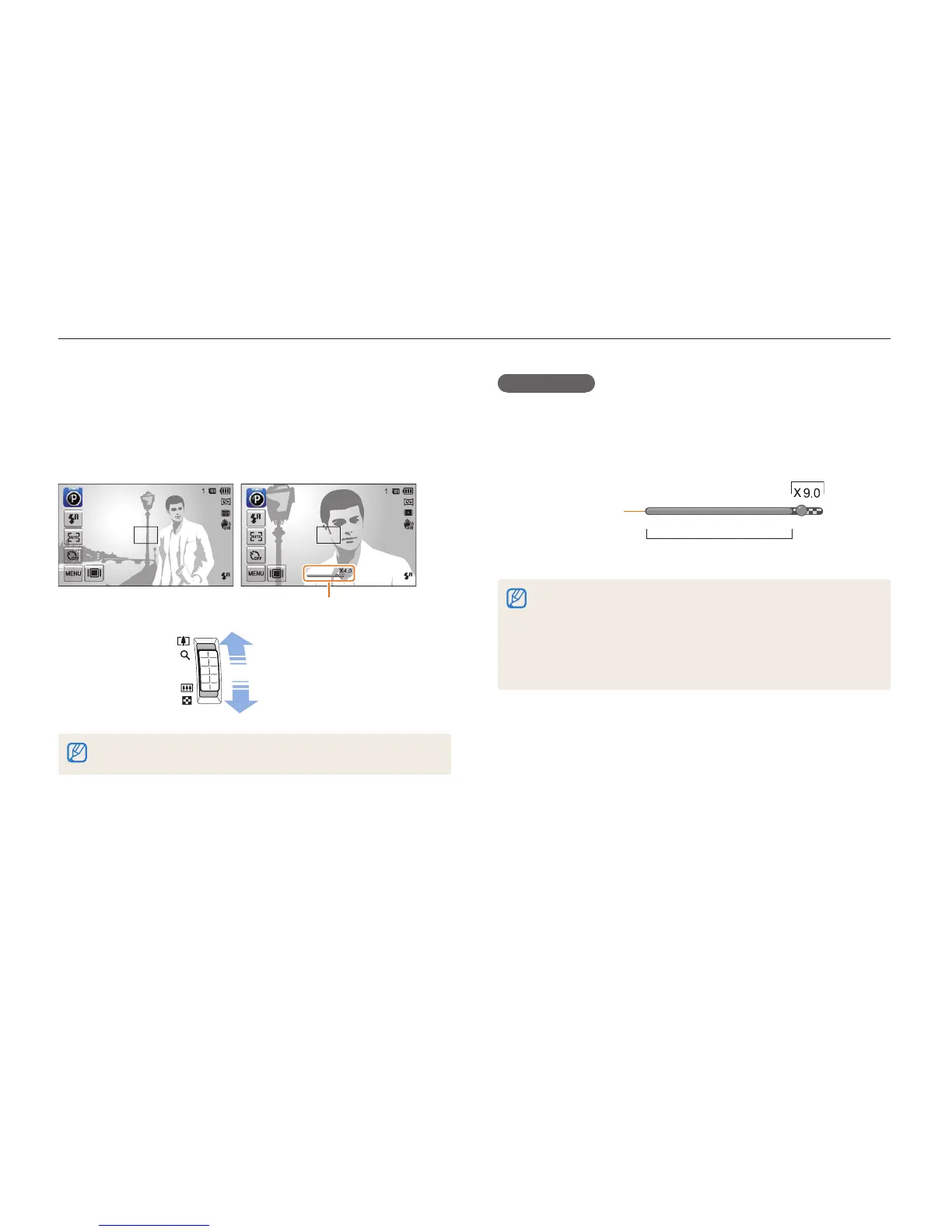
Digital zoom
If the zoom indicator is in the digital range, your camera is using
the Digital zoom. By using both the Optical zoom and Digital
zoom, you can zoom in up to 25 times.
Optical range
Digital range
Zoom indicator
•
The Digital zoom is available only in Program and Scene (except Text)
modes.
•
The Digital zoom is not available with a Smart Filter effect or Smart
Touch AF option.
•
If you capture a photo with the Digital zoom, the photo quality may
deteriorate.
Zooming
You can capture close-up photos by adjusting the zoom. Your
camera has a 5X Optical zoom, 2X Intelli zoom, and 5X Digital
zoom. The Intelli zoom and Digital zoom cannot be used at the
same time.
Zoom in
Zoom out
Zoom ratio
The available zoom ratio for videos differs from photo zoom ratio.



 To Next Page