Playback/Editing
84
Viewing photos or videos in Playback mode
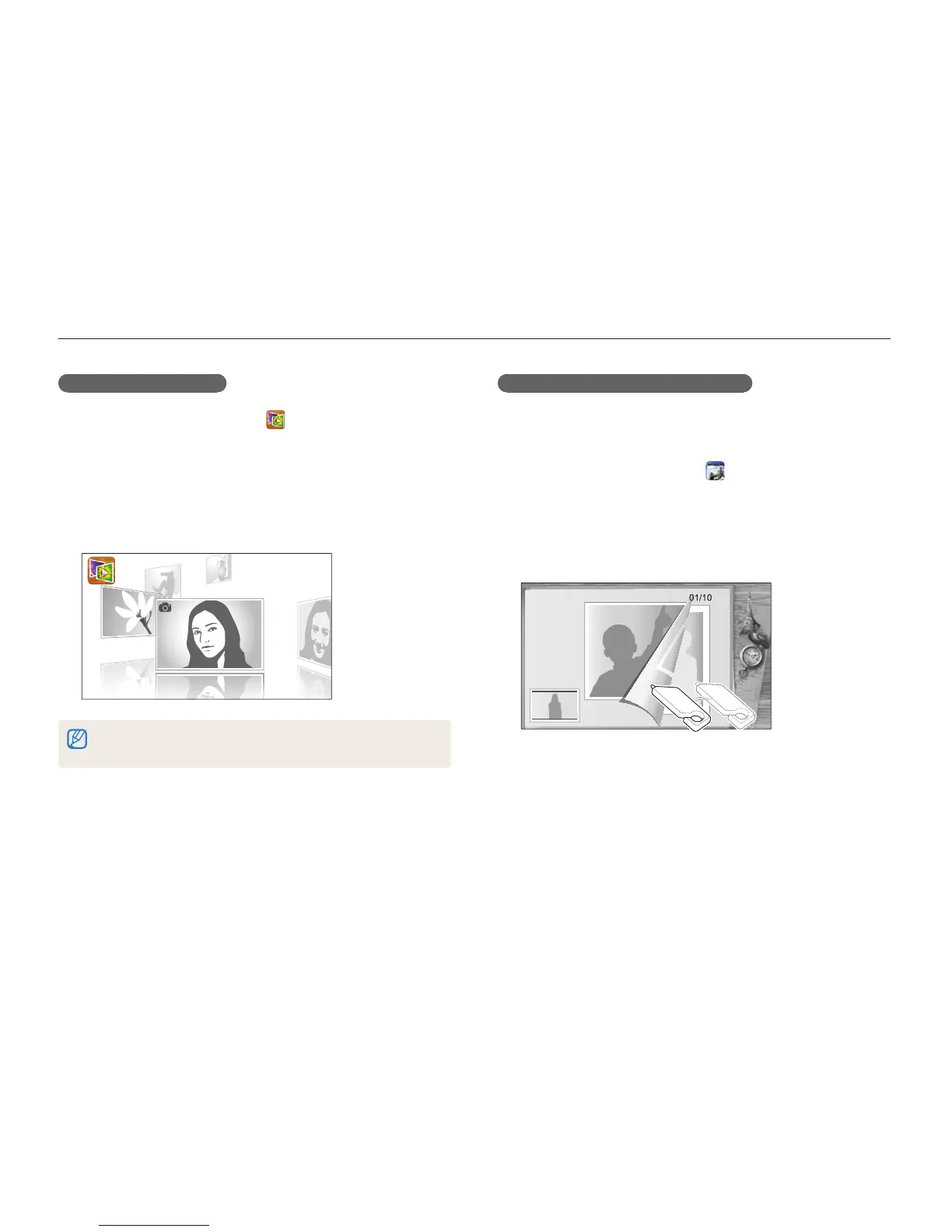
Viewing files in 3D view
1
On the Home screen, touch .
2
Drag images left or right to move to the previous or next
file.
•
Flick the screen left or right to switch files more quickly. The
faster you flick the screen, the more files you will scroll through
at a time.
4/5
•
You cannot play movies or voice memos in 3D view.
•
The 3D feature is not available while the camera is connected to a TV.
Viewing files with the page flip effect
You can flip through files by dragging or flicking the touch pen
across the screen. You can also run a slide show with the flip
page effect by touching the slide show icon on the left side.
1
On the Home screen, touch .
2
Touch a theme (Travel, Wedding, or Party).
3
Drag images to the left or right to move to the previous
or next file.



 To Next Page