Extended functions
48
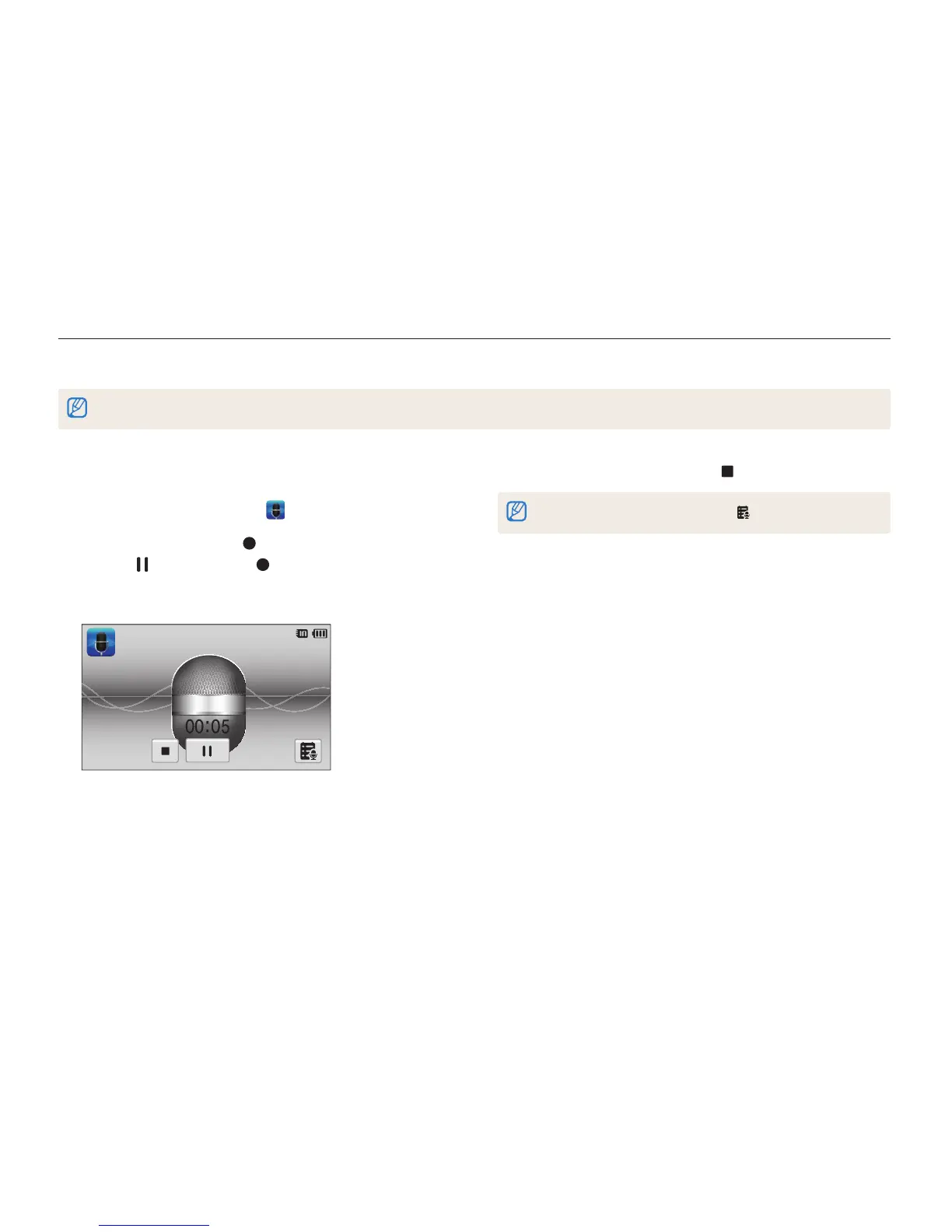
Recording a voice memo
1
On the Home screen, touch .
2
Press [Shutter] or touch to start recording.
•
Touch to pause or touch to resume.
•
Each memo can be up to 10 hours long if memory is
available.
3
Press [Shutter] again or touch to stop recording.
To view the list of saved voice memos, touch .
Recording voice memos
Learn how to record a voice memo that you can play back later. You can also add a voice memo to a photo to remind you of shooting
conditions.
You will get the best sound quality when you speak 16 in (40 cm) away from the camera.



 To Next Page