Extended functions
47
Using effect modes
3
Press [Shutter] or touch to start recording.
4
Press [Shutter] again or touch to stop recording.
Using the Palette Effect mode
In Palette Effect mode, you can record a video with effects to
make specific colors stand out.
1
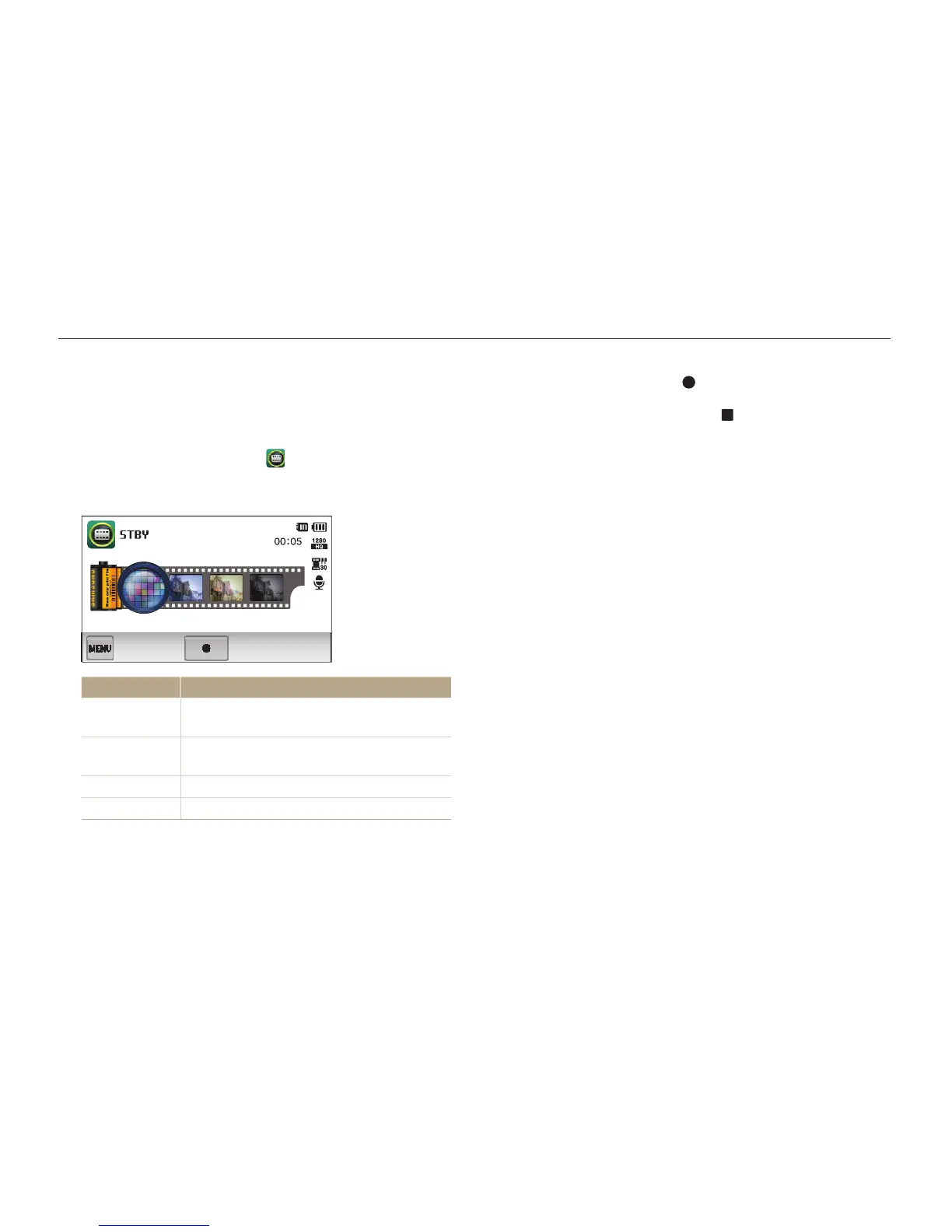
On the Home screen, touch .
2
Touch a desired palette.
Option Description
Palette Effect 1
Create a vivid look with sharp contrast and
red color.
Palette Effect 2
Make scenes clean and clear by applying a
soft blue tone.
Palette Effect 3
Apply a soft brown tone.
Palette Effect 4
Create a cold and monotone effect.



 To Next Page