Extended functions
36
Using shooting modes
Using the Scene mode
In Scene mode, you can capture a photo with options that are
preset for a specific scene.
1
On the Home screen, touch .
2
Touch a scene.
Option Description
Landscape: Capture still-life scenes and landscapes.
Sunset: Capture scenes at sunset, with natural-looking
reds and yellows.
Dawn: Capture scenes at sunrise.
Backlight: Capture backlit subjects.
Beach & Snow: Reduce underexposed photos due to
sunlight reflected from sand or snow.
Text: Clearly capture text from printed or electronic
documents.
3
Align your subject in the frame, and then half-press
[Shutter] to focus.
4
Press [Shutter] to capture the photo.
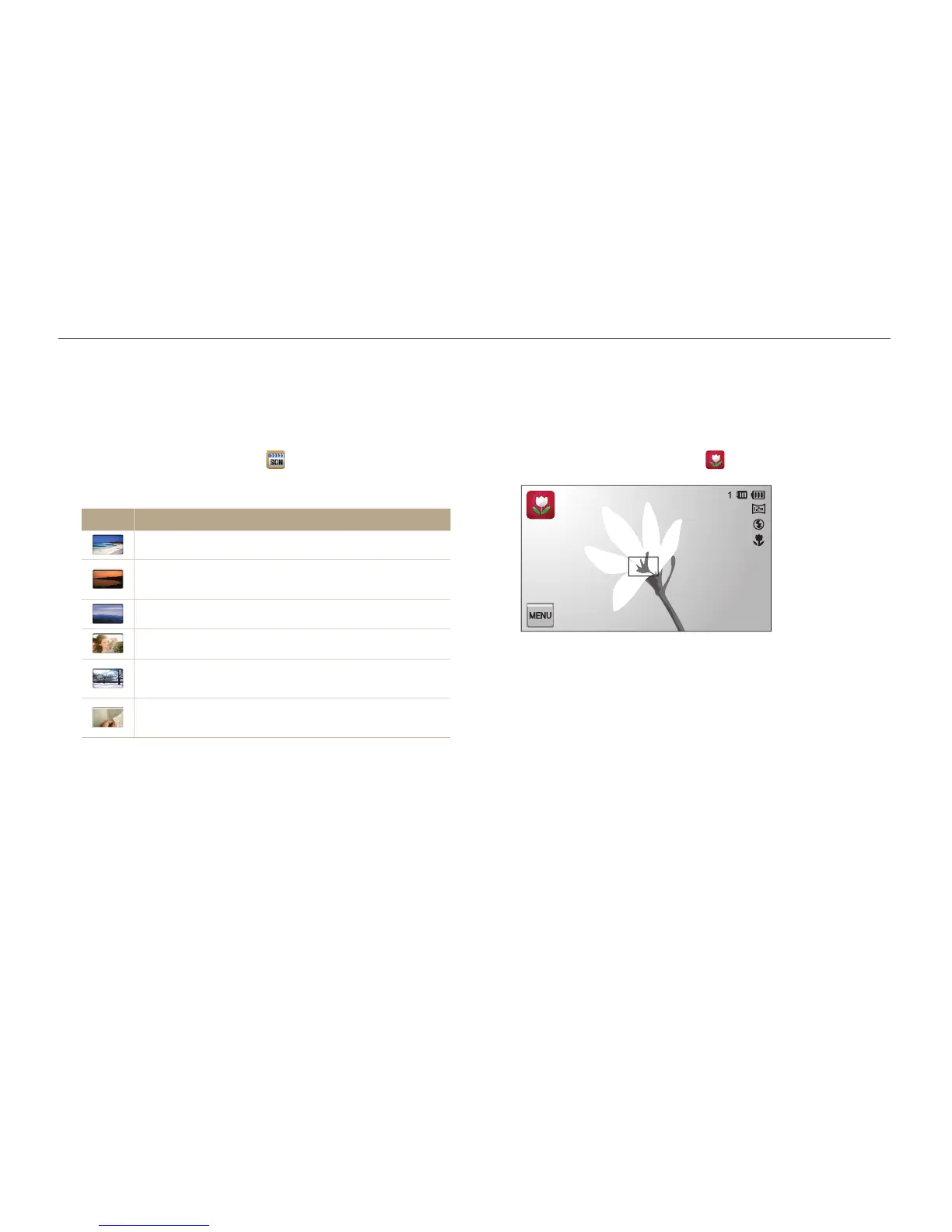
Using the Close Up mode
In Close Up mode, you can capture close-up photos of subjects,
such as flowers or insects.
1
On the Home screen, touch .
2
Align your subject in the frame, and then half-press
[Shutter] to focus.
3
Press [Shutter] to capture the photo.



 To Next Page