Extended functions
35
Using shooting modes
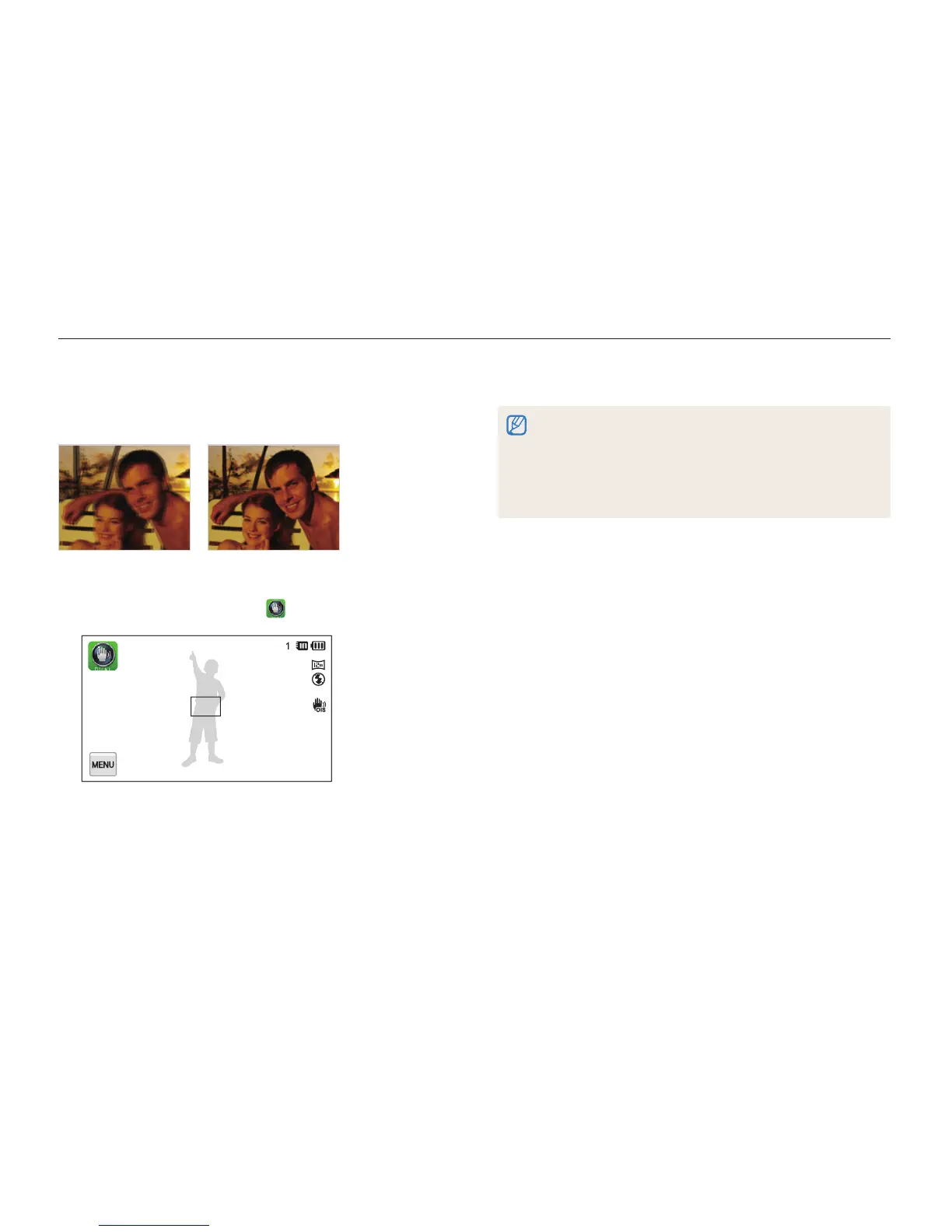
Using the DUAL IS mode
Reduce camera shake and prevent blurred photos with Optical
and Digital Image Stabilization functions.
Before correction After correction
1
On the Home screen, touch .
2
Align your subject in the frame, and then half-press
[Shutter] to focus.
3
Press [Shutter] to capture the photo.
•
The Digital zoom and Intelli-zoom are not available in DUAL IS mode.
•
The camera will optically correct photos only when the light source is
brighter than fluorescent light.
•
If your subject is moving rapidly, the photo may be blurry.
•
Set the Optical Image Stabilization option to reduce camera shake in
different shooting modes. (p. 29)



 To Next Page