Extended functions
45
Using effect modes
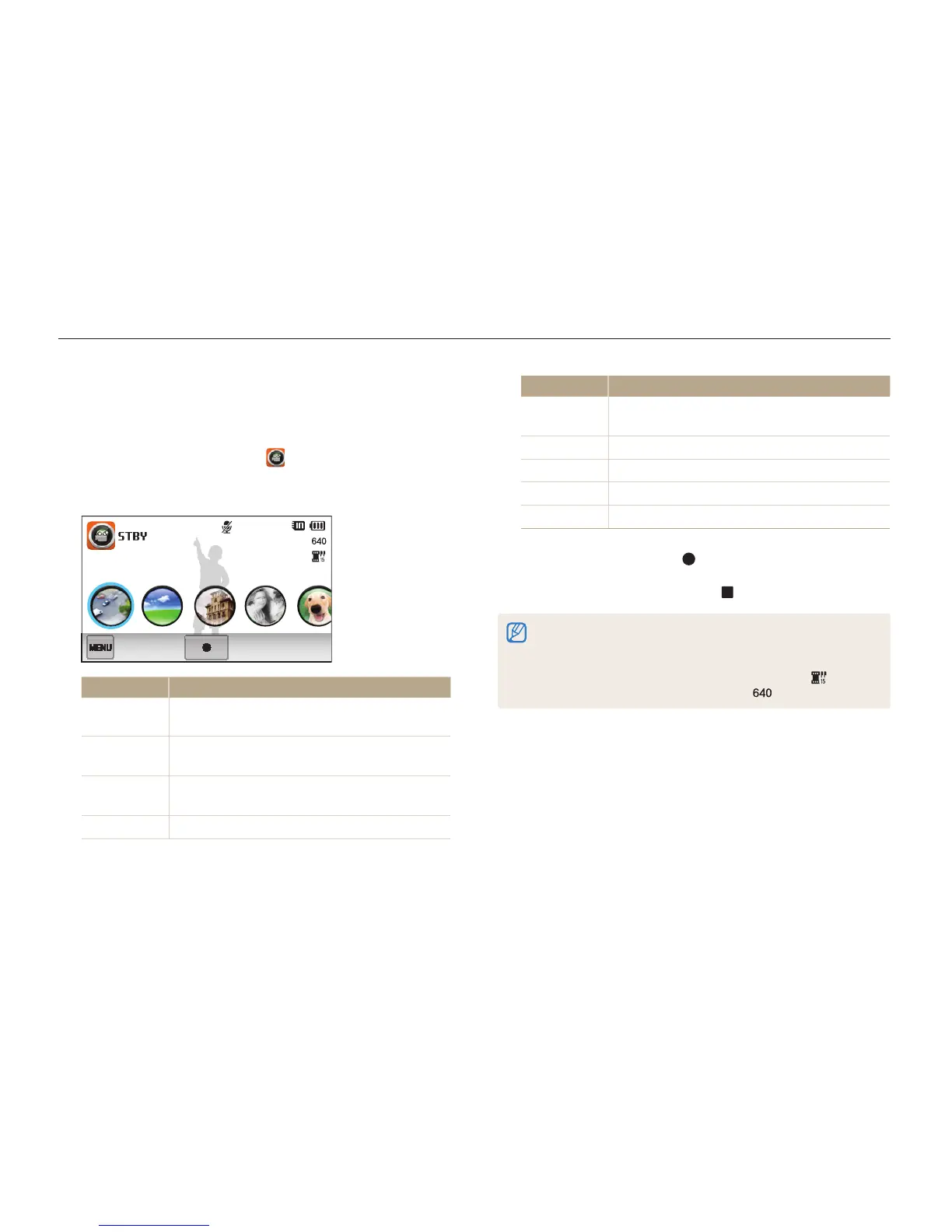
Using the Movie Filter mode
In Movie Filter mode, you can record videos with various filter
effects.
1
On the Home screen, touch .
2
Touch a desired filter.
00:20
Option Description
Miniature
Apply a tilt-shift effect to make the subject appear
in miniature.
Vignetting
Apply the retro-looking colors, high contrast, and
strong vignette effect of Lomo cameras.
Half Tone Dot
Apply a halftone effect.
Sketch
Apply a pen sketch effect.
Option Description
Fish-eye
Distort close objects to imitate the visual effect of
a fisheye lens.
Defog
Make the image clearer.
Classic
Apply a black and white effect.
Retro
Apply a sepia tone effect.
Negative
Apply a negative film effect.
3
Press [Shutter] or touch to start recording.
4
Press [Shutter] again or touch to stop recording.
•
If you select Miniature, the speed of the video will increase.
•
If you select Miniature, the camera will not record sound.
•
If you select Miniature, Vignetting, Half Tone Dot, Sketch,
Fish-eye, or Defog, the recording speed will be set to and the
recording resolution will be set to less than .



 To Next Page