Extended functions
49
Recording voice memos
Adding a voice memo to a photo
In Program mode, you can add a voice memo to a captured
photo.
1
On the Home screen, touch .
2
Touch
m
, and then touch the setting button next to
Memo.
3
Align your subject in the frame, and then capture a
photo.
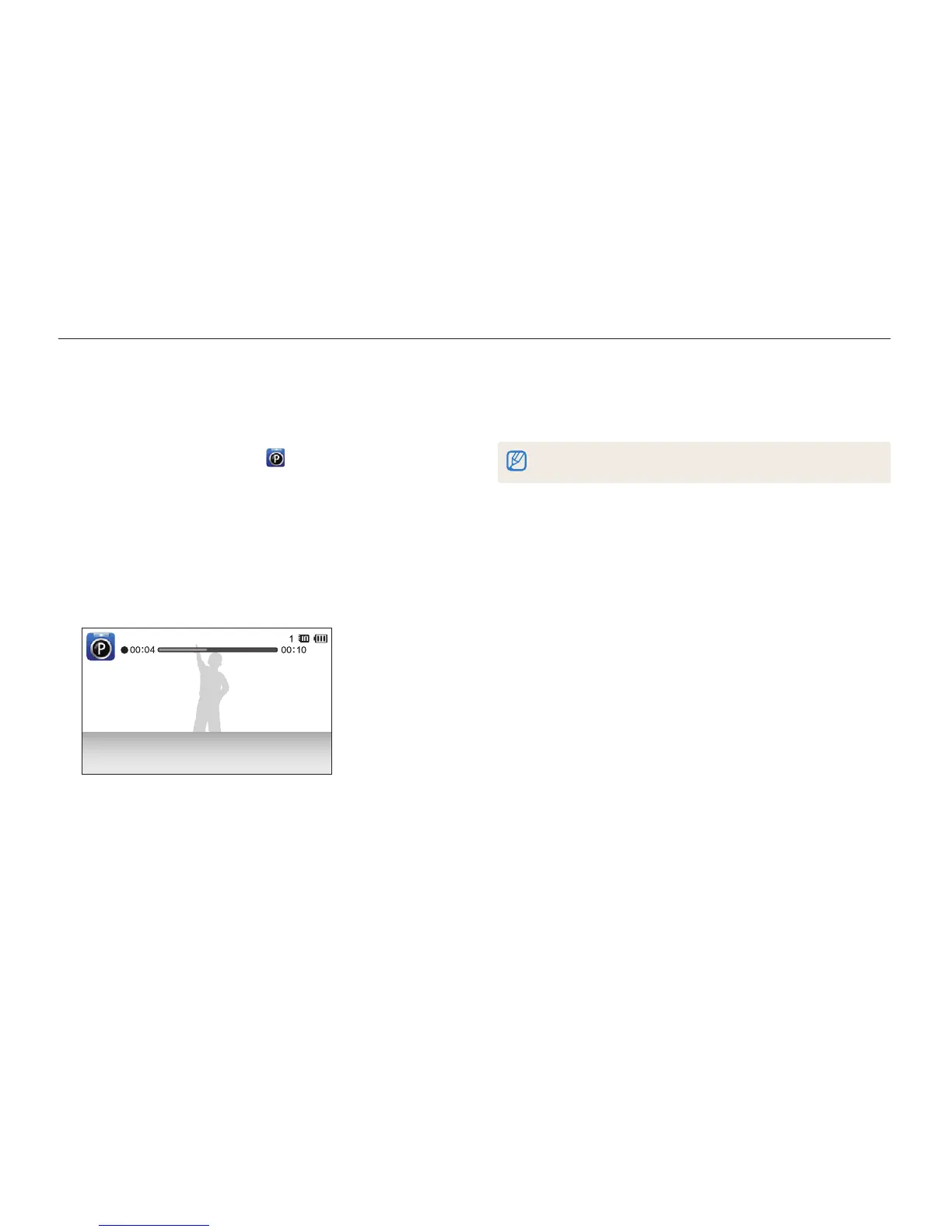
•
The camera begins to record a voice memo right after you
capture the photo.
4
Record a short voice memo (10 seconds maximum).
•
Press [Shutter] to stop recording a voice memo before the
10 seconds are up.
You cannot add voice memos to photos in the burst mode.



 To Next Page