Playback/Editing
91
Viewing photos or videos in Playback mode
Playing voice memos that are attached to photos
1
In Playback mode, locate a photo that includes a voice
memo, and then touch
.
2
Listen to the voice memo.
Icon Description
/
Pause or resume playback.
Adjust the volume or mute the sound.
Return to Playback mode.
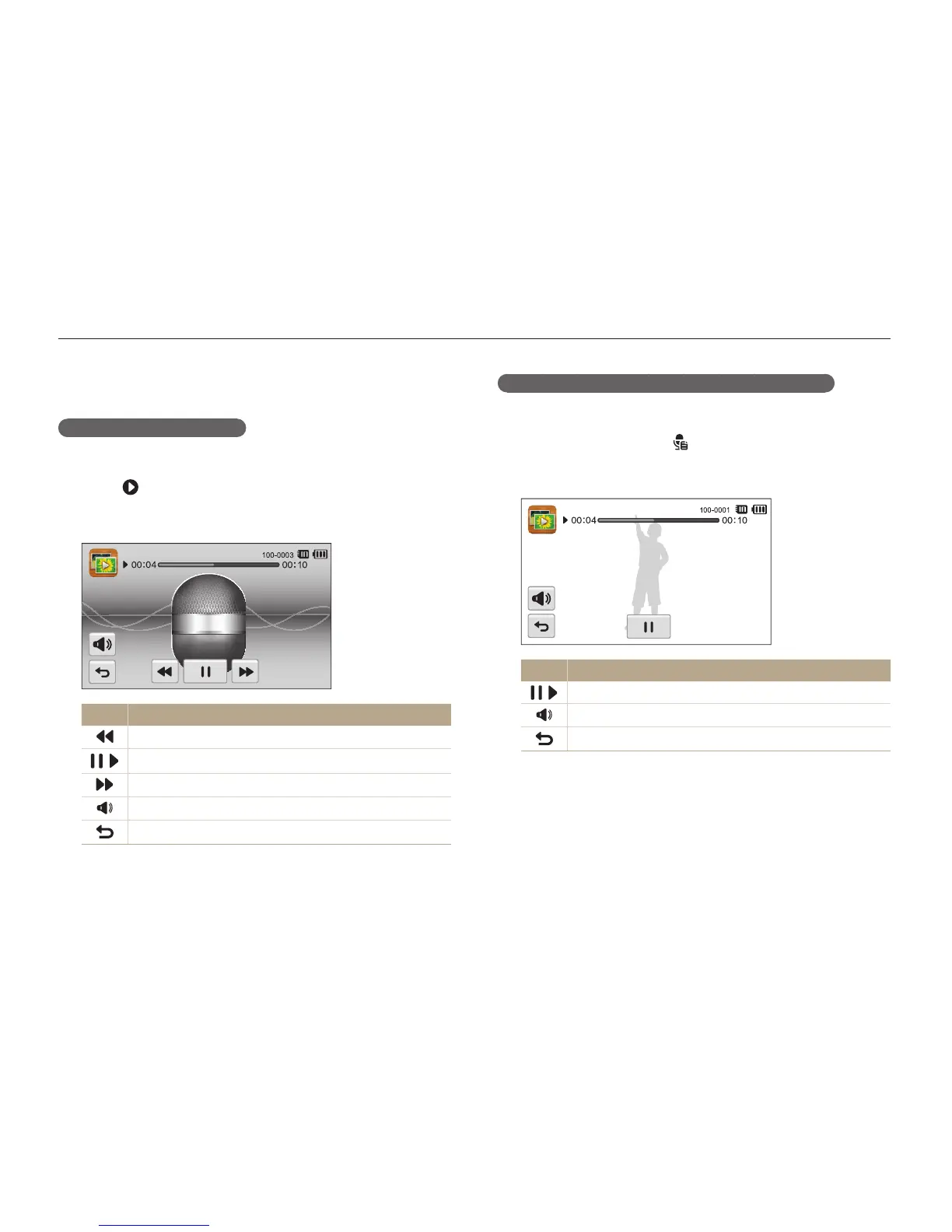
Playing a voice memo
Listening to a voice memo
1
In Playback mode, locate a voice memo file, and then
touch
.
2
Listen to the voice memo.
Icon Description
Scan backward.
/
Pause or resume playback.
Scan forward.
Adjust the volume or mute the sound.
Return to Playback mode.



 To Next Page