Shooting options
57
Shooting in the dark
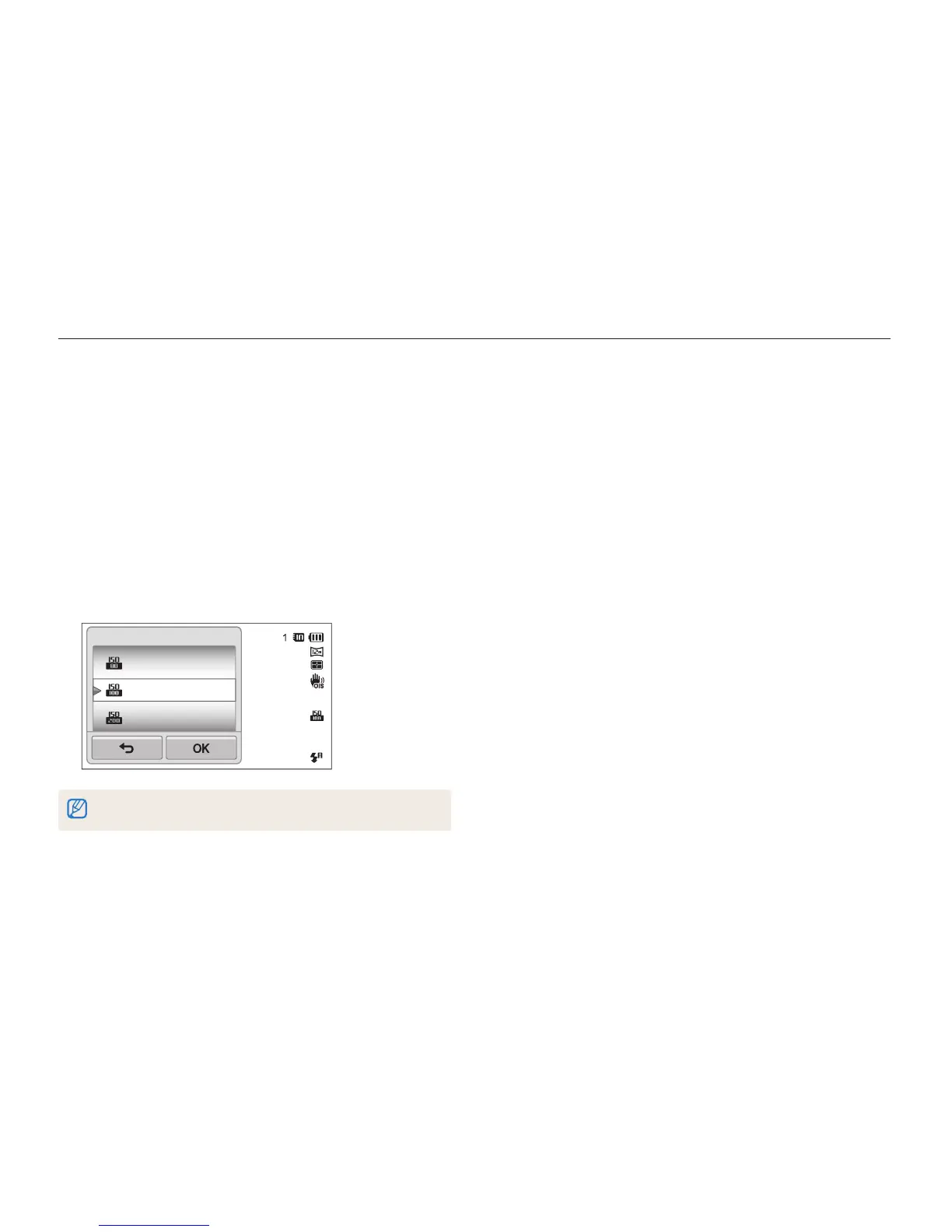
Adjusting the ISO sensitivity
The ISO sensitivity is the measure of a film’s sensitivity to light as
defined by the International Organization for Standardization (ISO).
The higher ISO sensitivity you select, the more sensitive to light
your camera becomes. With a higher ISO sensitivity, you can get
a better photo without using the flash.
1
In Shooting mode, touch
m
ISO.
2
Select an option, and then touch
o
.
•
Select Auto to have the camera select an appropriate ISO
sensitivity automatically based on the brightness of the subject
and lighting.
ISO 80
ISO 100
ISO 200
ISO
Higher ISO sensitivities may result in more image noise.



 To Next Page