Playback/Editing
85
Viewing photos or videos in Playback mode
Touch a file to display
it in full screen view.
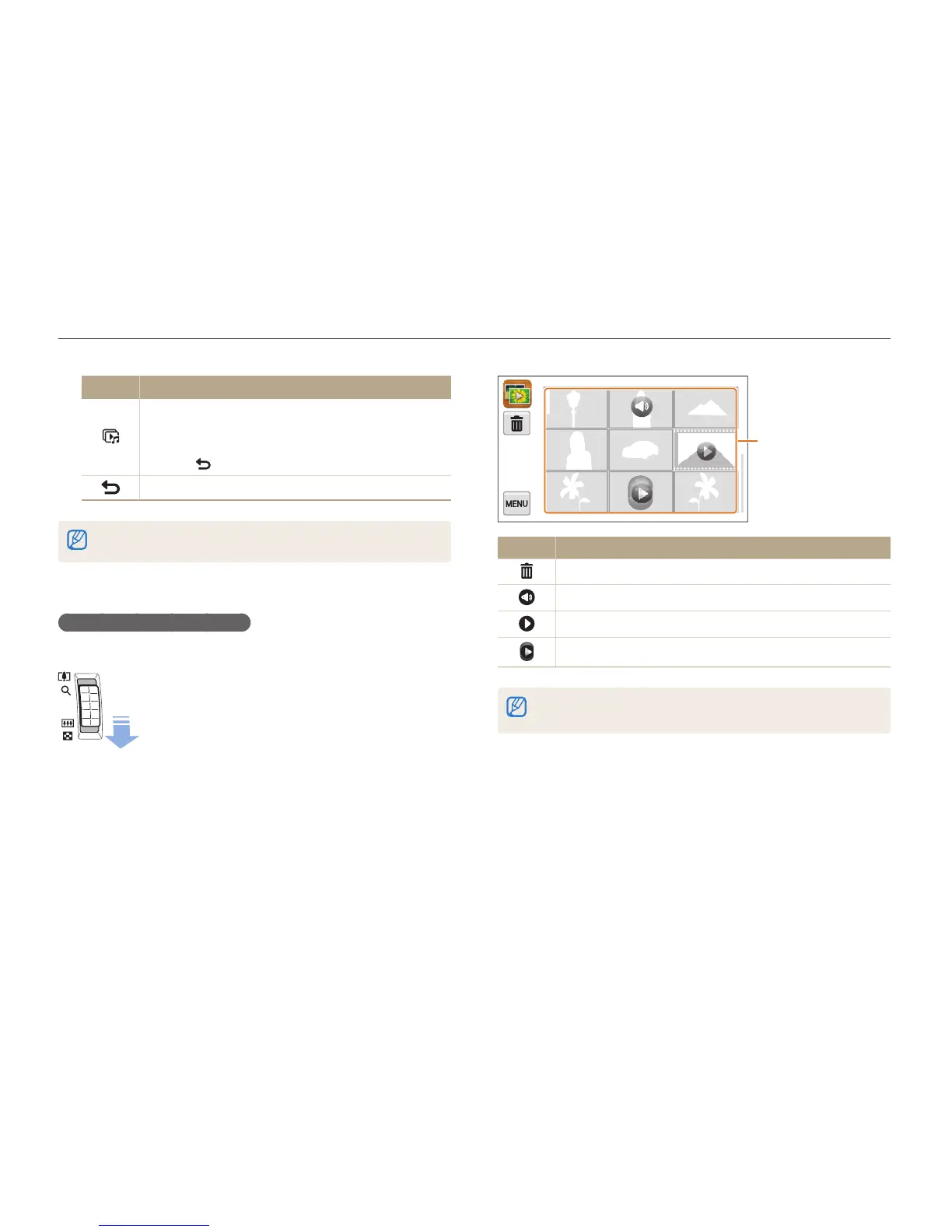
Icon Description
Delete files
Photo includes a voice memo
Video file
Voice memo file
Drag the screen up or down to move to the previous or next page of
thumbnails.
Icon Description
Play a slide show.
•
Touch the screen to pause the slide show and
adjust the volume or mute the sound.
•
Touch to stop the slide show.
Return to the theme selection screen.
You can view only photos when you use the page flip effect.
Viewing files as thumbnails
Scan thumbnails of files.
In Playback mode, push [Zoom] down to view
thumbnails (9 at a time). Push [Zoom] down once or
twice more to display more thumbnails (16 or 36 at a
time).
Push [Zoom] up to return to the previous view.



 To Next Page