Shooting options
53
Selecting a resolution and quality
Setting the video quality
The camera compresses and saves the videos you record in the
MP4 (H.264) format.
1
In Shooting mode, touch
m
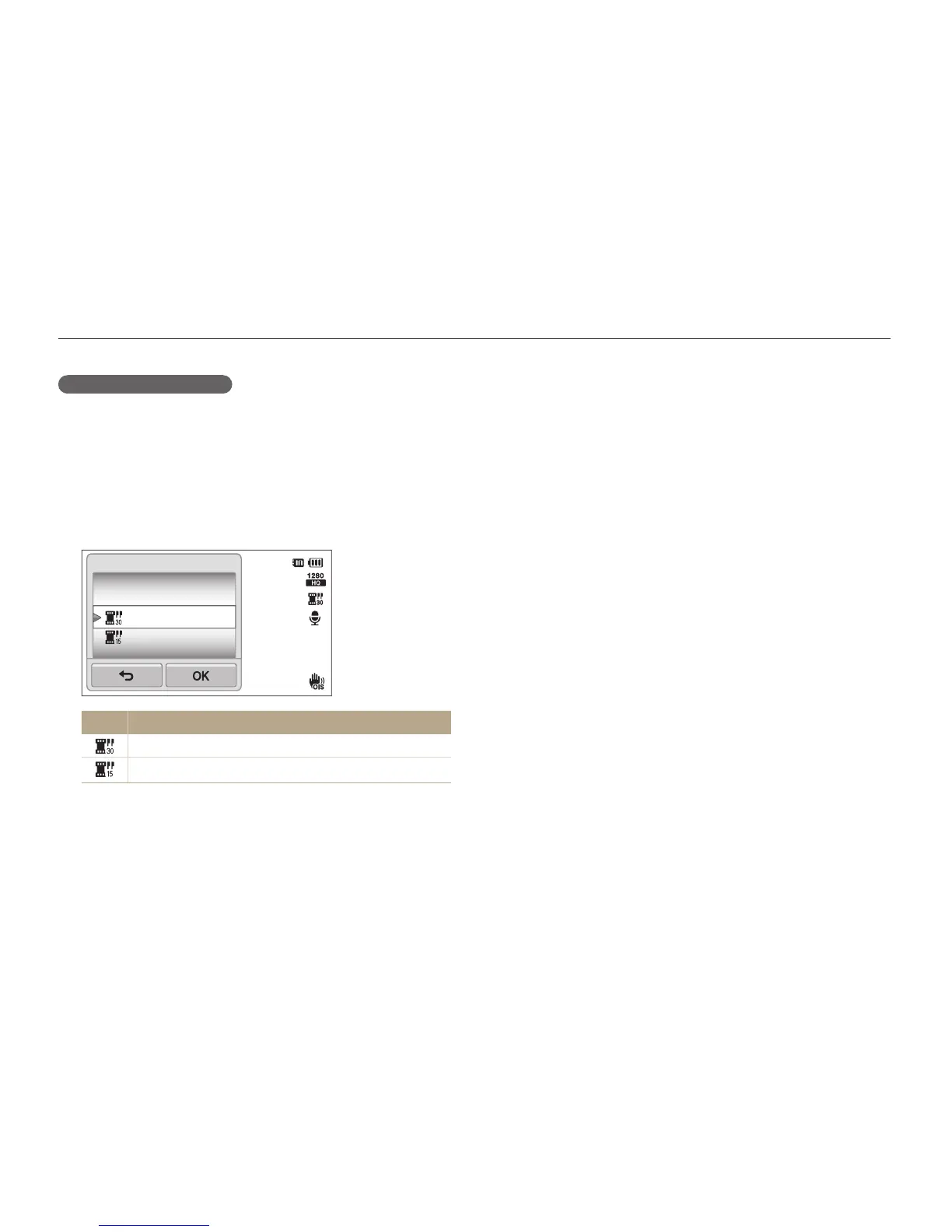
Frame Rate.
2
Select an option, and then touch
o
.
•
As the frame rate increases, action appears more natural, but
the file size also increases.
00:05
30 FPS
15 FPS
Frame Rate
Icon Description
30 FPS: Record 30 frames per second.
15 FPS: Record 15 frames per second.



 To Next Page