3 - 34 WS80A Service Manual
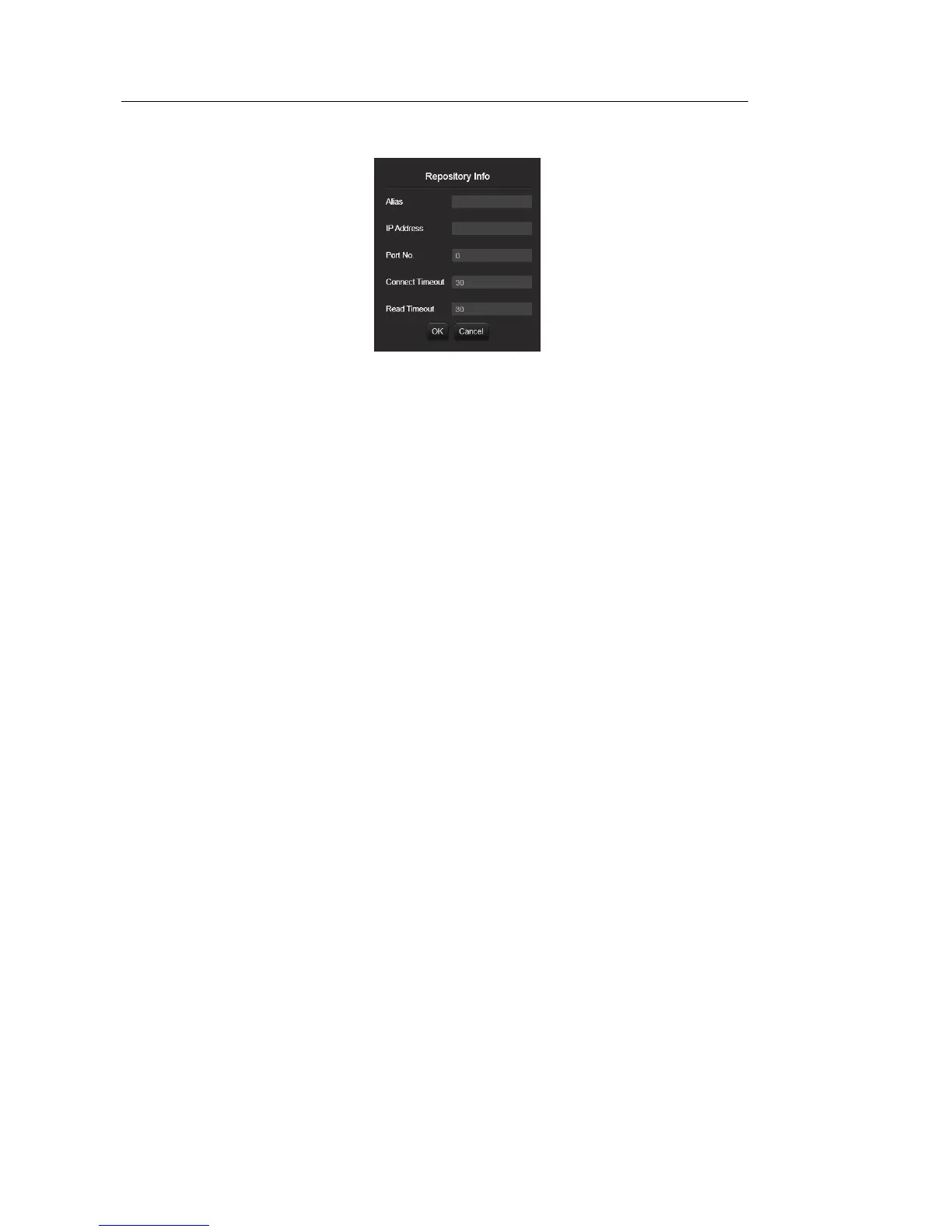
[Figure 3.17 Repository Info]
– Alias: Enter the name of the server.
– IP Address: Enter the IP address of the server.
– Port No.: Enter the port number of the server.
– Connect Timeout: Enter the TCP/IP connection timeout (in seconds) for
transferring data.
– Read Timeout: Enter the TCP/IP connection timeout (in seconds) for
receiving server response.
– Edit: Edit the information for the selected server.
– Delete: Delete the selected server.
■ Show Job Status
② Review and manage the status of data transfer (jobs). Only jobs that are
being transferred or have failed to transfer are displayed. To show all jobs,
including the ones that have been successfully transferred, use the Show All
checkbox.
– Delete Archived Job Status after (days): Enter the retention period for jobs.
Press Change to set the number of days you entered as the retention period.
– Column: Select the job information to display on the screen.
– No: Message Control ID
– Status: Transfer status
– Retry: Number of transfer attempts
– Received On: Transfer start time



 To Next Page