1 - 18 WS80A Service Manual
Peripheral Devices
Peripheral devices can be connected to their corresponding ports on the left/right or rear sides of
the console, as needed.
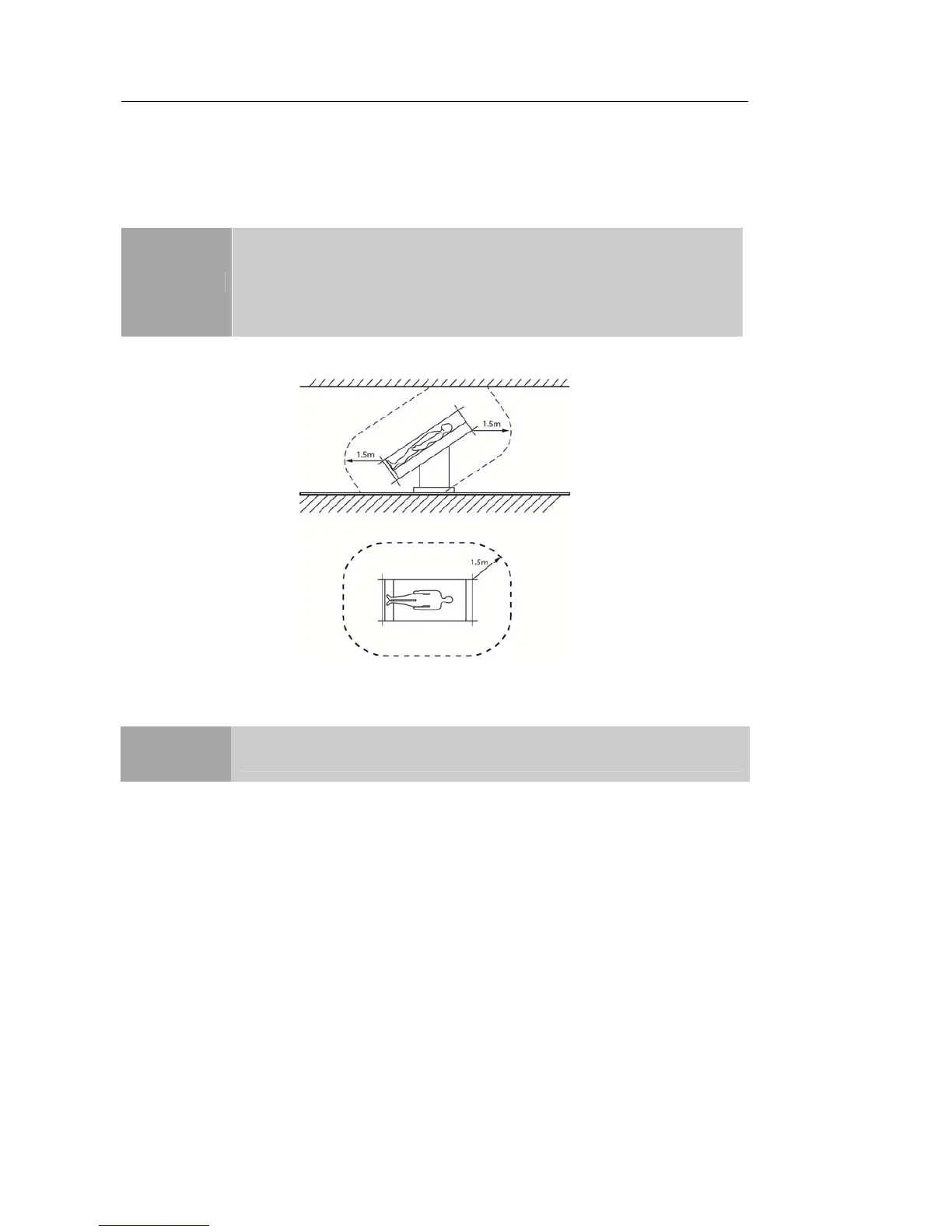
[Figure 1.11 Patient Environment]
▐ Internal Peripheral Devices
These are peripheral devices mounted in the system.
DVD-Multi
DVD-RW, DVD+RW, DVD-R, DVD+R, CD-R, CD-RW, CD-ROM
Hard Disc Drive
At least 500 GB
CAUTION
Do not install a peripheral device that is not listed in this operation manual
in the patient environment. If you install an unlisted device in the patient
environment, it may cause an electrical hazard
Do not connect additional external peripheral devices to the auxiliary
socket outlet. Doing so may decrease safety level..
NOTE
For instructions on using a specific peripheral device, refer to the device's
operation manual.



 To Next Page