Chapter 3. Installing the Product 3 - 11
System Settings
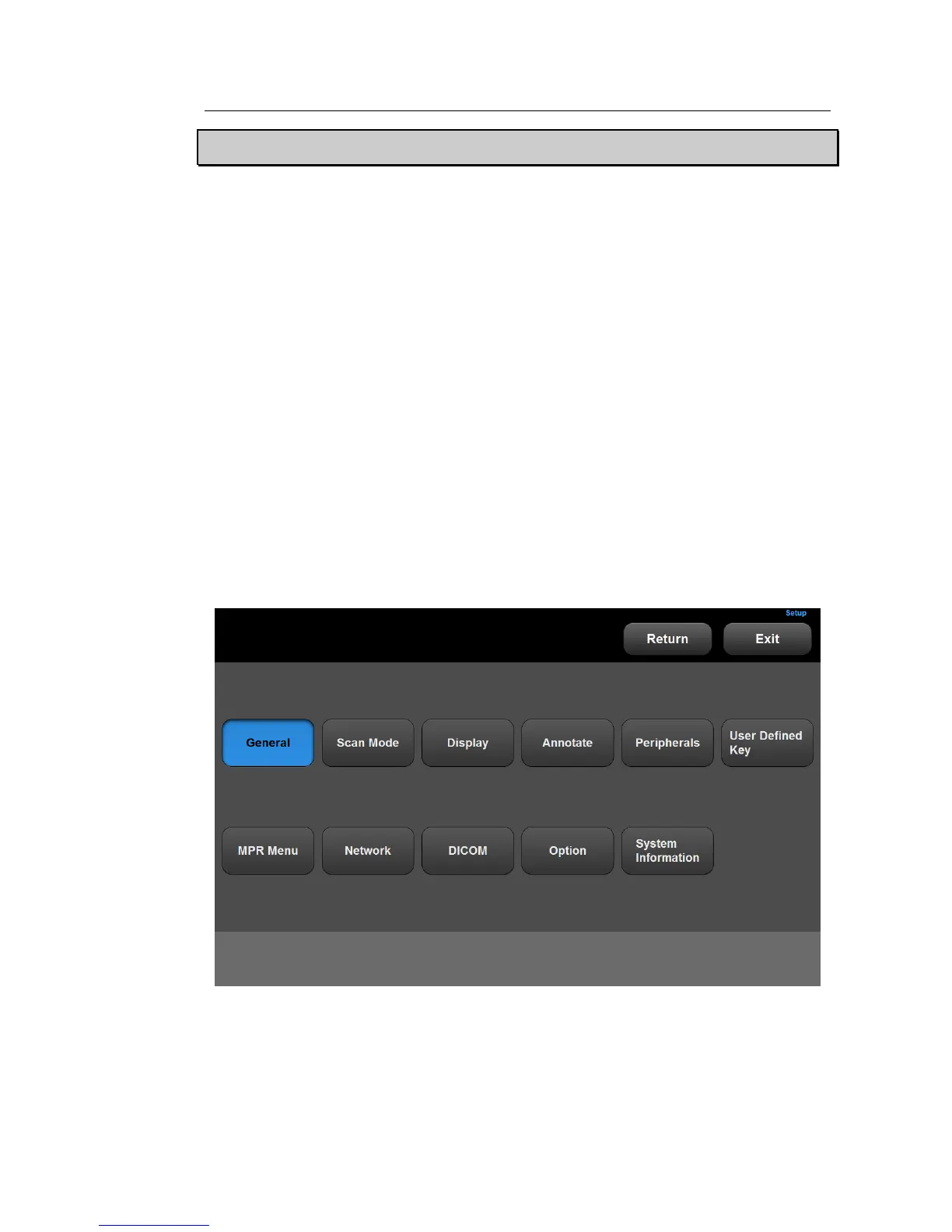
This mode is used for system settings. It does not affect image output. The setup may be
modified depending on specific needs or preferences.
1. Press the Setup button on the touch panel, or tap Utility > Setup button on the touch screen.
2. The Settings screen will appear. Select a tab that has items to specify.
TIP Selecting a tab
You can select a desired tab in either one of two ways. Select the method that suits
you.
– Use the trackball and the Set button to select a tab.
– Tap a corresponding button on the touch screen.
3. Specify settings for each item.
4. Save the settings and exit. Either click the Close button on the monitor screen, tap the Exit
button on the touch screen, or press the Exit button on the control panel to switch to Scan
mode.
5. Tap Return on the touch screen to go back to the Utility menu.
[Figure 3.6 Setup - Touch Screen



 To Next Page