6 - 4 WS80A Service Manual
Admin Mode
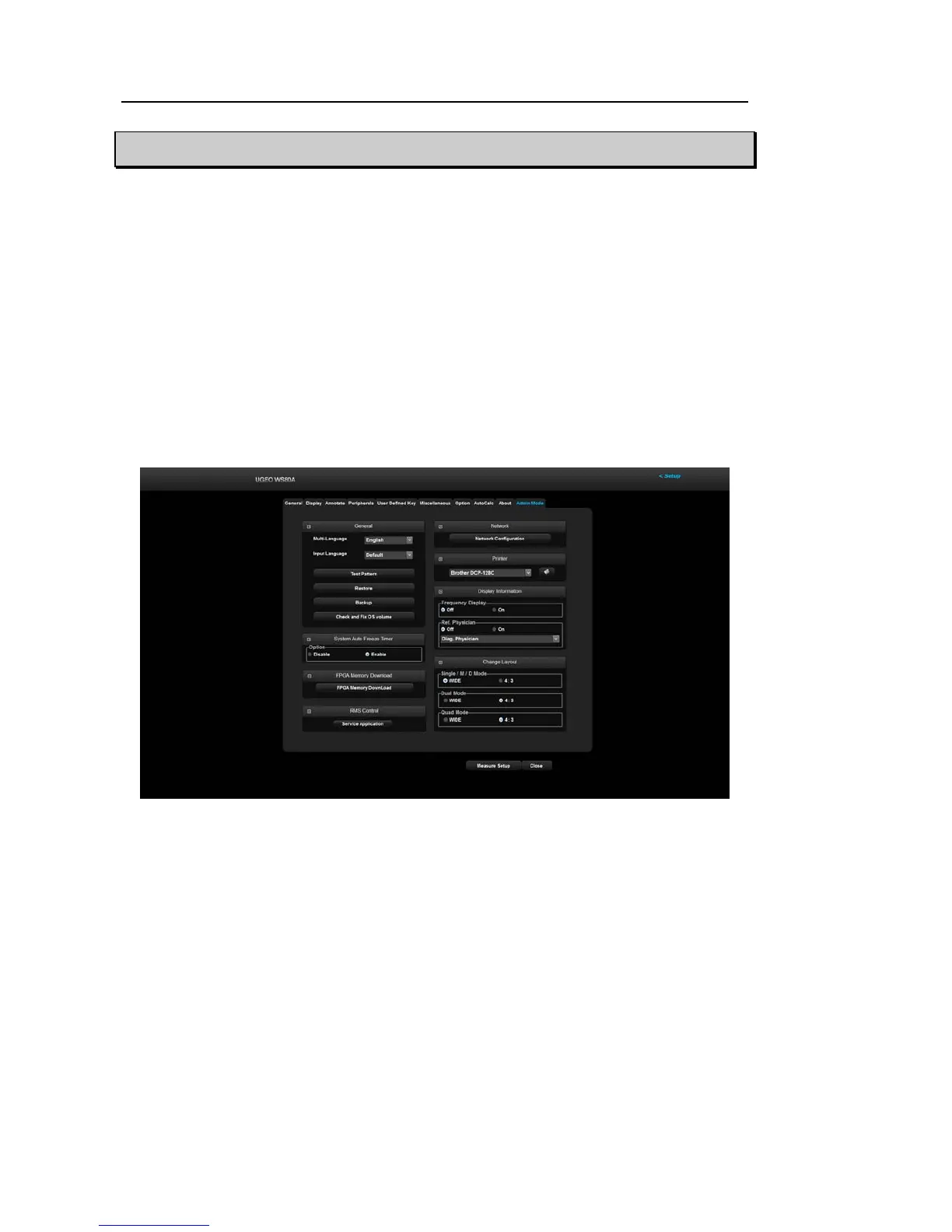
Admin mode, also called Service mode, provides various functions, which are explained here.
These functions are needed for configuring important settings and adding or removing options.
▌ Entering the Mode
1. On the keyboard, press ***.
2. Enter “**********” and then press Enter.
3. If the password is correct, the ‘Admin Mode’ tab will be created in Setup mode.
4. Select ‘Admin Mode’ to enter Admin mode.
[Figure 6.2 Admin Mode]



 To Next Page