3 - 6 WS80A Service Manual
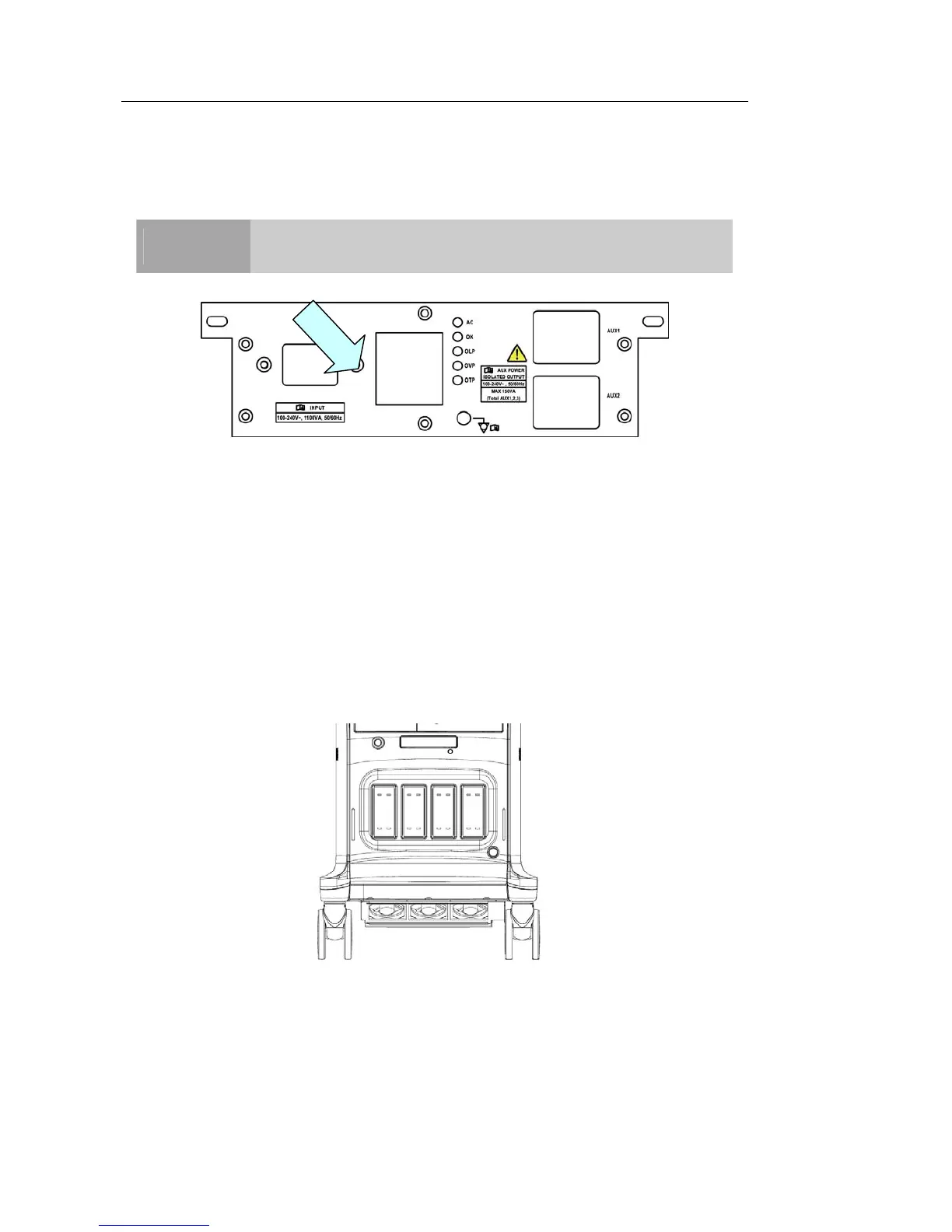
Power Cord Connection
Prior to connecting a power cord, verify that the voltage indicated on the power cord matches th
e voltage rating of the place to install.
NOTE
The product may ship with the power cable connected to the
console.
[Figure 3.4 Power Connection Part]
Probe Connection
Be sure to connect or disconnect probes when the power is off to ensure the safety of the
system and the probes.
1. Connect probes to the probe connectors on the front panel of the system. Up to four
(five including CW) probes may be connected. However, the CW probe should only be
connected to its own connector.
2. To install, turn the connector turning handle clockwise.
[Figure 3.5 Connecting the Probe]



 To Next Page