3 - 40 WS80A Service Manual
MPR Menu
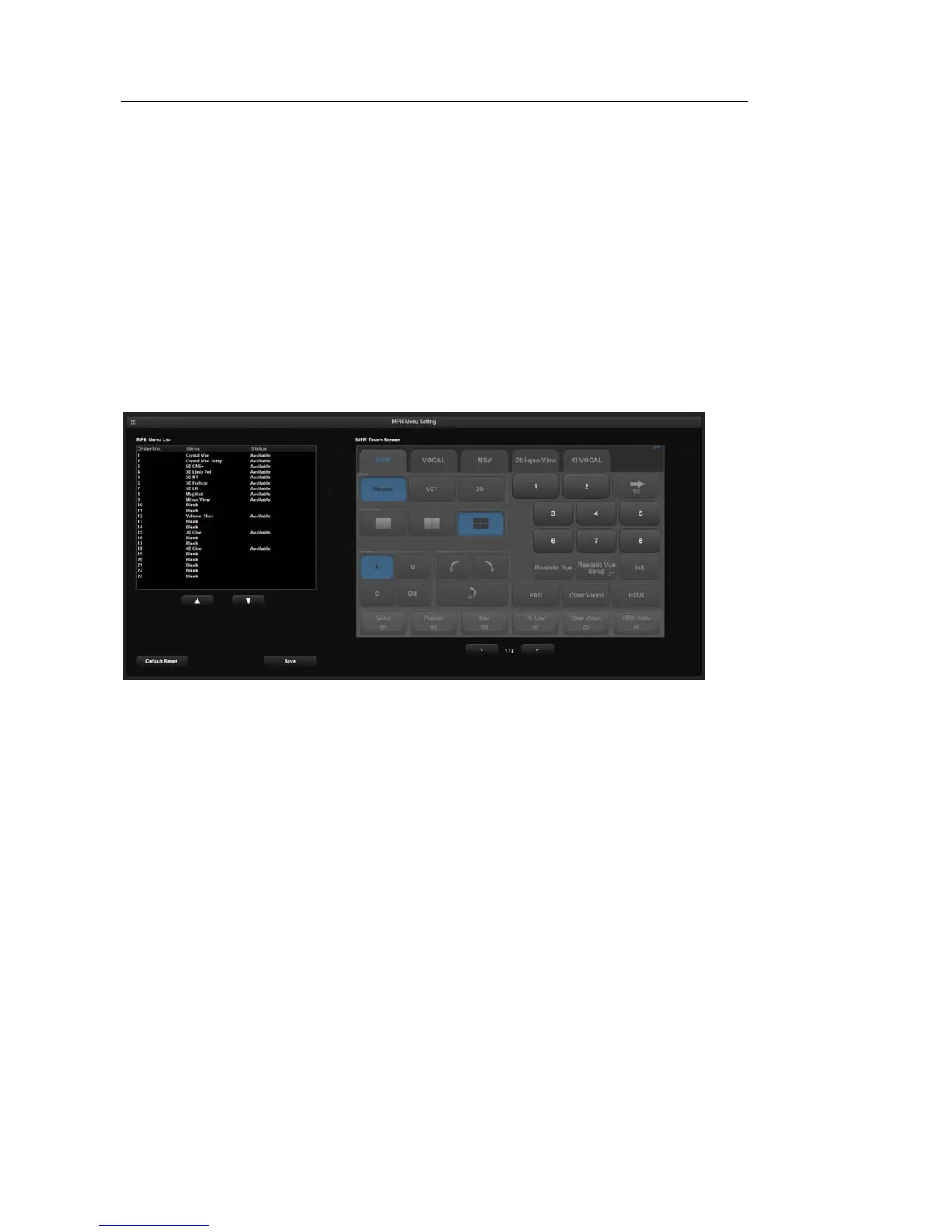
In the Setup screen, select the MPR Menu tab. Or tap MPR Menu on the touch screen. Assign
or modify the menu on the MPR touch screen.
▌ MPR Menu Setting
MPR Menu List displays items that can be assigned to menu of the MPR touch screen.
Select a menu to be modified and change the order using the arrow on the monitor screen.
Order No. of MPR Menu List is the number assigned on the MPR Touch Screen.
Press the Save button to store the modified MPR touch screen setting. Tapping Default
Reset on the screen restores the default settings.
[Figure 3.20 Setup – MPR Menu]



 To Next Page