Chapter 3. Installing the Product 3 - 41
Network
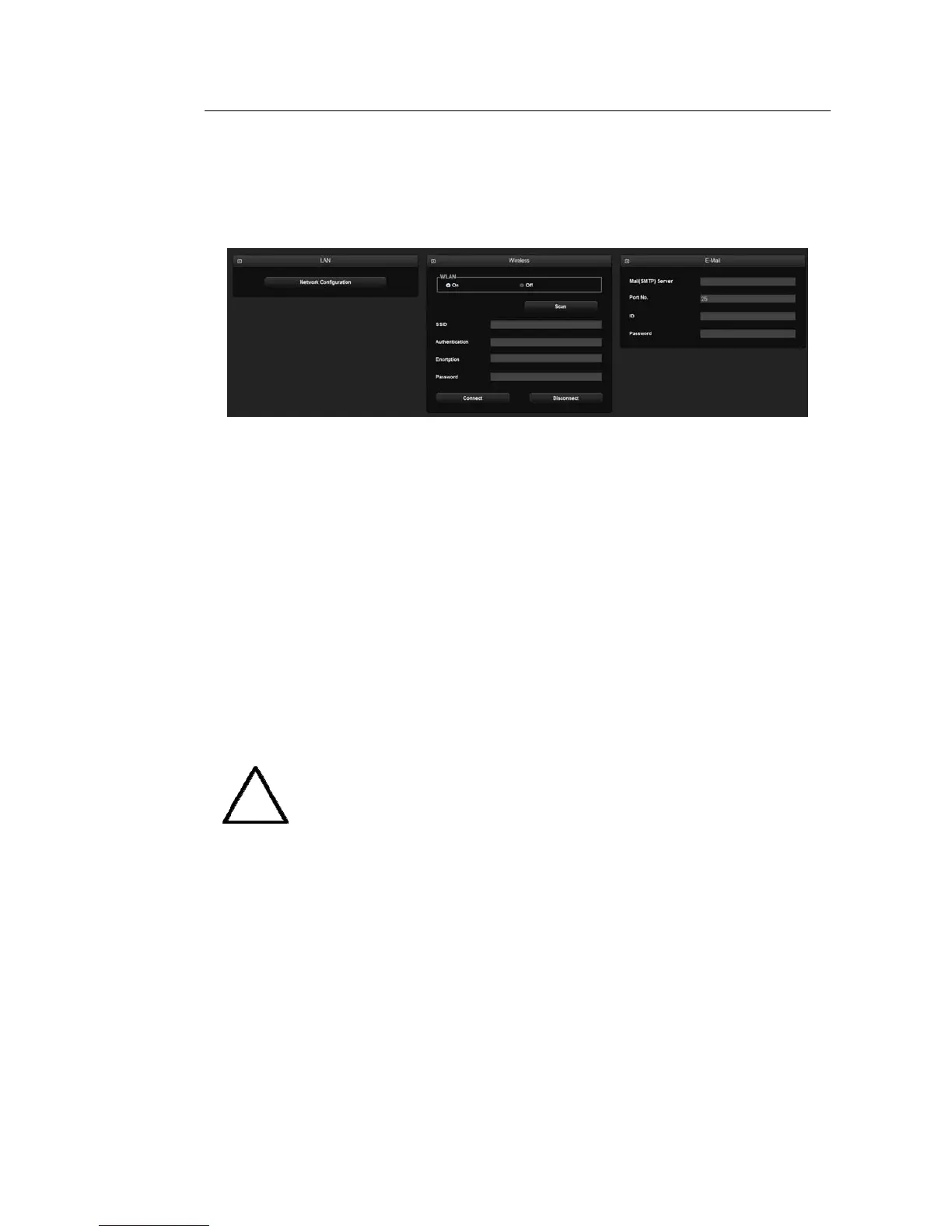
Select the Network tab on the Setup screen. Or tap Network on the touch screen. You can set
E-mail, Network Status, etc.
[Figure 3.21 Setup - Network]
▌ LAN
Network Configuration
The System Network window will open to allow you to configure the IP.
▌ Wireless
WLAN
Use a USB adapter to connect the system to a wireless network.
NOTE
The Wireless Network Settings window is enabled only when the system is
connected to a wireless USB adapter.
– SSID: Displays the name of the connected wireless network. SSID stands for Service
Set IDentifier.
– Authentication: Displays the authentication method for the wireless network.
– Encryption: Displays the data encryption method for communicating with the wireless
network.
– Password: Enter the password for the network.



 To Next Page