3 - 12 WS80A Service Manual
System General Setting
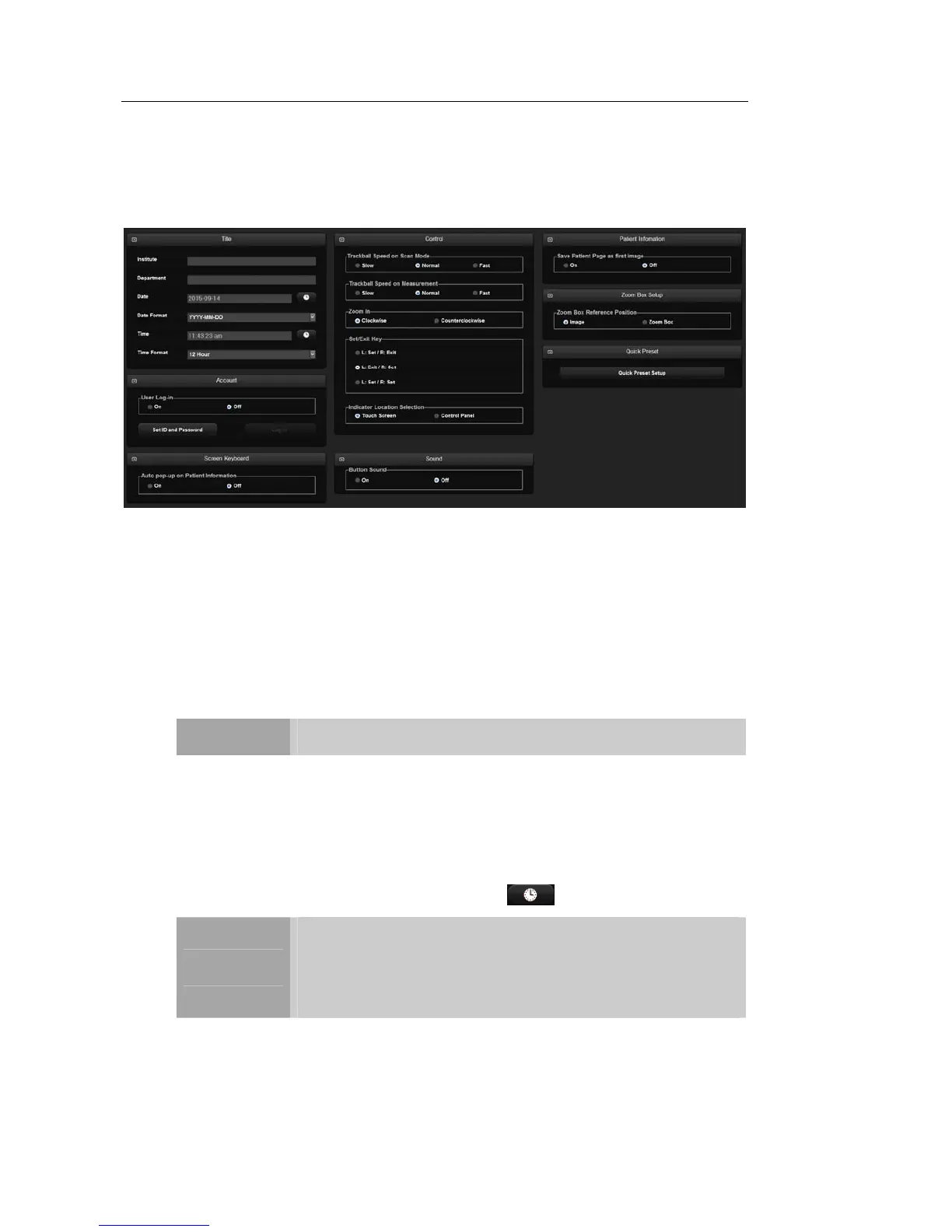
On Setup screen, touch the General tab. Or tap General on the touch screen. You can specify
general settings such as title settings.
[Figure 3.7 Setup - General]
▌ Title
You can specify the information that is displayed in the title area on the screen.
Institution
Enter the name of the hospital/institution where the product is installed.
NOTE
You cannot input the following characters: #, [, ", :, ?, |, \, "
Department
Enter details about the medical institution or the organization. This information is used
to identify information transferred via DICOM.
Date
Today's date is displayed. To change the date, tap
.
NOTE
You cannot change the date and time when a patient ID has
been registered. To change the date and time, you should finish
the current examination by pressing the End Exam button on the
control panel.
You can select a year from 2006 to 2027.



 To Next Page