Chapter 3. Installing the Product 3 - 59
Auto Calc
Select the Auto Calc tab on the Setup screen. Or tap Auto Calc on the touch screen. The Auto
Calc function calculates specified measurement items automatically with measurement data
and is supported in Spectral Doppler Mode.
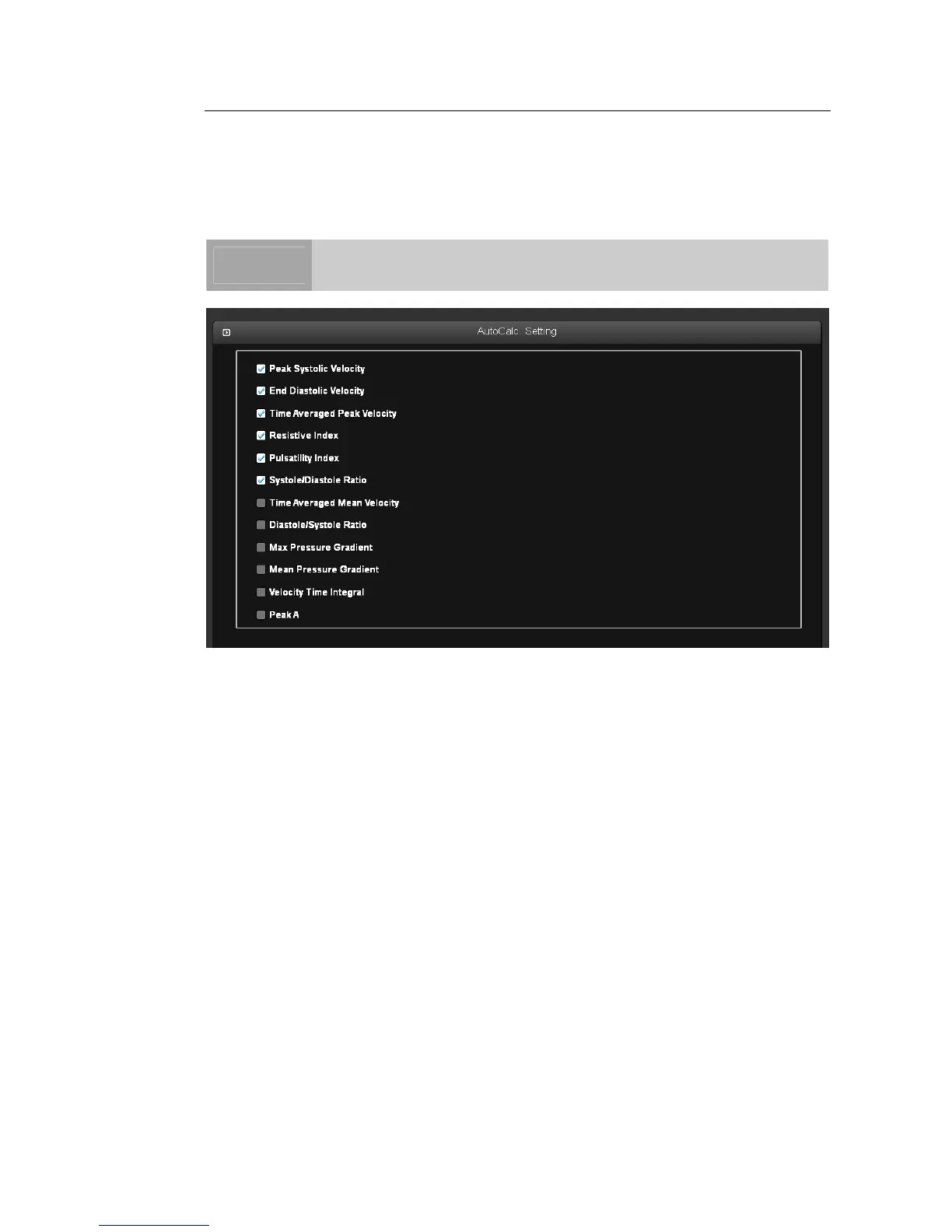
[Figure 3.32 Setup - Auto Calc]
▌ Auto Calc Setting
Add and remove automatic calculations by using the check boxes. You can select up to six
values.
When the Peak Systolic Velocity and End Diastolic Velocity values are 0, not all the results
are displayed on the screen. In addition, the result value for Time Averaged Mean Velocity
is displayed only when Mean Trace is turned on.
NOTE
The specified items will appear on the screen only when the Auto Calc
button on the touch screen is tapped in Spectral Doppler Mode.



 To Next Page