3 - 26 WS80A Service Manual
Annotate
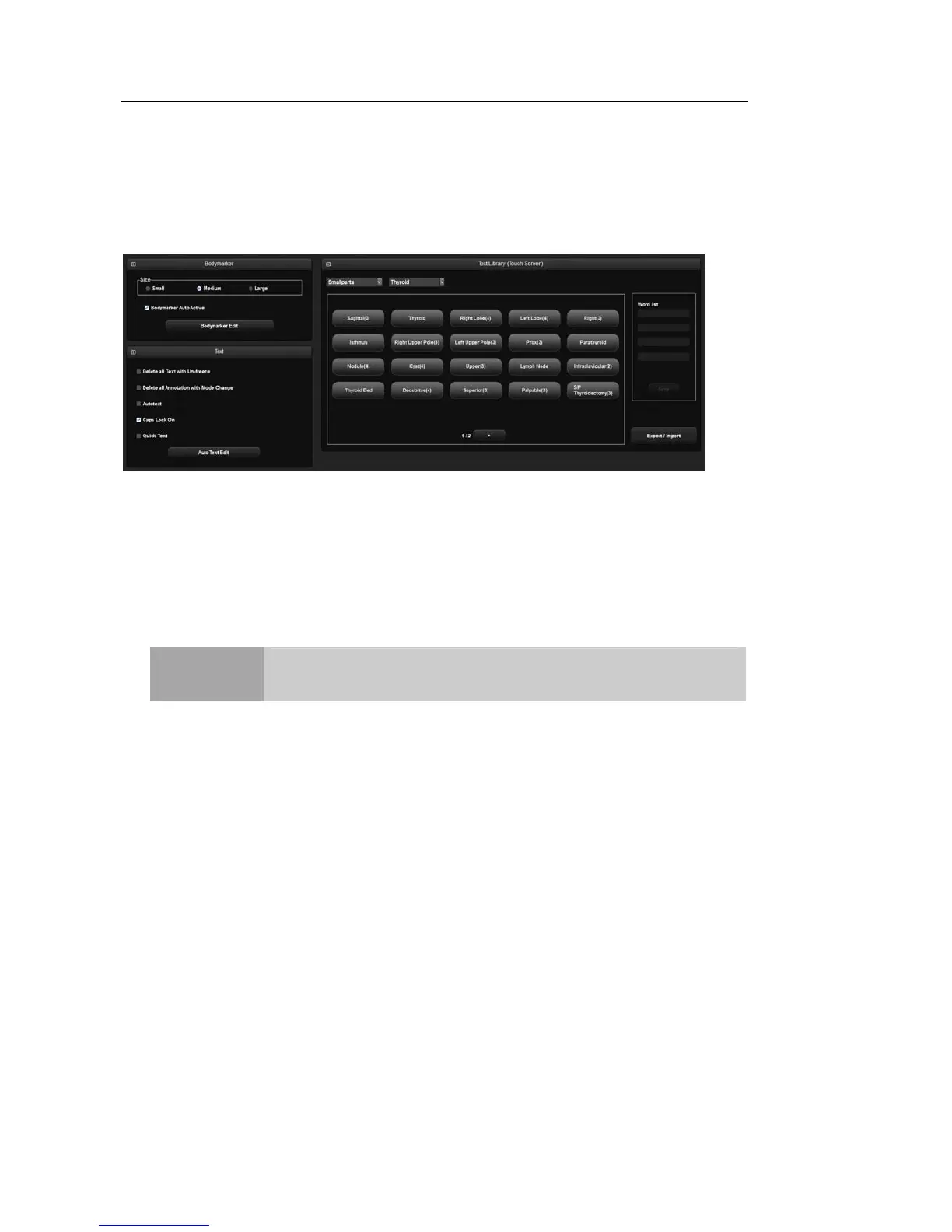
Select the Annotate tab on the Setup screen. Or tap Annotate on the touch screen. You can
configure settings related to image display.
[Figure 3.11 Setup – Annotate]
▌ Screen Keyboard
Screen Keyboard
You can directly enter patient information by using the on-screen keyboard on the Patient
Information screen. Setting the screen keyboard to On enables screen keyboard support.
NOTE
When you enter a birth date or age, the numerical on-screen keyboard
is activated.
▌ BodyMarker
Size
Set the BodyMarker size (Small, Medium, or Large).
Option
- BodyMarker Auto Active: Set whether to activate BodyMarker Mode automatically
when changing an active image region.



 To Next Page