Chapter 3. Installing the Product 3 - 13
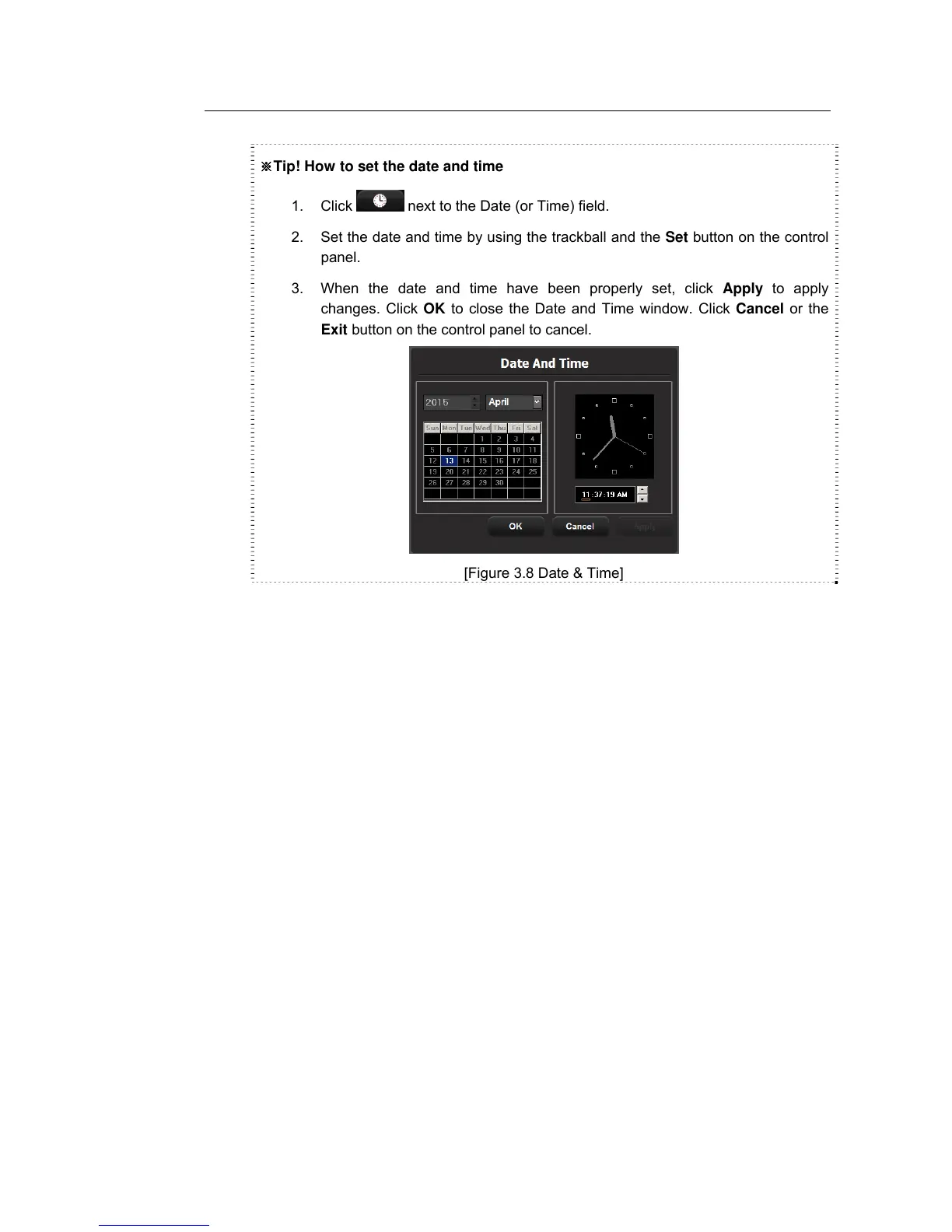
※Tip! How to set the date and time
1. Click
next to the Date (or Time) field.
2. Set the date and time by using the trackball and the Set button on the control
panel.
3. When the date and time have been properly set, click Apply to apply
changes. Click OK to close the Date and Time window. Click Cancel or the
Exit button on the control panel to cancel.
[Figure 3.8 Date & Time]
Date Format
Select the date display format. Press the combo button to select the preferred display
format. The date display format you select will also apply to various entry fields in
Patient Information.
Time
The current time is displayed.
Time Format
Select the time display format. Press the combo button to select the preferred display
format (12 Hour or 24 Hour).



 To Next Page