3 - 36 WS80A Service Manual
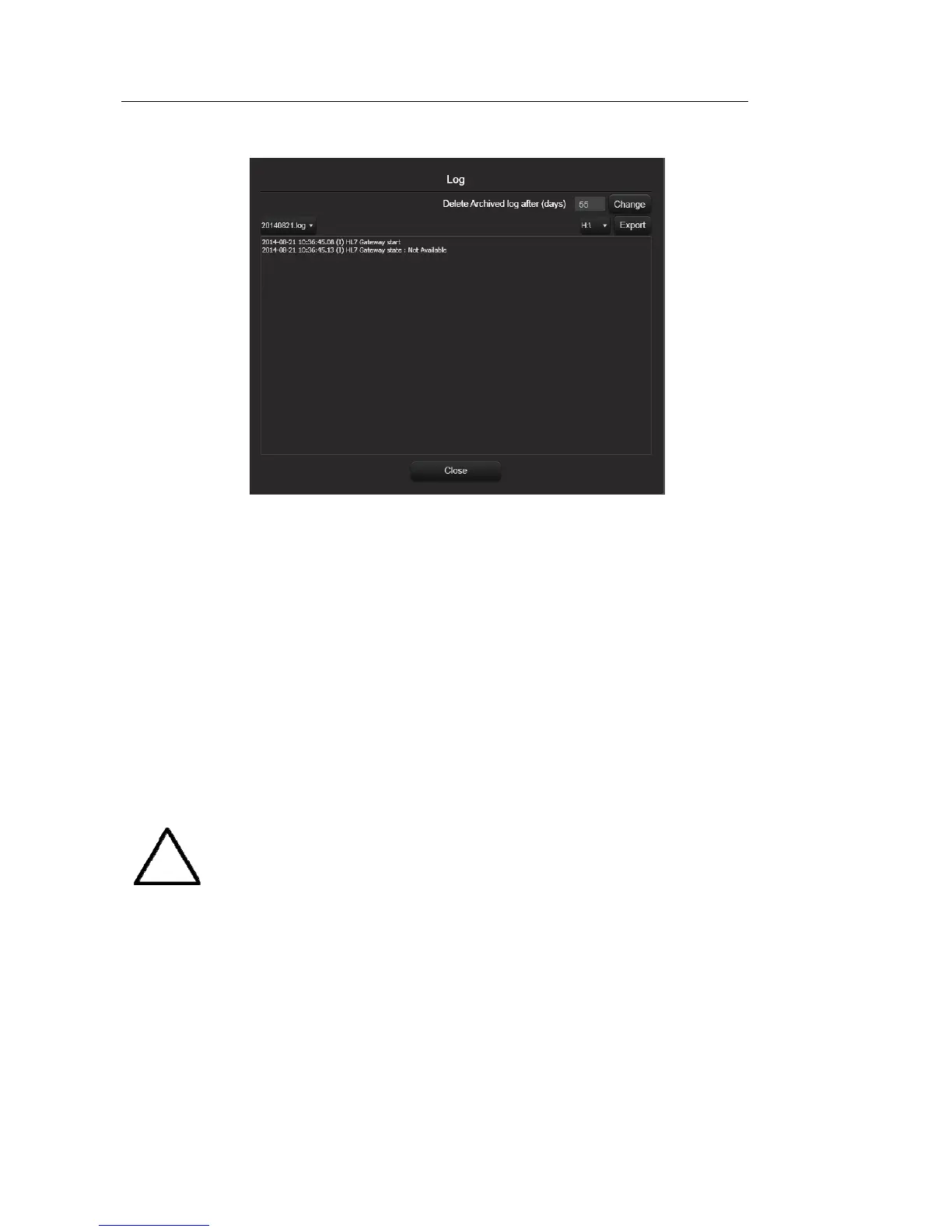
[Figure 3.18 Log]
Local Printing Area
Set the area that will be printed.
– Video Out (1280 x 872): Print part of the monitor screen (1280 x 872), containing the
image area.
– Image Only: Print only the image area.
Printing Image Adjustment
Adjust the print quality of images. Select the image type and adjust Gamma, Brightness,
and Contrast.
NOTE
This is only supported by some digital printers.



 To Next Page