6 - 8 WS80A Service Manual
▌ Network Configuration
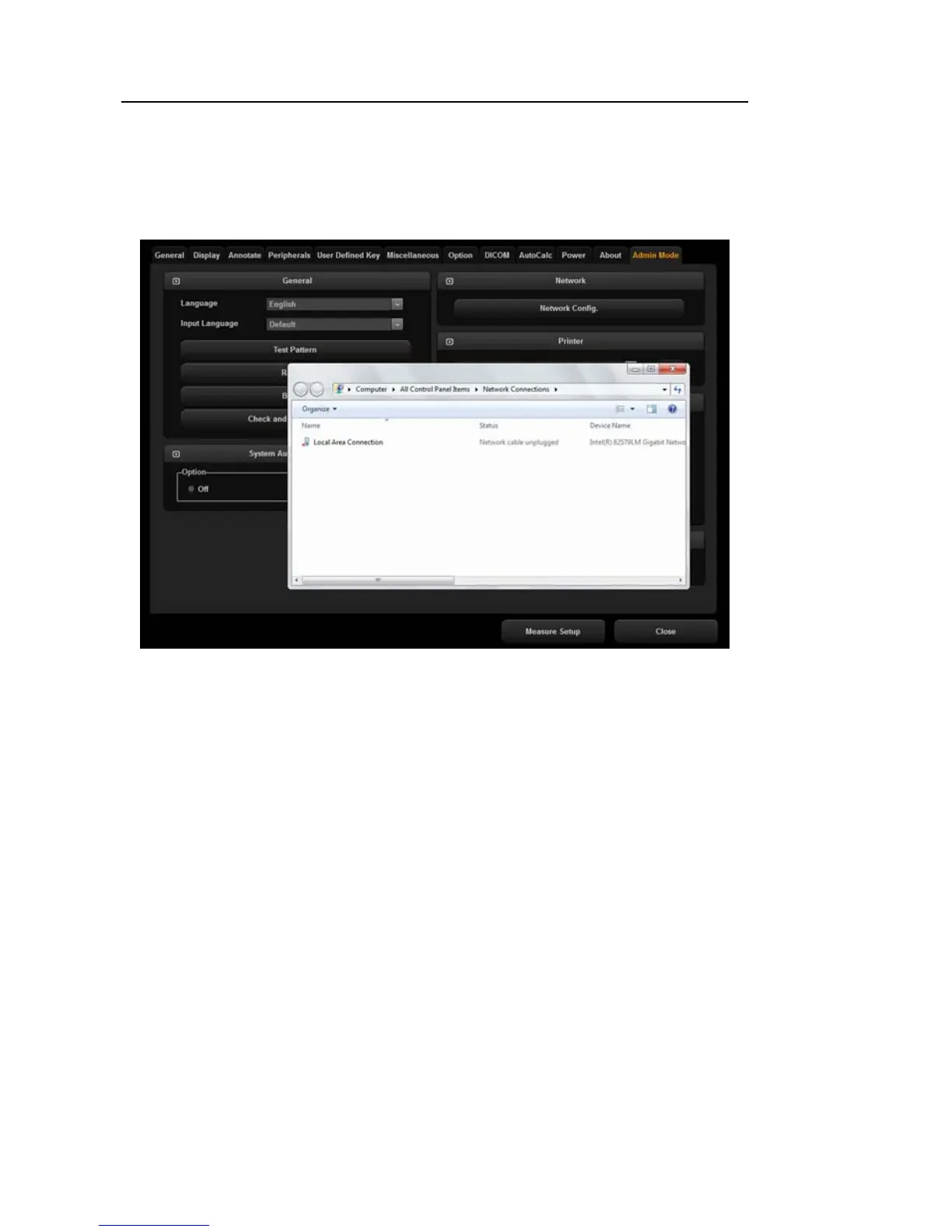
Selecting this option will take you to the Network Configuration screen of Windows. You can
configure networks such as DICOM.
[Figure 6.7 Network Configuration]
▌ Printer
You can configure the Printing Preferences for the printer. After connecting the Samsung
CLP-615NDK printer, and when the name of the printer is changed to Samsung CLP-
615NDK Copy 1, you can use Printing Preferences settings to change the Paper settings
for 615NDK from Letter to A4.



 To Next Page