Chapter 2. Safety 2 - 21
▌ Precautions for Using Monitor
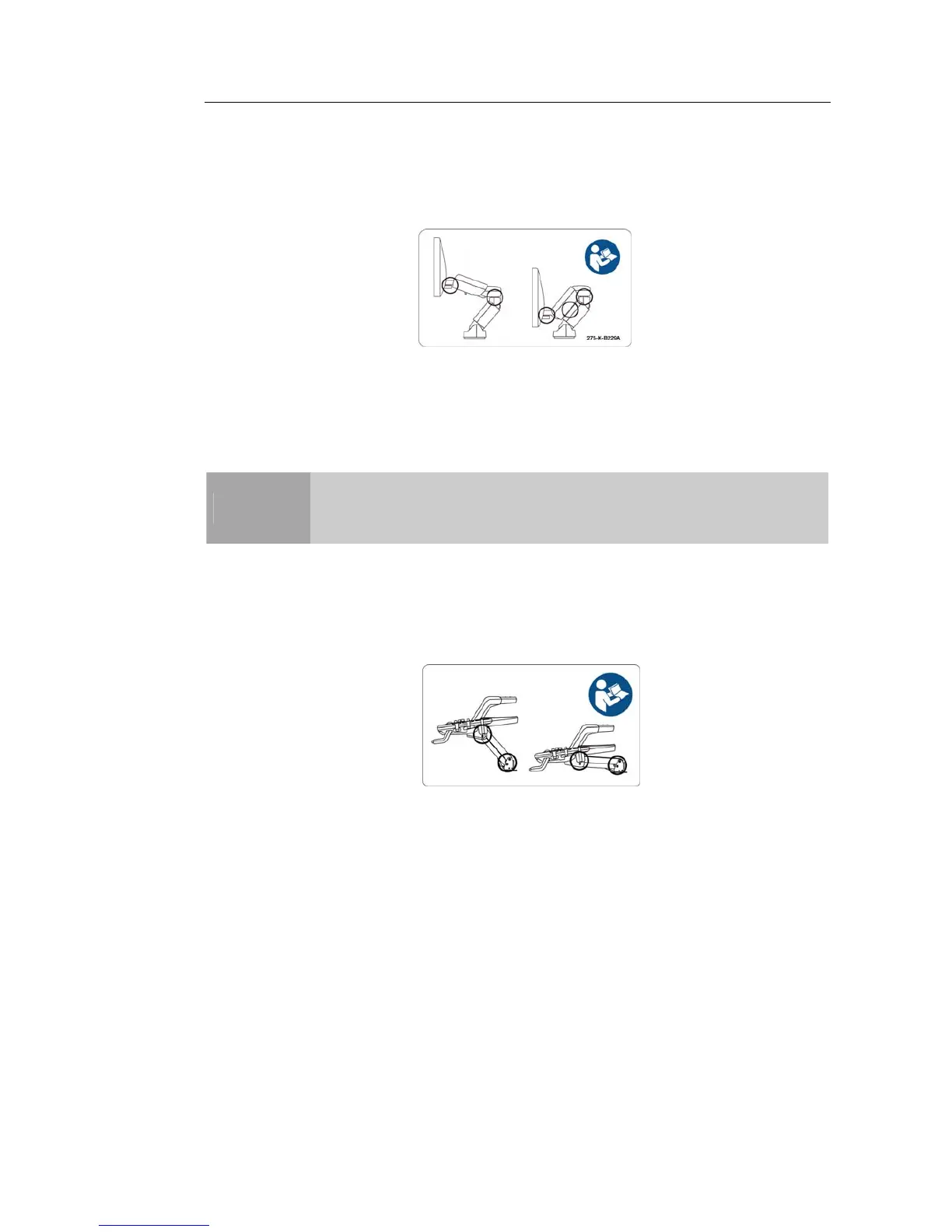
When adjusting the height or position of the monitor, be careful not to leave your fingers or
hand in area between the monitor arms - they may get trapped and hurt.
[Figure 2.2 Safety note for monitor]
▌ Caution for Using Control Panel
CAUTION
■ Do not push the control panel with excessive force or lean on it.
■ Do not sit on the control panel or exert excessive force on it.
When adjusting the height or position of the control panel, be careful not to leave your
fingers or hand in area between the control panel and the lift - they may get trapped and
hurt.
[Figure 2.3 Cautions on Using Control Panel]
When using the handle of the control panel, be careful of the space between the handle
and the keyboard. The keyboard may come out to collide with the hand.



 To Next Page