SATEL-EASy+
User guide
Version 1.33
21
4.3 Serial ports
Before connecting DTE (Data Terminal Equipment) to the radio modem, please make sure that
the configuration matches the physical interface (electrical characteristics, timing, direction and
interpretation of signals). The radio modem contains two separate serial ports that are
designated as Port 1 and Port 2.
Port 1 - RS-232 (Port 1 ON is the default configuration)
Port 2 - Available options are:
RS-232/RS-485/RS-422 (RS232 is the default configuration)
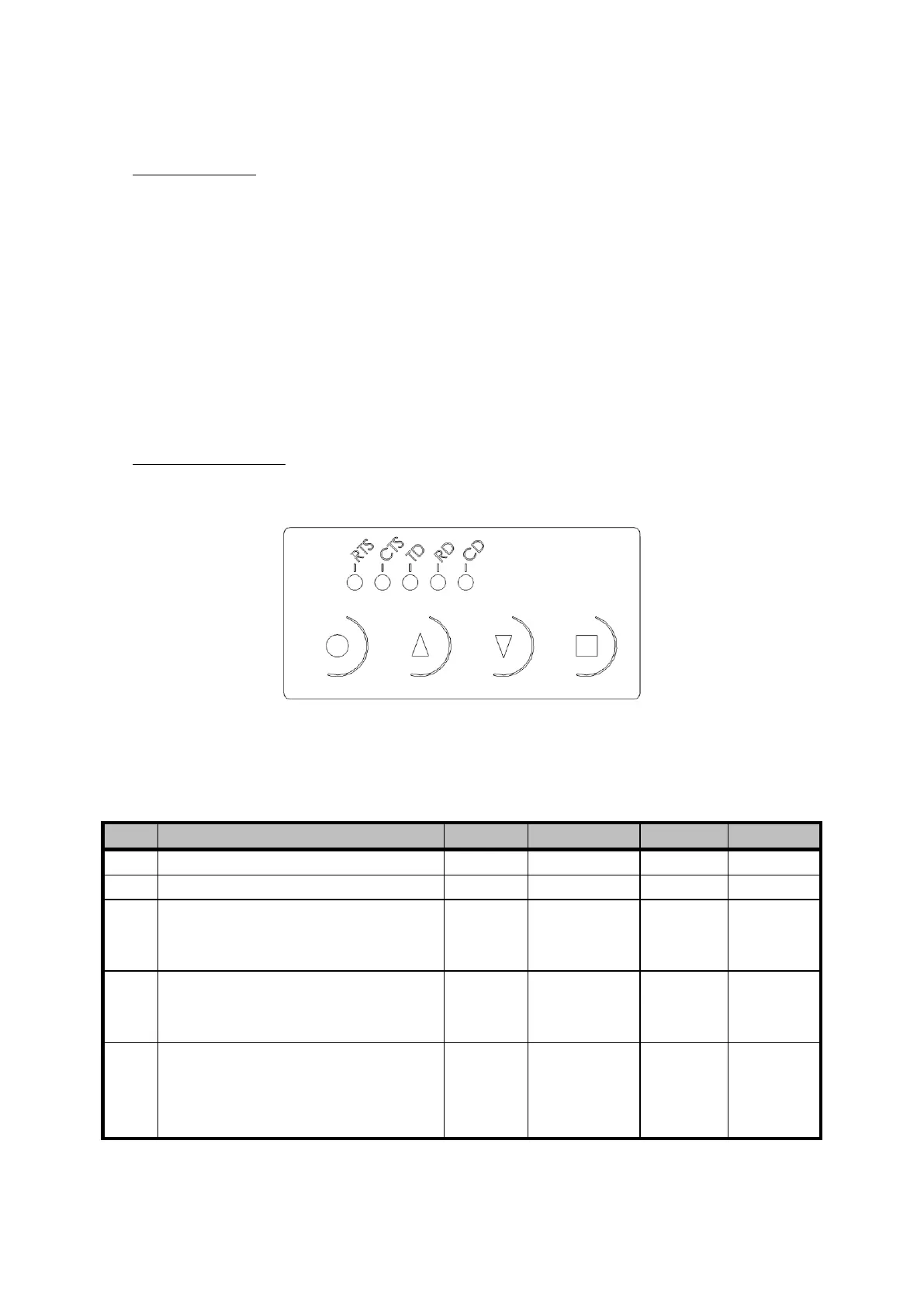
4.4 LED indicators
There are five (5) LED indicators on the front panel of the radio modem that indicate the status
of the serial port and the radio interface:
TD-line status (D15 Pin 11)
Indicates that the radio modem is
receiving data via serial port.
RD-line status (D15 Pin 9)
Indicates that the radio modem is
sending data via serial port.
Indicates the status of the radio
interface. Note that the status of
CD-line (D15 pin 2) may differ from
the status of CD LED.



 To Next Page