SATEL-EASy+
User guide
Version 1.33
68
14 NMS Network Management System
The purpose of the NMS (Network Monitoring System) is to provide tools for management of a
radio network built on SATEL-EASy+ radio modems. NMS allows user to manage, monitor,
diagnose and configure SATEL-EASy+ modem network remotely without disturbing user’s data
flow.
This chapter includes a very short description of SATEL NMS for SATEL-EASy+ radio modem
family. More information is provided by the SATEL NETCO NMS and SATEL NMS PC user manuals
and application notes.
14.1 System components
SATEL NMS consists of:
o SATEL NETCO NMS or SATEL NMS PC program. The program provides the user interface
showing the status of the network:
o Graphical network overview
o Sort able lists of all modems and radio links
o Link quality tests and monitoring
o Alarms generated on link failure, operating voltage drop etc.
o Remote administration of modem parameters
o Log files
o The diagnostic functions in the SATEL-EASy+ radio modem software. The set of features
depends on the hardware and software version of the radio modem.
o One of the modems operates as the Master modem of the system (Network Mode
parameter of the radio modem set to Advanced - Master).
o The other modems are the substations of the network (Network Mode parameter
of the substation radio modems set to Advanced - Slave).
14.2 NMS - Installation
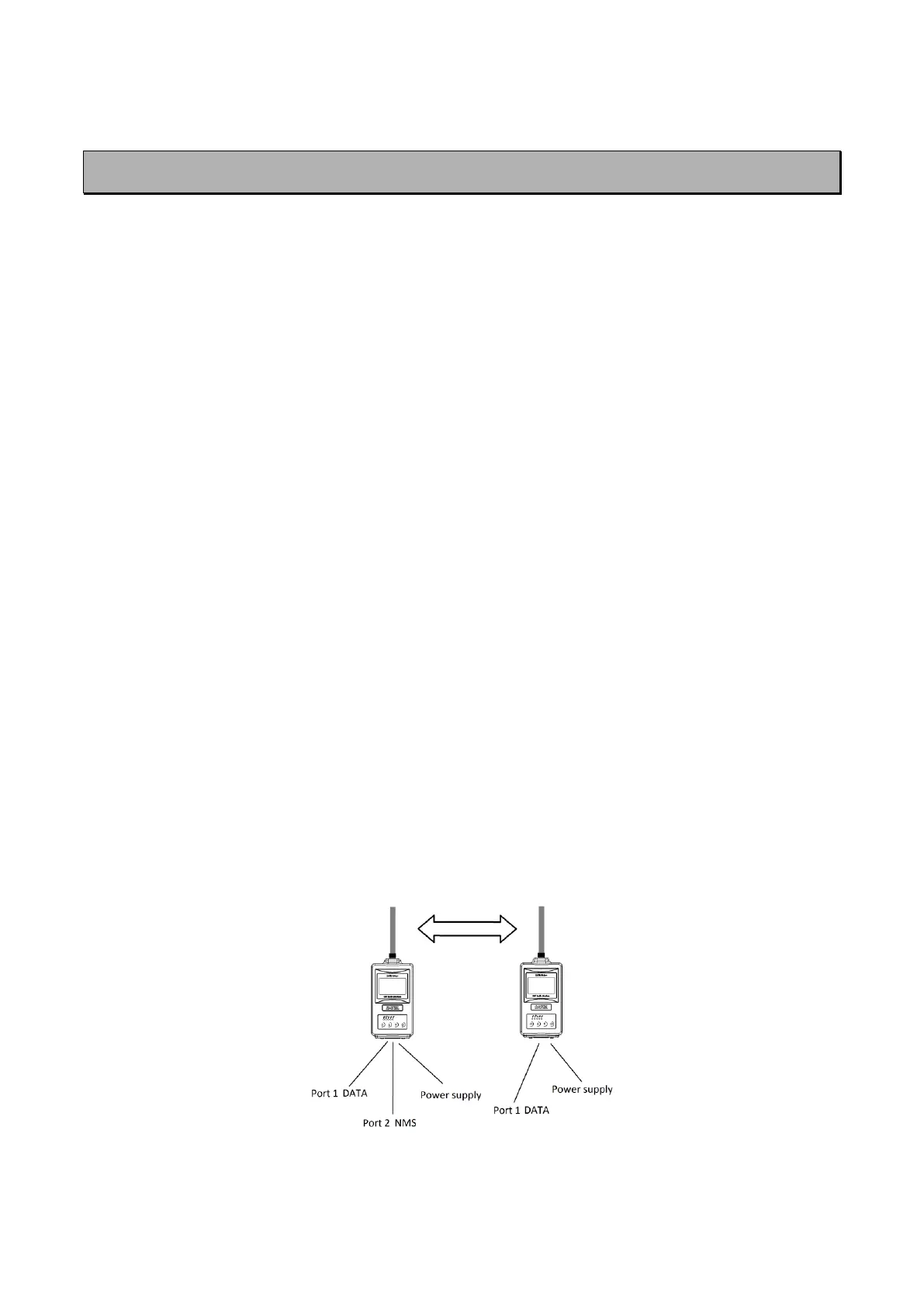
Figure 1.3 SATEL-EASy+ basic NMS set up



 To Next Page