SATEL-EASy+
User guide
Version 1.33
55
10.2 Push buttons
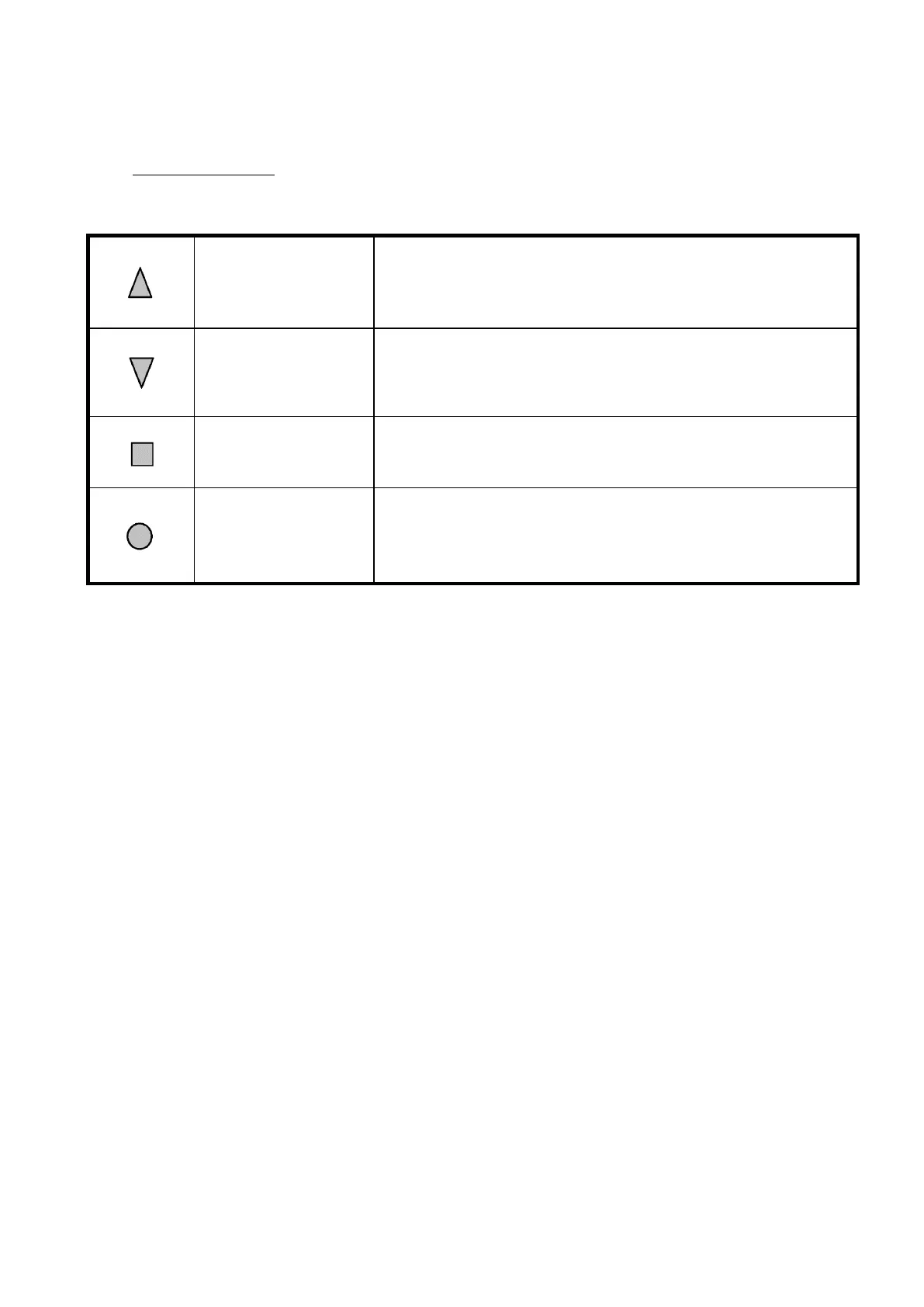
Pressing UP (▲) button the cursor moves upwards.
Depending on the sub-menu, the button also scrolls the
digits of numerical values when changing some settings.
Pressing DOWN (▼) button the cursor moves downwards.
Depending on the sub-menu, the button also scrolls the
digits of numerical values when changing some settings.
SELECT/SET/CHANGE
/NEXT/YES
Pressing SELECT/SET/CHANGE/NEXT/YES () button either
confirms a selection, sets or changes a value, moves to the
next digit or enters a sub-menu depending on the context.
Pressing EXIT/CANCEL/BACK/NO button escapes back to the
previous higher level in the menu hierarchy or cancels the
modification of a setting depending on the particular
submenu.



 To Next Page