SATEL-EASy+
User guide
Version 1.33
57
11.2 Command Mode
Command mode purpose is separate device normal condition from configure condition. When
command mode is active, device is looking for known commands from received data. In this
state radio is disabled and therefore no data is transmitted or received by radio.
11.2.1 Entering to command mode - +++
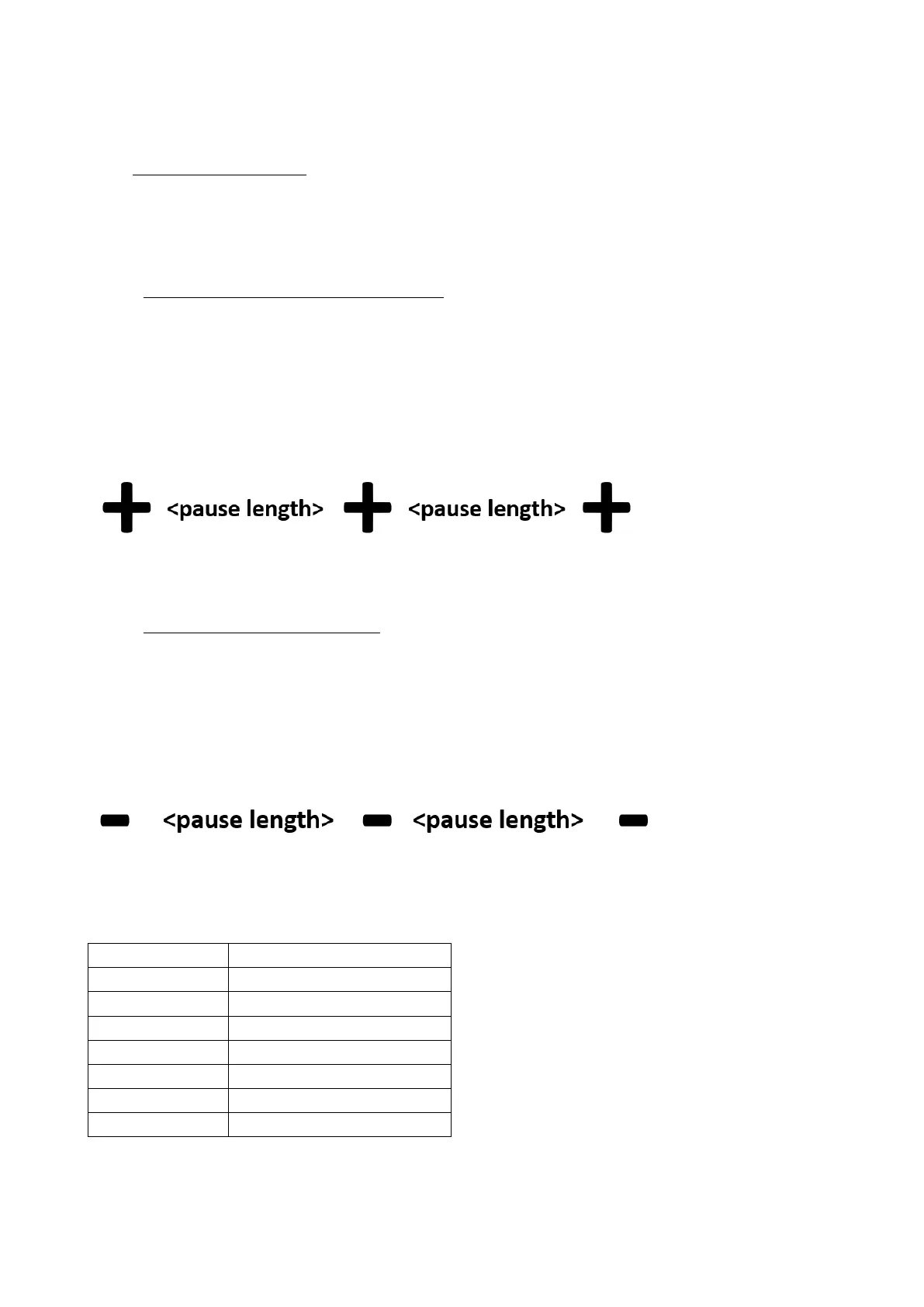
Entering to command mode is performed when device gets three (3) ‘+’ characters in a row.
Between characters needs to be a delay of pause length. In this way device can decide that it is
required to enter command mode after three correct characters. First two (2) ‘+’ –characters is
transmitted by radio, because device cannot know at this point whether the last character is
correct. After successfully given command mode entering syntax, device responds
“OK<CR><LF>”. Below is a figure to entering command mode.
Delay between characters depends on what is the current serial baud rate. See specifications of
three (3) character delays below in “Table 1. Delay in different baud rates”.
11.2.2 Return to data mode - ---
When command mode is active, it is possible to return in normal data mode by giving three (3) ‘-
’ –character in a row. Sequence is same as entering to command mode, so there is also needed
the delay of pause length between sending the characters. After successfully given exit
command mode syntax, device responds “OK<CR><LF>”. Below is a description how to exit
command mode.
Delay between characters depends on what is the current serial baud rate and pause length
setting. See example of delays below in “Table 1. Delays in different baud rates”, when e.g.,
pause length setting is set to three.



 To Next Page